
CS2 Custom Modes on xplay.gg: PropHunt, Bullet Control, and More

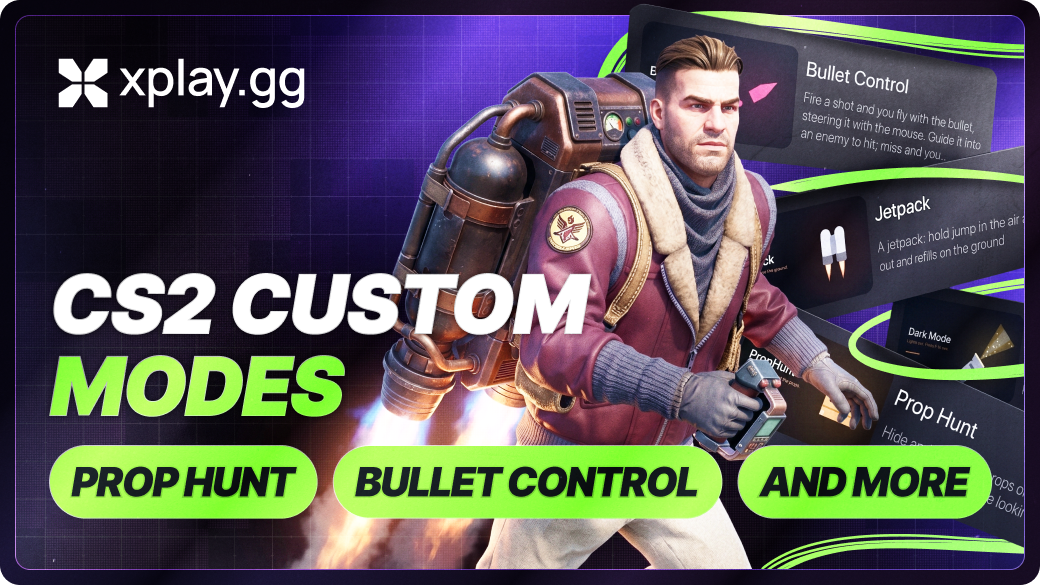
A normal CS2 match ends, the lobby stays together, and nobody wants to queue the same setup again. xplay.gg custom modes let the host change the rules in a private match: hide as map props in PropHunt, guide a fired bullet in Bullet Control, or make the defending team chase a chicken carrying the planted C4.
All 14 modes in this article are free and run directly in xplay.gg private lobbies. The full catalog of 17 mods also has Radar Hack, Slow Bullets and Tiny Hiders. Invite friends with a lobby link. Nobody needs to download a separate mod or set up a community server.
How to Choose a CS2 Custom Mode for Your Lobby
Match the mode to the kind of match your group wants.
Start with one mod at its default settings. Once everyone knows the rule, adjust damage, fuel, or cooldowns. You can combine up to five mods in one private lobby.
Modes That Change the Whole Round
The biggest choice here is how far to move from a standard match. Dark Mode keeps the usual objective but limits what players can see, while PropHunt turns the round into a search.
PropHunt: Hide as a Prop on a Familiar Map
CS2 PropHunt on xplay.gg, where hiders disguise themselves as map props while hunters search for them
PropHunt turns a regular CS2 map into a hunt for furniture. Hiders become props such as crates, barrels, and chairs, then spread across the map while hunters wait in blinding smoke during the head start. When the hunt begins, hunters search with a weapon selected by the host and can keep a knife for faster movement.
Hiders can whistle to lure hunters into the wrong spot. If the auto-reveal setting is enabled, a hider who stays still also gives away their position with a sound. A larger lobby gives hunters more hiders to track down and makes each area harder to read at a glance.
Bullet Control: Steer the Bullet After You Fire
CS2 Bullet Control on xplay.gg, showing a fired bullet being guided through the map
When Bullet Control applies to the whole lobby, players spawn with an AWP and R8 Revolver while the buy menu stays closed. Firing sends the camera behind the bullet, and the player guides it with the mouse until it hits a target, a wall, another bullet, or the round ends. The shooter’s body remains at the place where the shot began.
Bullet speed, turn rate, flight time, damage, and the affected players are all adjustable. Slow bullets create long, dodgeable chases, while fast bullets make a single shot much harder to react to.
One in the Chamber: Make Every Shot Count
Affected players spawn with a chosen gun and a knife. A miss can leave the player with only the knife until they secure a kill and earn ammunition back. With one-hit kills enabled, a single shot can decide the round.
You can choose the weapon, starting ammo, ammo cap, and if a knife kill restores a bullet. That makes the mode easy to tune from careful pistol duels to a knife-heavy scramble after the first missed shots.
Dark Mode: Hunt by Flashlight
CS2 Dark Mode on xplay.gg, with players using visible flashlights to move through a darkened map
Dark Mode removes the normal light from the map and makes visibility part of every decision. The host can give flashlights to everyone, one team, selected players, or one random player each round. Players can toggle the beam with the inspect key or keep it on for the whole round.
The flashlight shows the route ahead, but everyone else can see the beam as well. Familiar paths still exist, yet clearing them becomes slower when each light can give away a player’s position.
Chicken C4: Chase the Bomb Around the Site
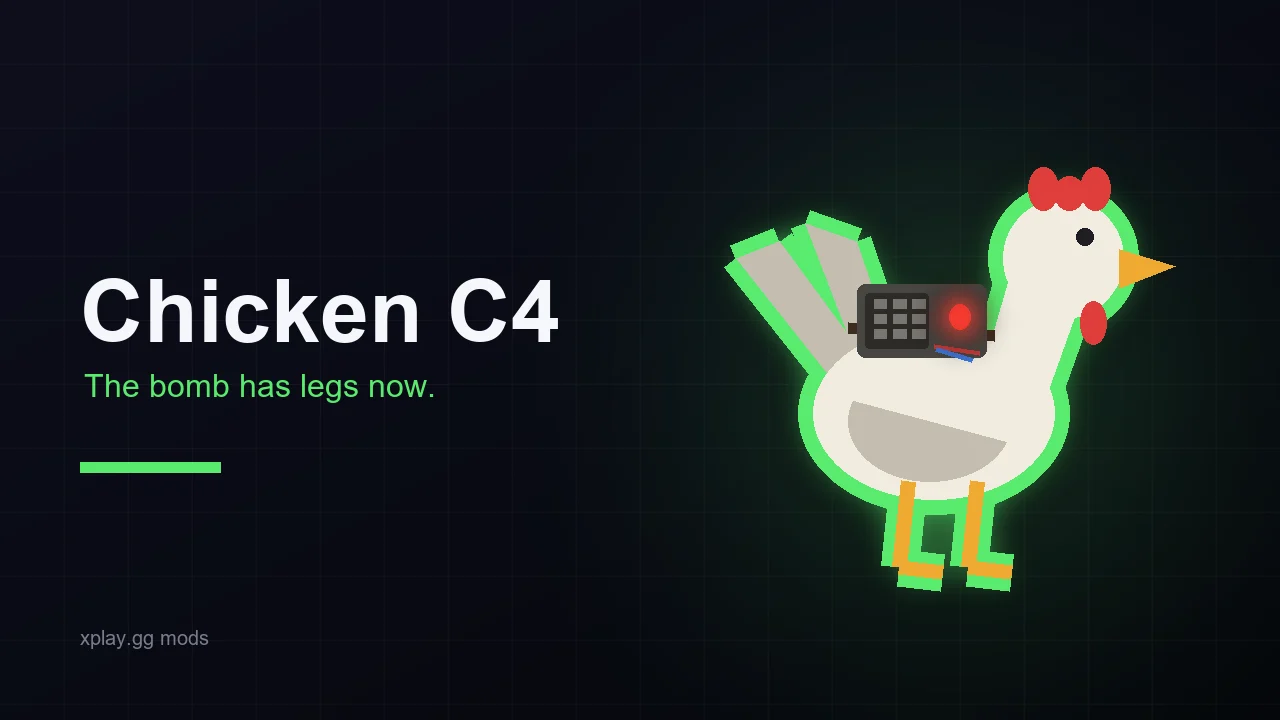
Chicken C4 starts after a normal bomb plant. A chicken picks up the C4 and wanders around the bombsite, carrying a visible bomb that defenders need to reach before they can defuse it. The chicken cannot be killed and never leaves the site.
It stops only while a player is defusing. Abort the defuse and the chicken runs again, so the usual post-plant hold can turn into a chase in the final seconds. The timer, explosion, and defuse rules otherwise stay the same.
Modes That Change Movement and Positioning
These three modes give players different levels of control over their position. Jetpack lets you choose when to fly, Teleport Chaos can move you unexpectedly, and Side Swap changes the opening without changing team roles.
Jetpack: Take Fights Above the Usual Angles
CS2 Jetpack mode on xplay.gg, showing a player flying above standard map angles with limited fuel
Hold Jump in mid-air to climb, then steer with WASD while the fuel burns. By default, the tank refills after a player returns to the ground, so every flight creates a choice between taking a higher angle and saving enough fuel to escape.
You can set thrust, climb-speed limit, fuel capacity, and refuelling speed. They can also allow fuel to refill in the air, remove fall damage, or give the jetpack to selected players rather than the whole lobby. Short fuel makes quick vertical peeks useful, while larger tanks open routes that regular CS2 does not have.
Teleport Chaos: Lose Your Position After a Hit
Teleport Chaos can scatter every player to a random point when freeze time ends. After that, the host decides if a hit teleports the victim, the shooter, or both players by swapping their positions. The effect can react to bullets only or to all damage, including grenades and fire.
Reloading can also teleport a player, and the killer can take the victim’s place after a frag. Cooldowns and a minimum safe distance from enemies help prevent repeated teleports or instant deaths after landing.
Side Swap: Play Familiar Maps From Reversed Spawns
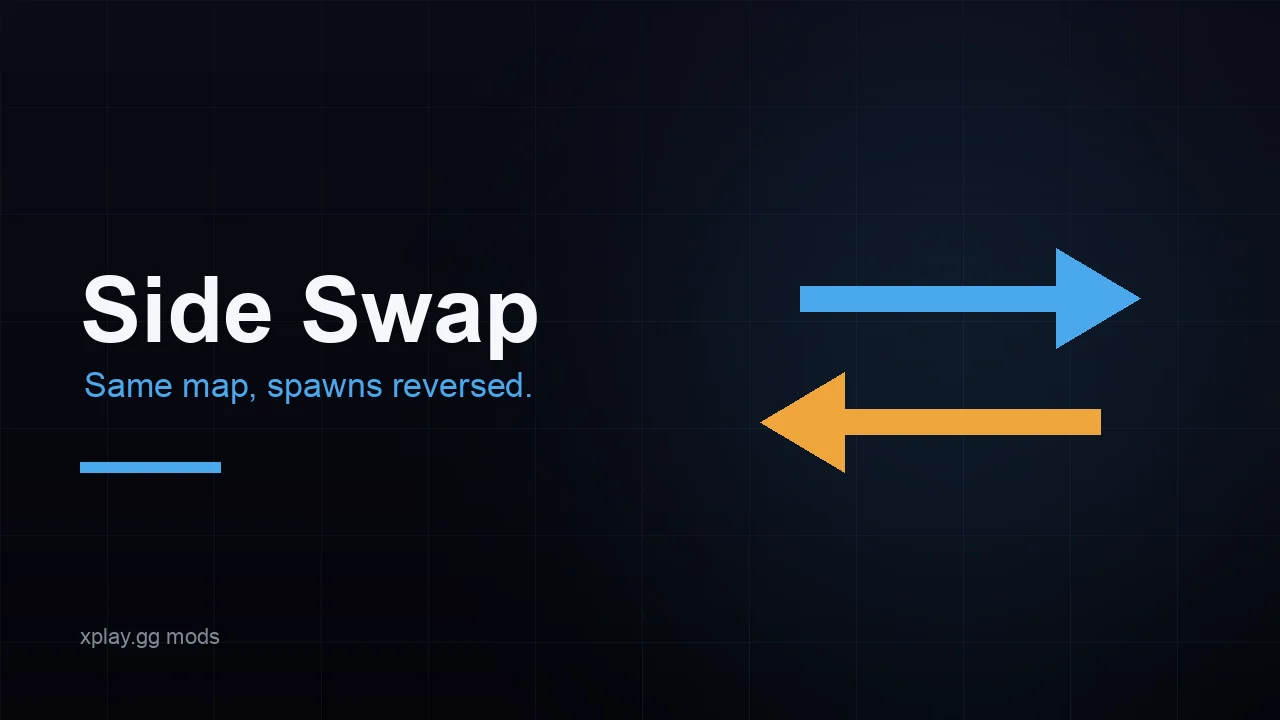
Side Swap puts Counter-Terrorists at the Terrorist spawn and Terrorists at the Counter-Terrorist spawn. Team roles remain the same, but starting positions and buy zones move to the opposite end of the map. Bombsites do not move.
The attacking side can begin near a site, while the defenders need to cross the map to reach it. Opening routes and timings change because each team starts at the opposite spawn.
Modes That Change Weapons, Utility, and Damage
Think about which part of a fight your group wants to change. Mines and grenades make routes riskier, throwing knives and Aim Assist change individual attacks, and Vampire rewards players for landing damage.
Laser Mines: Trap a Route With a Wall-Mounted Beam
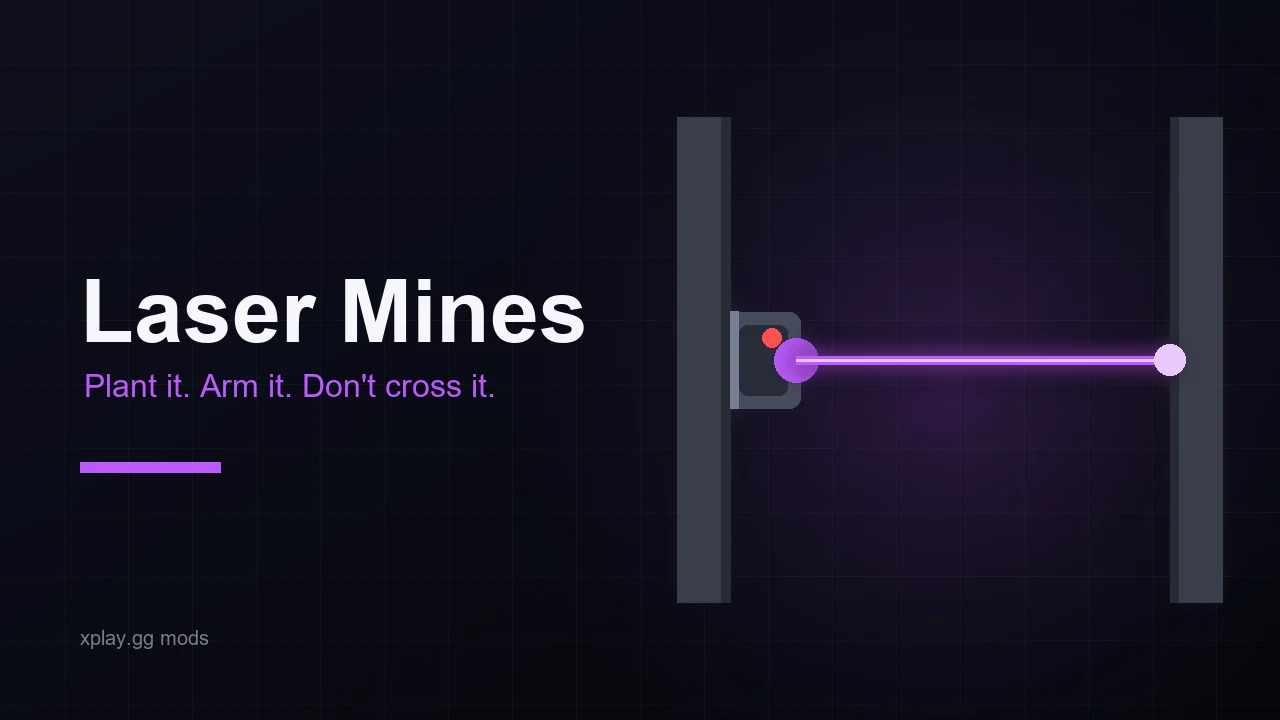
Laser Mines turn a doorway or narrow corridor into a trap. Aim at a wall and press E to place a mine. Once its arming timer ends, it projects a beam to the opposite wall that either burns players repeatedly or kills them on contact.
Players receive a new set of mines every time they spawn, with the amount set from one to ten. Shooting a mine triggers an HE-style blast unless the explosion damage is set to zero.
Throwing Knives: Turn a Knife Fight Into a Ranged Duel
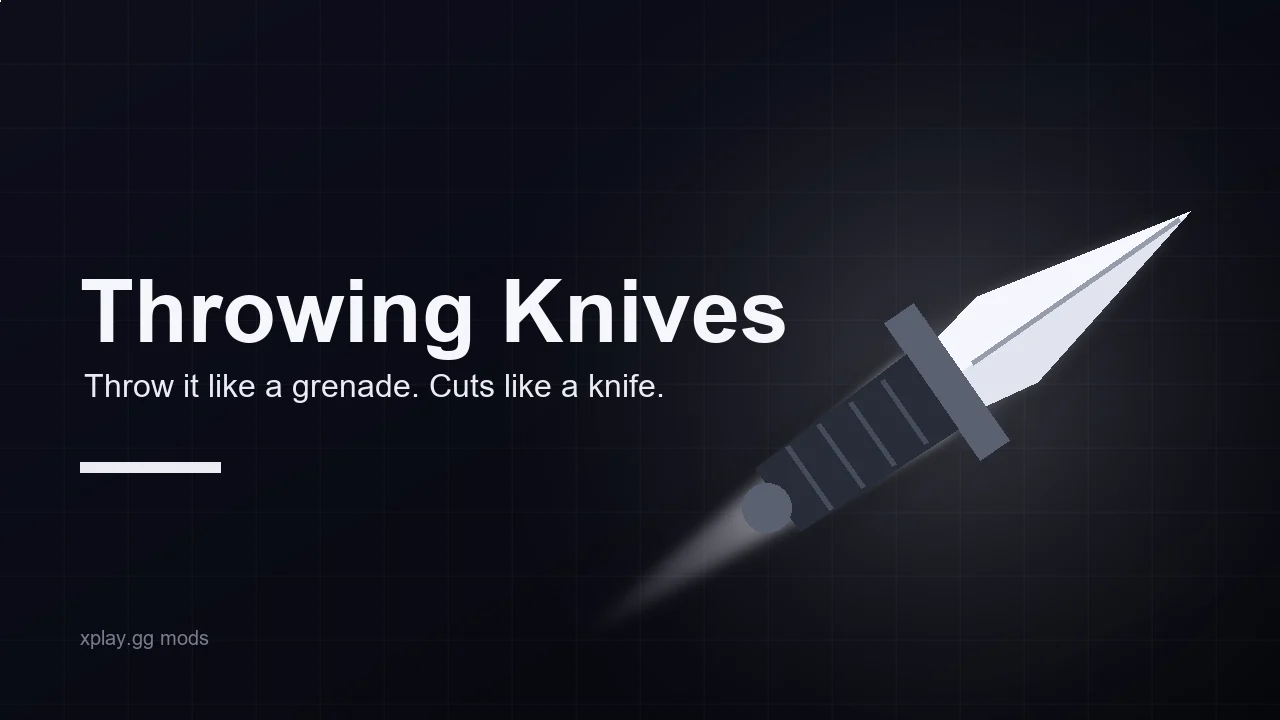
With the knife equipped, left click throws it forward instead of making a normal swing. The first player hit takes damage, headshots deal double, and a knife that reaches a wall disappears.
The number of throws resets on every spawn. A limited supply makes each throw matter, while setting the value to zero gives players unlimited ranged knives. After the supply runs out, the knife works normally again.
Sticky Nades: Stick Grenades to Players or Walls
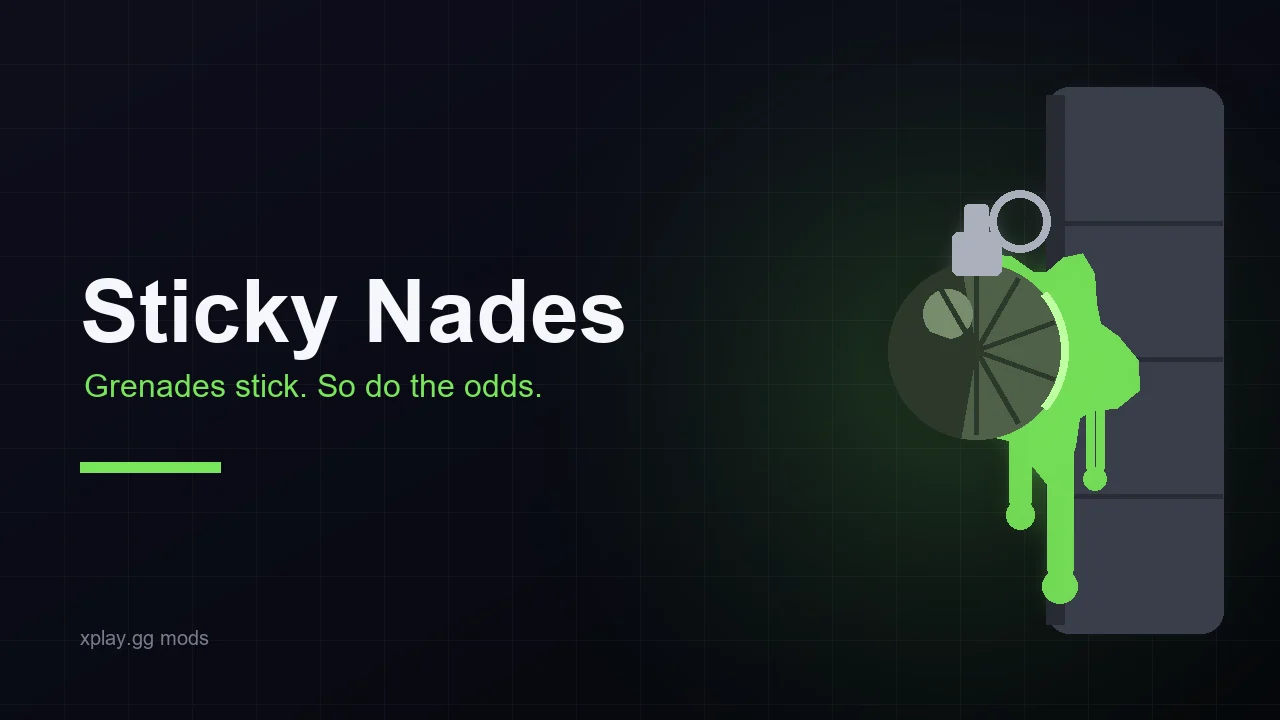
Sticky Nades remove the usual bounce from the first grenade impact. A grenade that hits a wall stays in place. One that hits a player remains attached until it explodes, and a stuck HE grenade can use a much higher damage value than an HE on the floor.
Flashbangs, smokes, and decoys follow the same rule. Molotovs and incendiaries still fly and burn normally, so teams can use familiar fire utility alongside the new direct-hit mechanic.
Nade Mayhem: Let Grenades and Fire Decide the Round
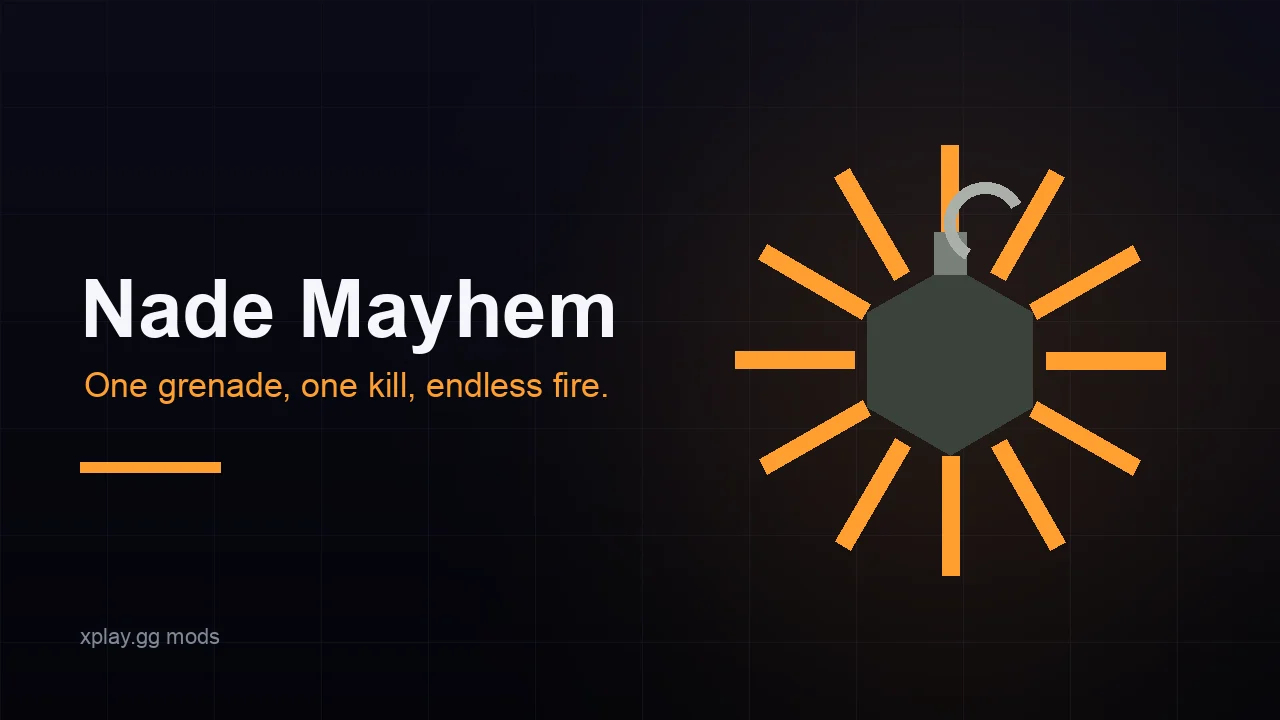
Nade Mayhem can make HE grenade explosions, Molotov fire, or both lethal. The burn time is adjustable too, which can leave a route blocked long after a normal Molotov would disappear.
Enable grenade restocks and a thrown grenade returns after a chosen delay. Leave restocks off and every grenade becomes a limited, high-value play.
Vampire: Heal by Dealing Damage or Getting Frags
Vampire makes damage part of survival. A kill can restore a fixed amount of health, each hit can return a percentage of the damage dealt, or both effects can run together.
The health cap can rise above 100 HP, with optional overheal decay to prevent one streak from deciding the entire match. Players who keep taking duels recover faster than players who wait for a safe trade.
Aim Assist: Redirect Shots in a Private Match
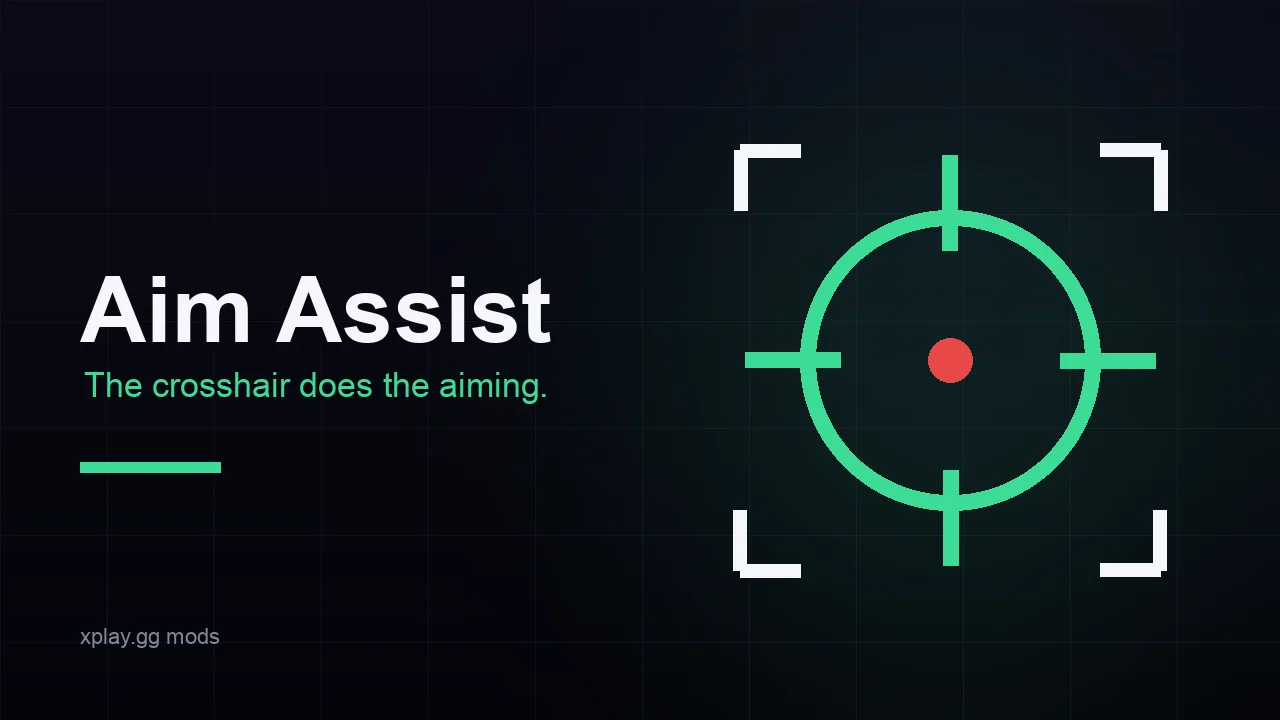
Aim Assist has two modes. In the default silent mode the crosshair does not move: a player fires as usual, and the shot redirects to an enemy inside the selected field of view and lands on the configured head or chest hitbox. In visual mode the player’s own view turns onto the target while fire is held, as smoothly or as sharply as the lobby sets. Recoil and spread are disabled while the mod is active.
The settings control the aim mode, field of view, target hitbox, affected players, and whether targets behind walls, boxes, or smoke can be selected. Use it only in a private lobby where everyone knows that rule is active.
How to Start a CS2 Custom Match with Mods on xplay.gg
Create a private lobby first, then add and configure a custom mode before inviting your group.
1. Find Personal Matches
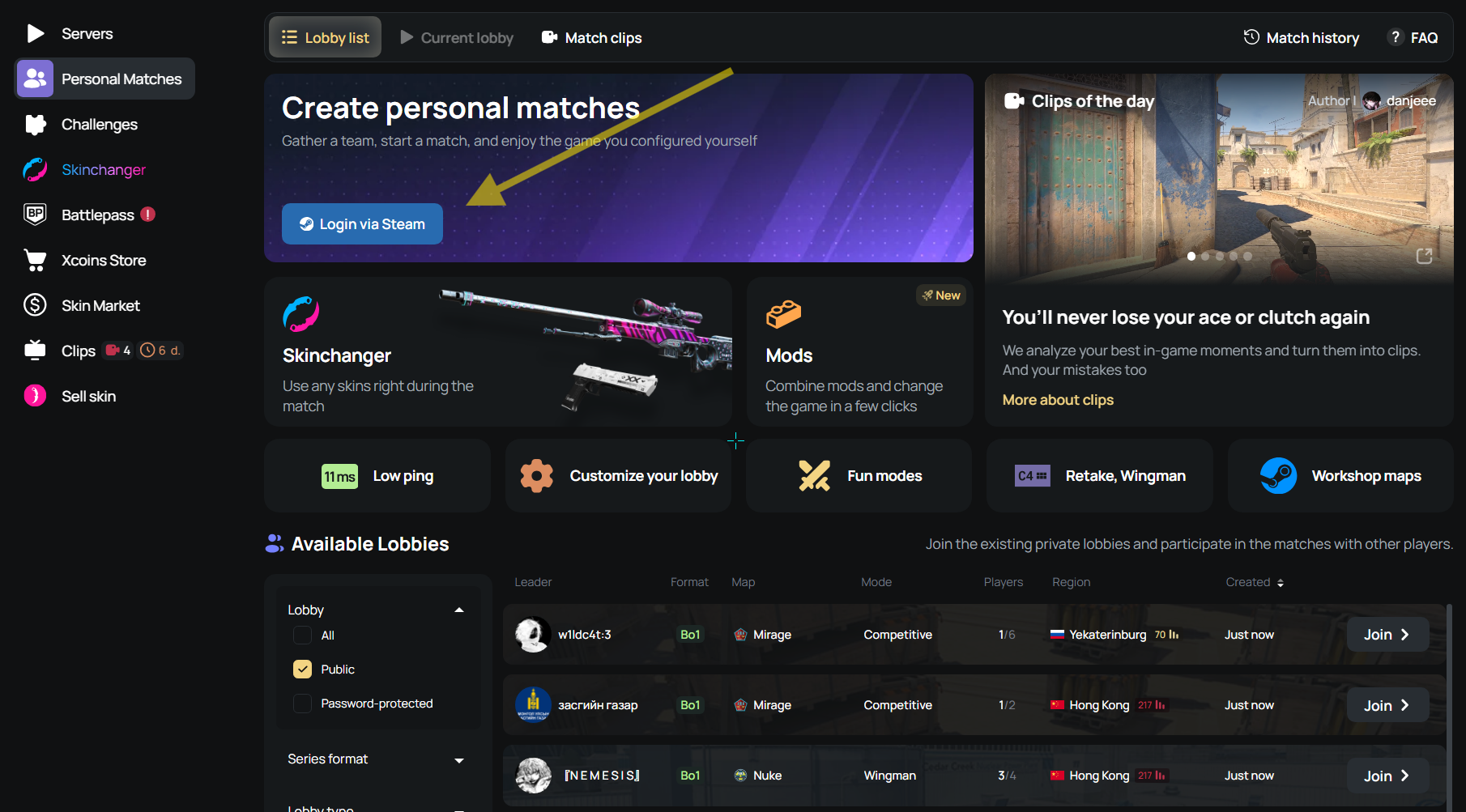
Sign in to xplay.gg through Steam, then open Personal Matches.
2. Create a private lobby
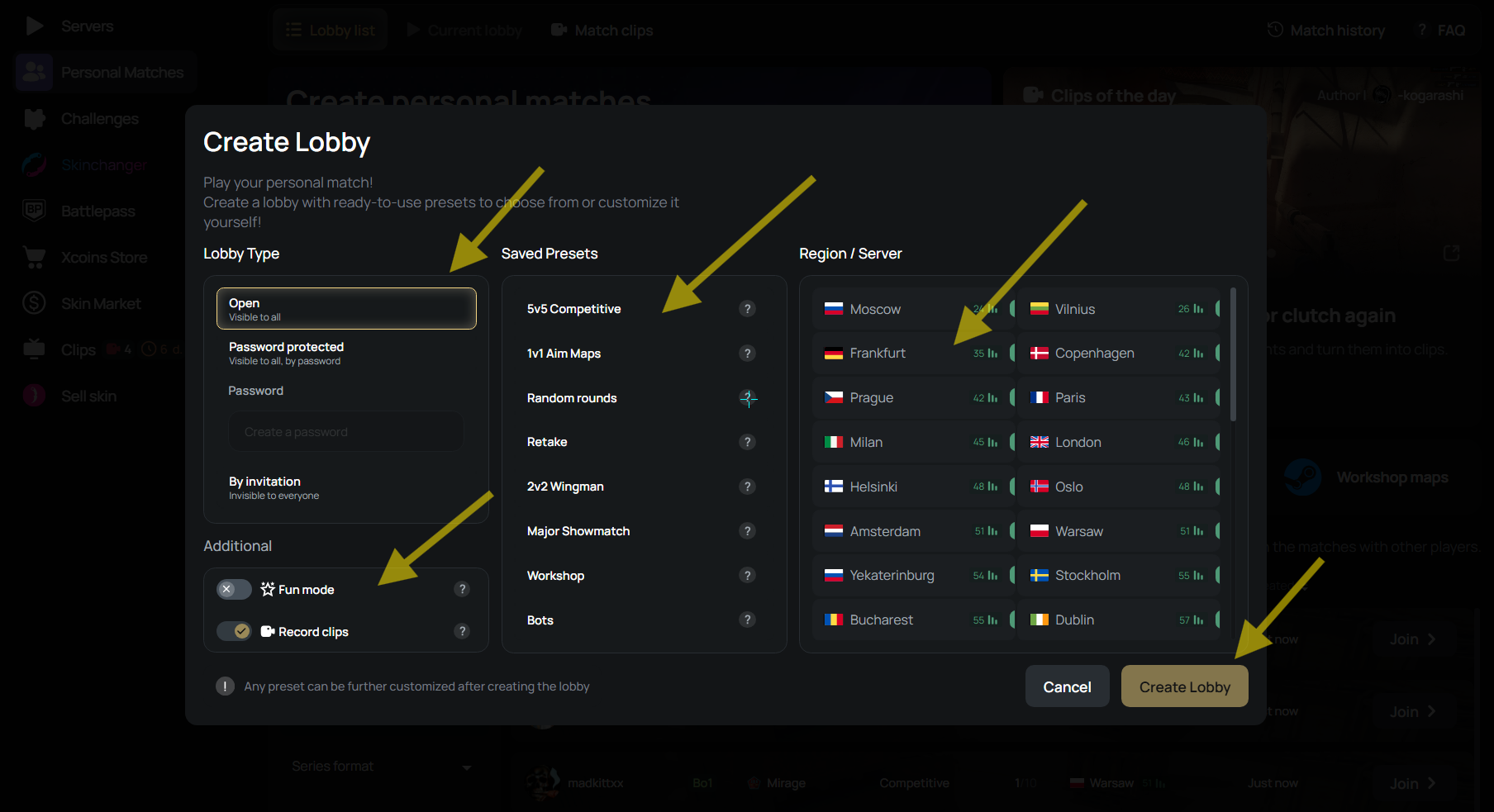
Click Create Lobby, set the lobby to private, then choose the map, format, teams, and usual match rules.
3. Open the Mods catalog
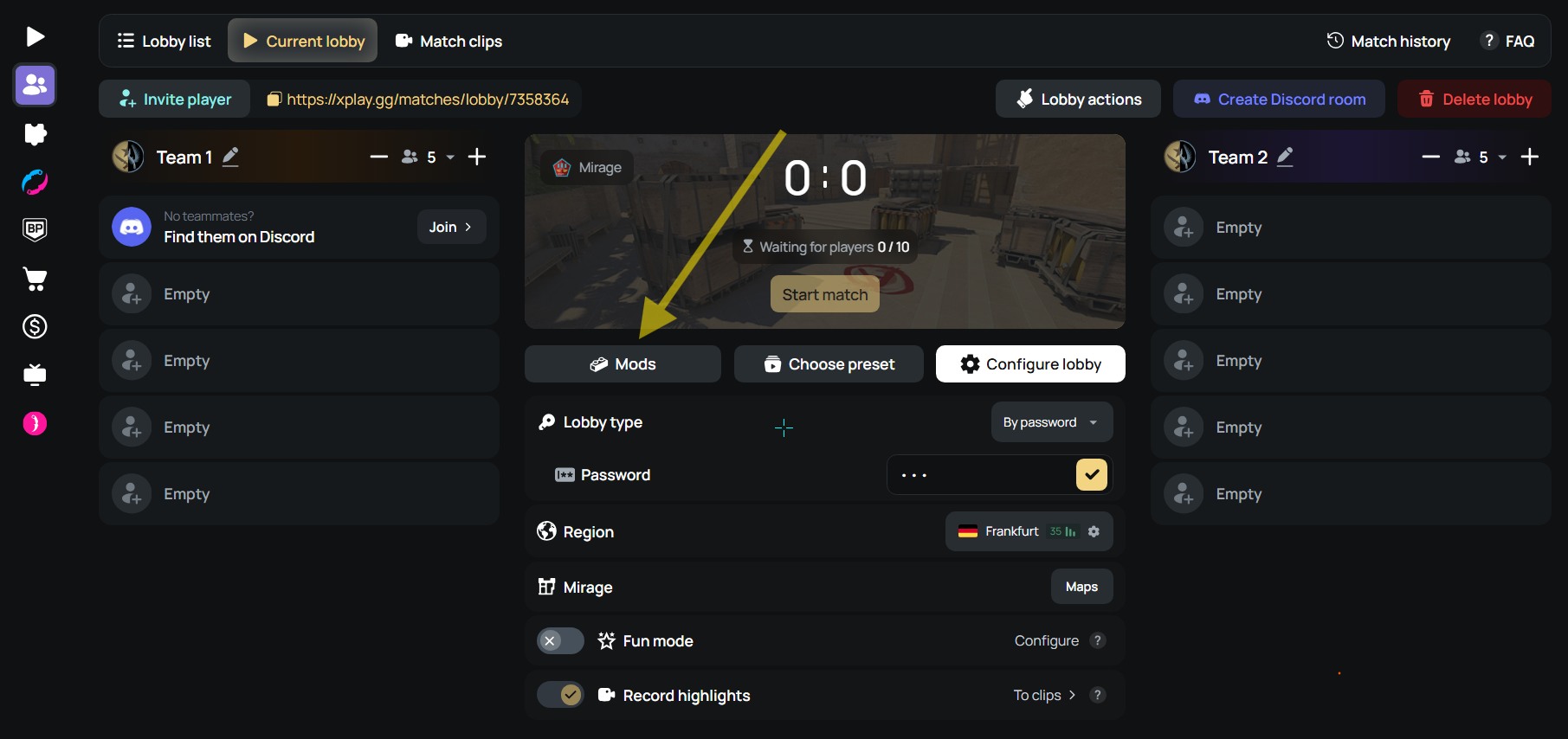
Inside the lobby settings, open Mods to see the available custom modes.
4. Choose a mode and adjust its settings
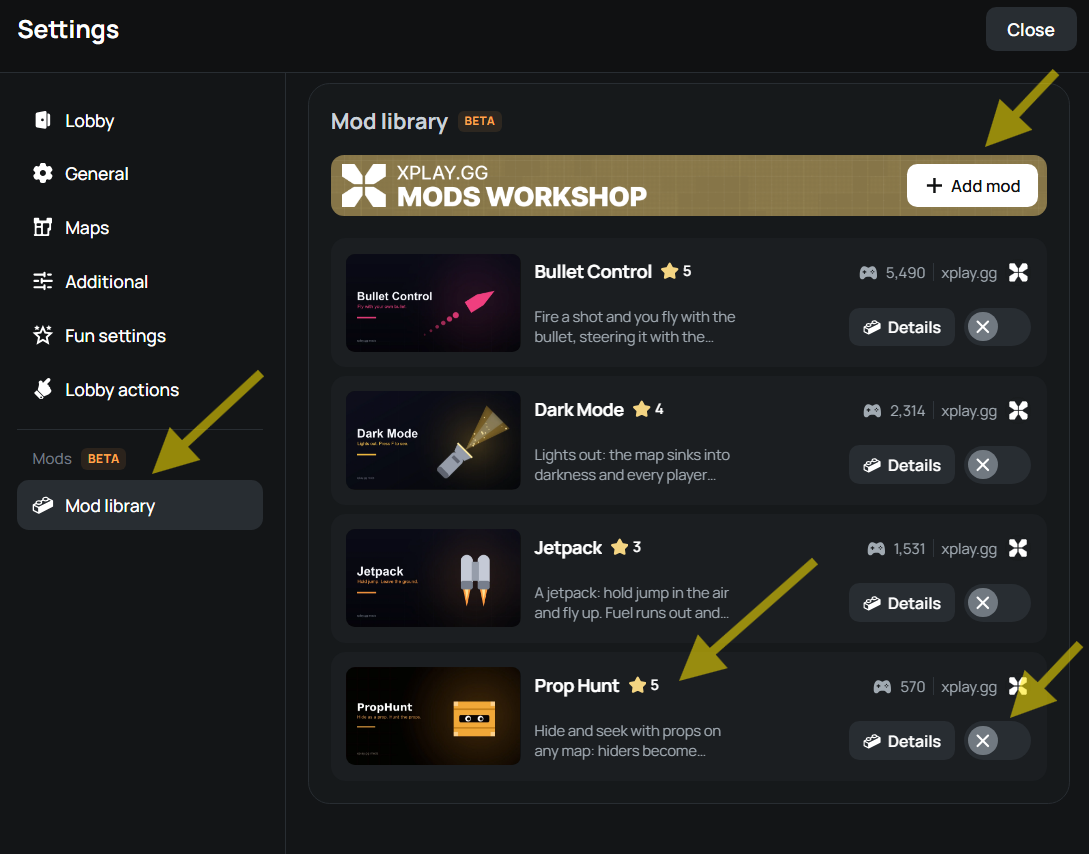
Select a mode, then change its settings for your group. Check the lobby options before adding another mod, since some modes replace related settings.
5. Invite friends and start the match
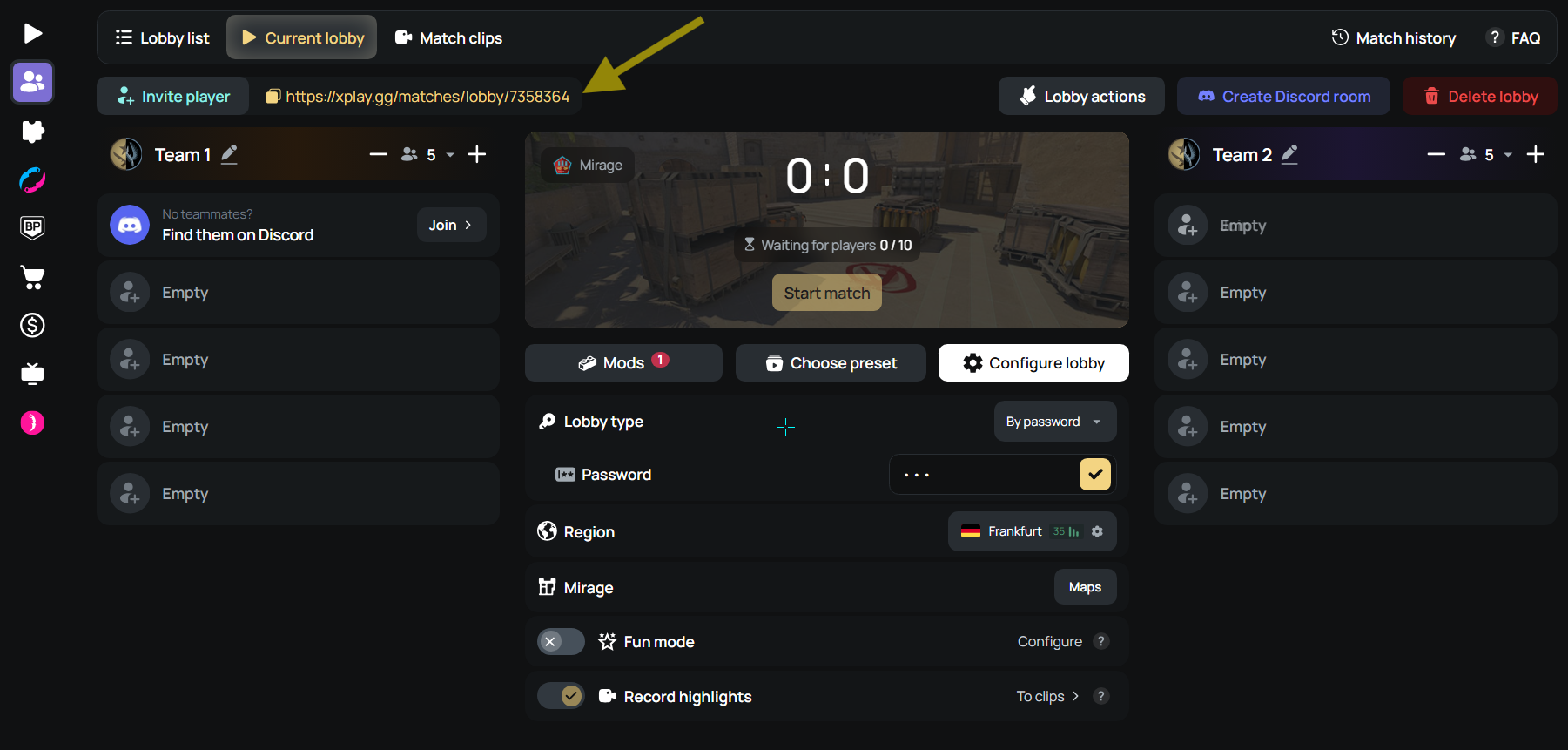
Copy the lobby link, send it to your friends, and start when everyone has joined.
Create a private CS2 match on xplay.gg.
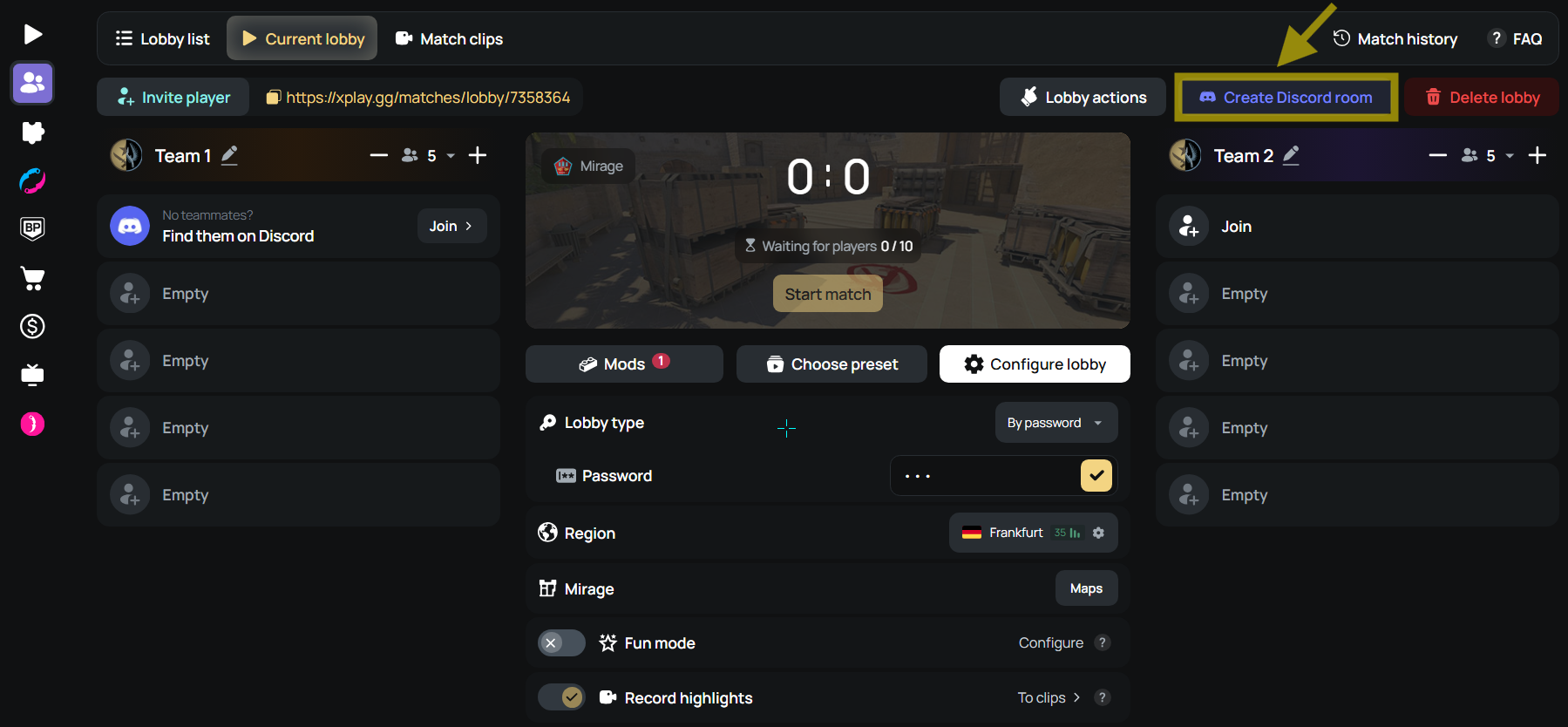
You can also use Discord for team voice chat. Click Create Discord room in the lobby to create an xplay.gg Discord lobby for the match. Players can join through Discord, and xplay.gg invites them to separate Team 1 or Team 2 rooms based on their in-game team.
Conclusion
Have a full lobby? Start with PropHunt. Choose Bullet Control if your group wants to steer shots, or Chicken C4 if you prefer a bomb round with a moving defuse target. After a few rounds, you’ll know which mode your friends want to play again.