CS2 Singapore 2026 Stickers, Cobblestone & Monstercat Music Kits

The PGL Singapore 2026 Major Shop is open in CS2. Pick a team logo or a player autograph, choose Paper, Foil, Holo or Gold, and buy that exact sticker. Singapore keeps the direct purchases introduced at Cologne and switches to fixed prices by finish. Valve’s Singapore launch announcement.
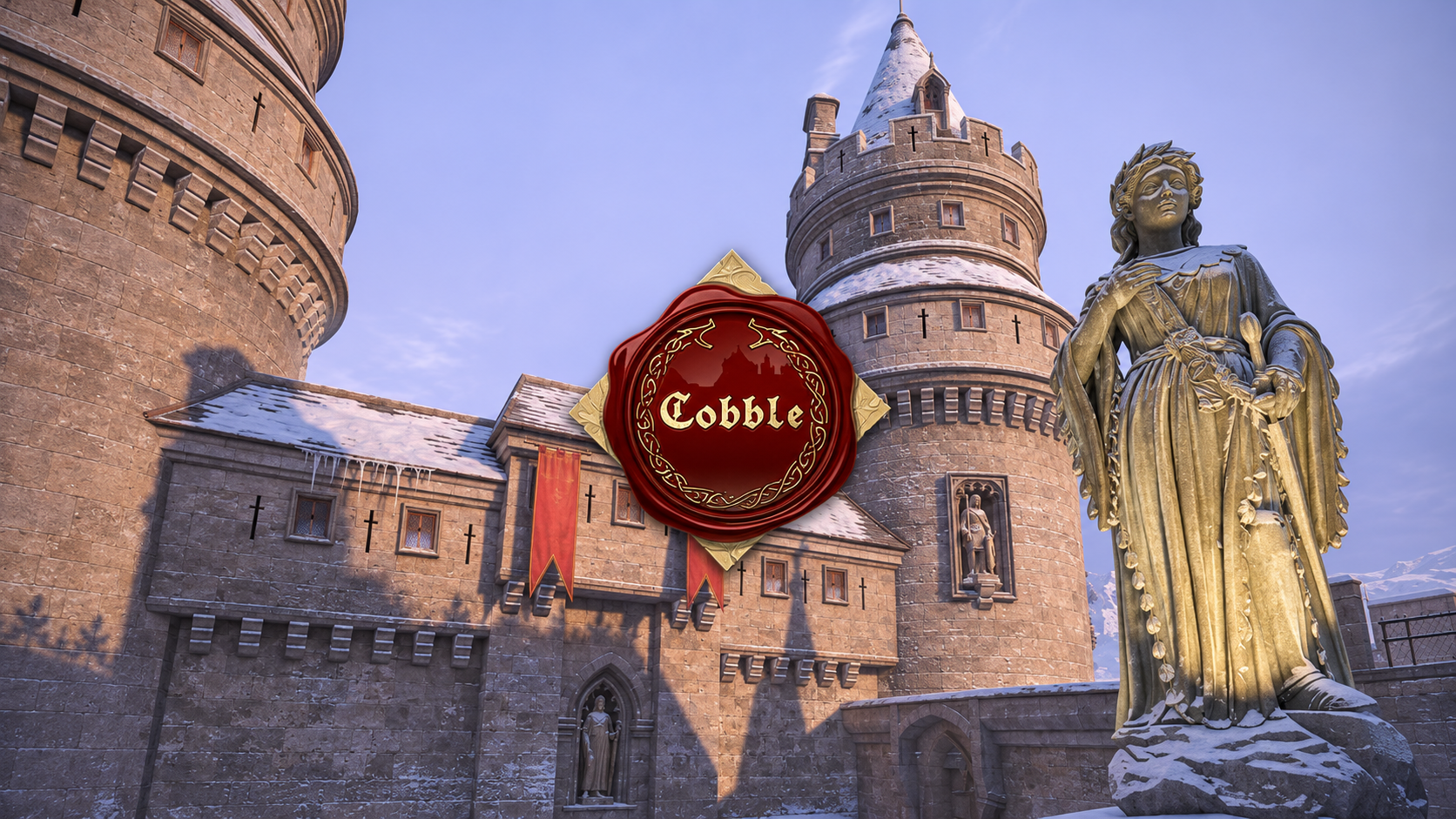
The November 17 update also brought back Cobblestone with snow and new routes. It’s playable in Competitive, Wingman, Casual, Deathmatch and Retakes. The patch added eight Monstercat music kits, including Noisestorm’s “Crab Rave.”
How Singapore 2026 Sticker Prices Work
Start with the finish. In Singapore, a team logo and a player autograph in the same finish cost the same number of tokens. At Cologne, the price of an individual sticker could rise as more players bought it. Valve’s Cologne Major Shop FAQ.
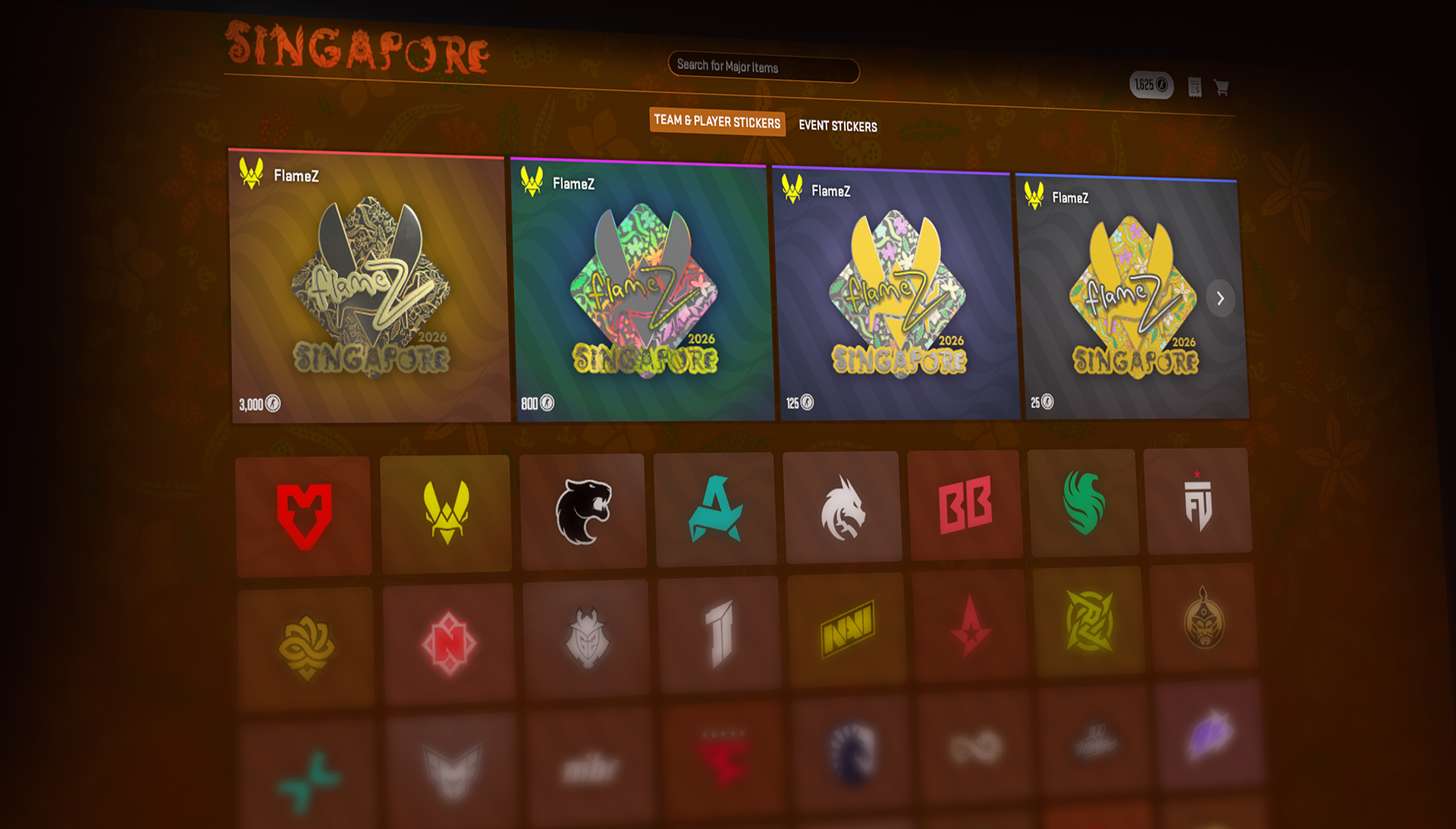
Check the current token price in the Singapore Major Shop. Keep three numbers separate as you build your cart. The listed price is for one sticker, the cart total covers every copy you selected, and checkout shows how much you’ll pay if your balance needs a top-up.
How to Estimate the Cost of a Sticker Craft
For four matching stickers, multiply the listed price by four. A fifth copy adds the full cost of one more sticker. For a mixed craft, a Holo autograph and three Paper logos cost the price of one Holo plus three times the Paper price. Price the weapon skin separately if you still need to buy it.
Gold autographed stickers from the Singapore 2026 Major inspected in CS2.
Subtract your available tokens from the cart total. If your cart fits within that balance, you’ve covered the sticker cost. If you come up short, check the top-up amount and your local cash total before confirming. When the price is higher than you want to pay, try keeping the Holo autograph and cutting the number of matching logos first.
How to Buy Singapore 2026 Stickers in CS2
The Major Hub is where you browse tournament items and make Pick’Em picks. Use the shop in that hub to find a specific logo or signature. Valve’s November 17 CS2 patch notes.
- Open CS2 and select the PGL Singapore 2026 Major Hub.
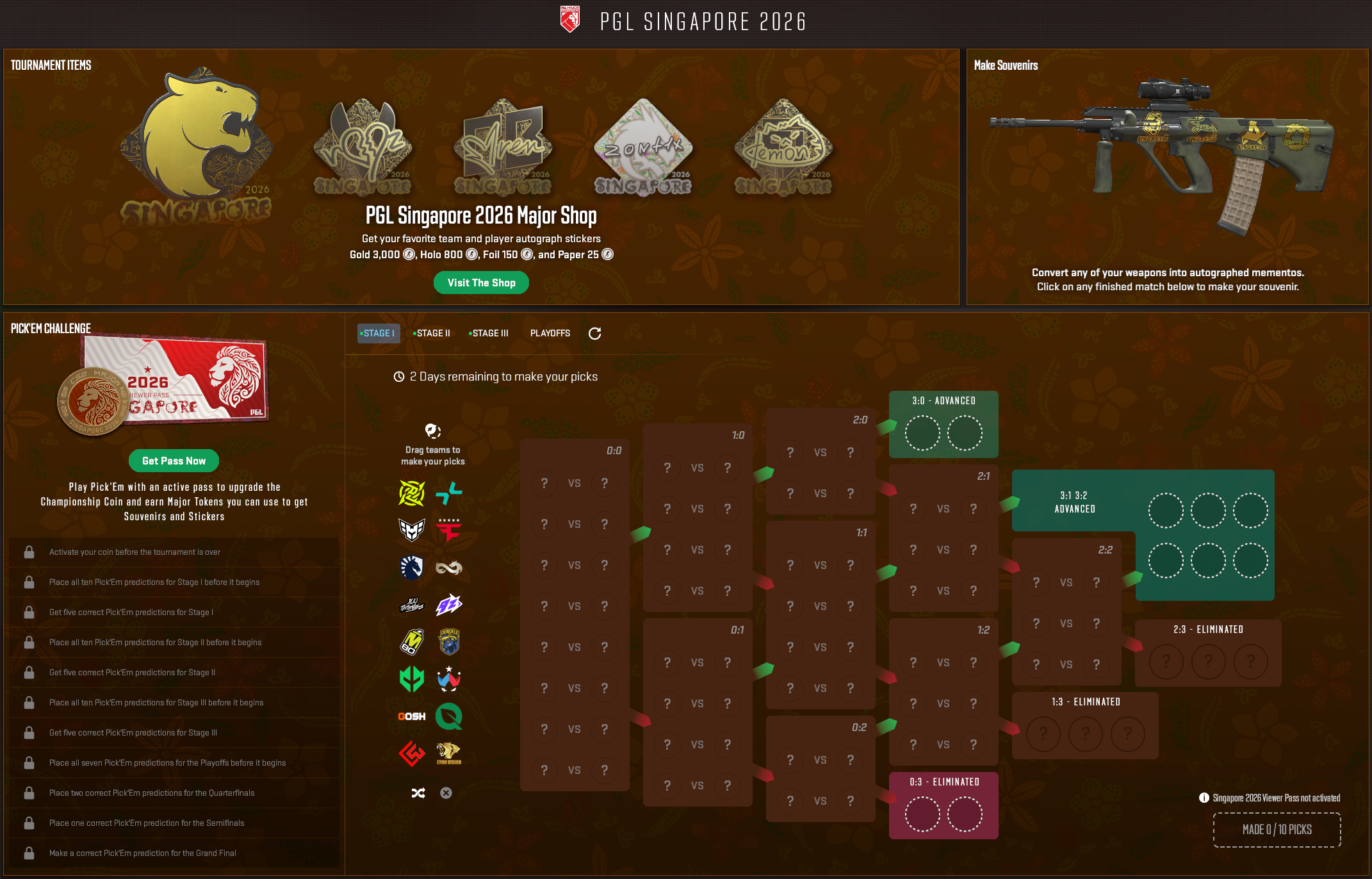
- Go to the Major Shop and choose a team logo or player autograph.
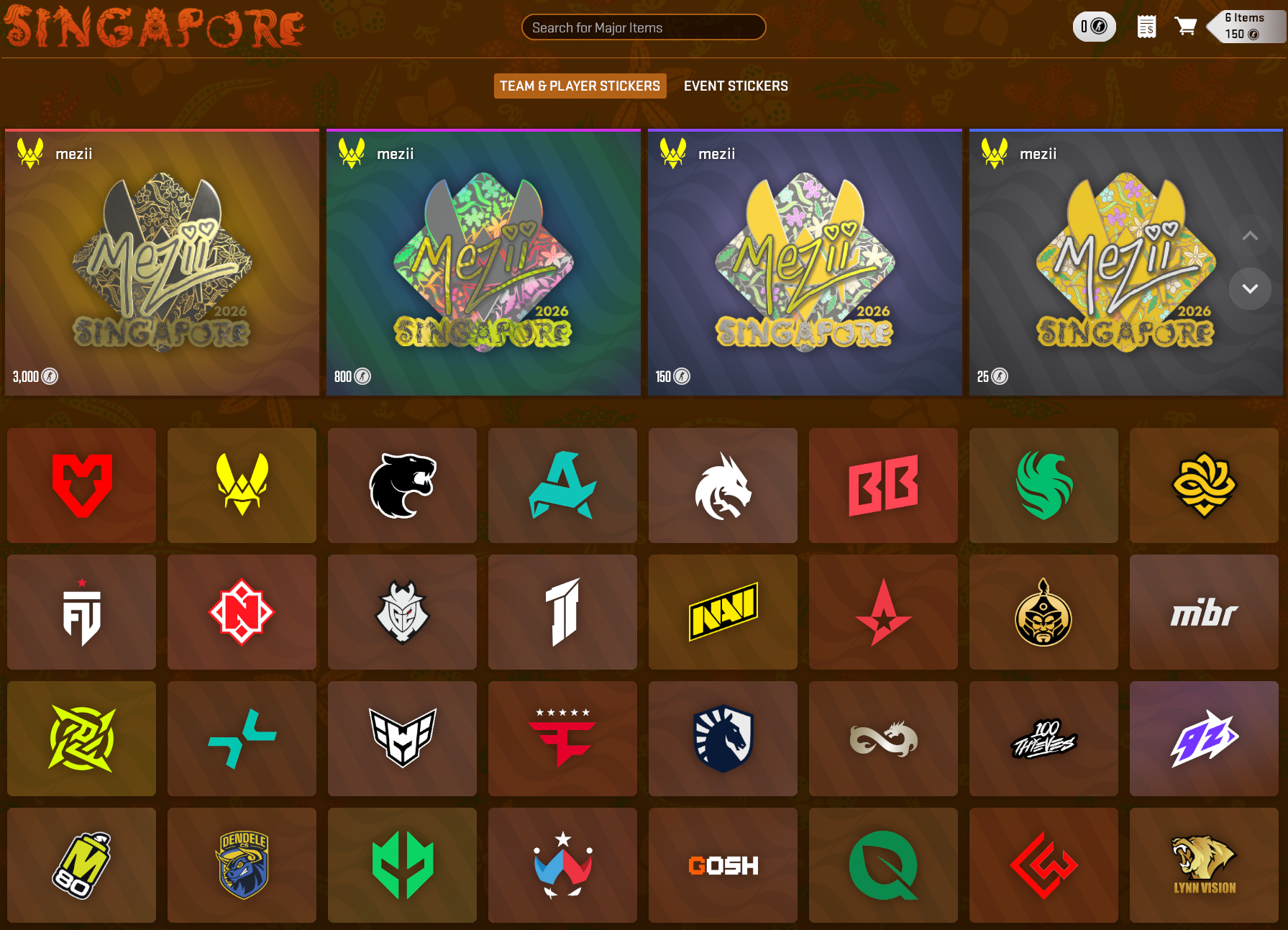
- Open the finish you want and add the sticker to your cart.
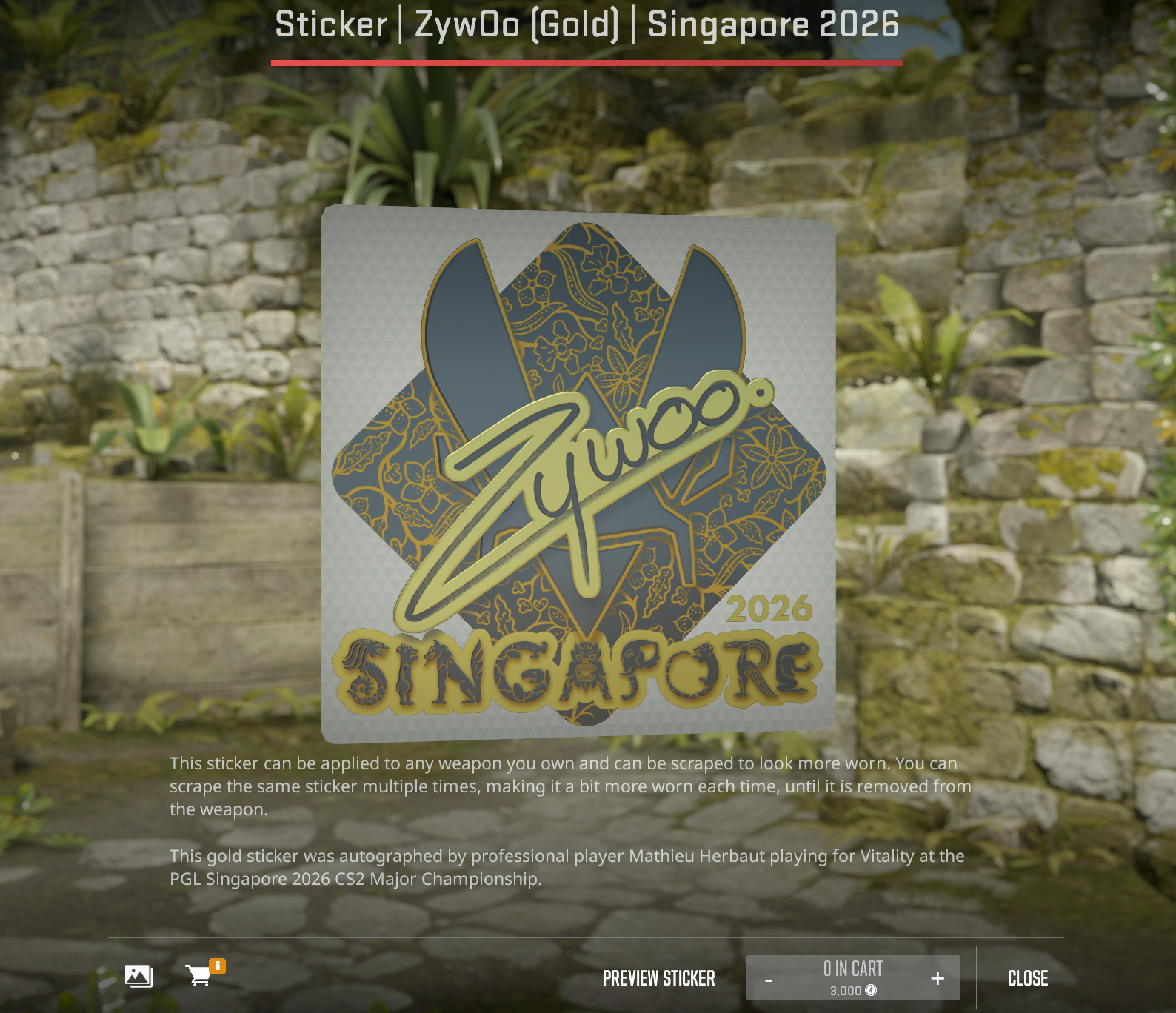
- Check the name, finish, quantity and token total before you confirm.
If you remember a player from a different roster, use their entry in the Singapore shop to find the matching team logo. Before buying repeats, check the finish on each entry. It’s easy to select the Paper version of the right autograph when you meant to build a matching Holo set.
Valve shares half of tournament item proceeds with the players, teams and tournament organizer. A team’s share depends on its starting seed and final placement.
How Pick’Em Tokens Work
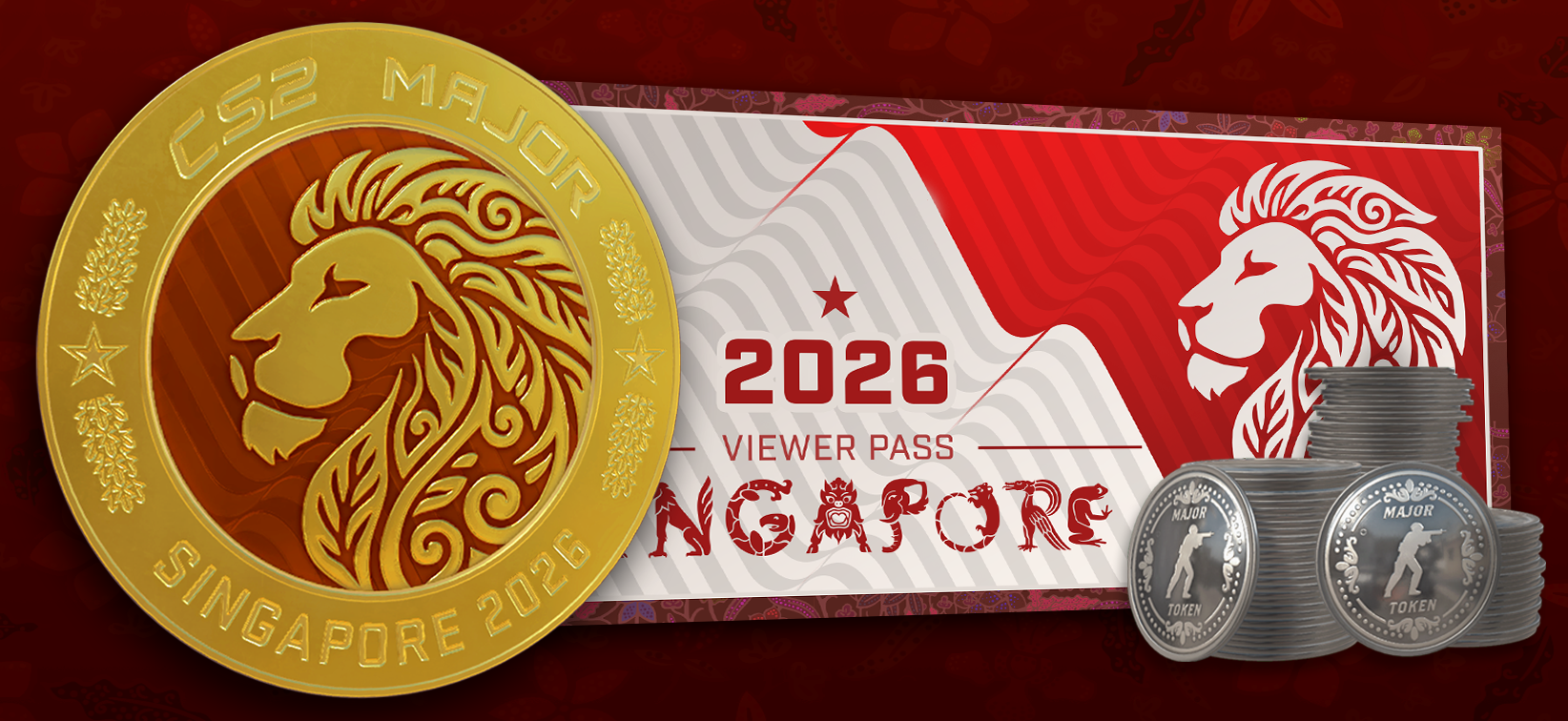
Activate a Singapore 2026 Viewer Pass to get the Bronze Challenge Coin, Steam.tv chat flair and unlimited team graffiti for the event. An active pass also adds you to the Pick’Em leaderboard so you can compare results with friends.
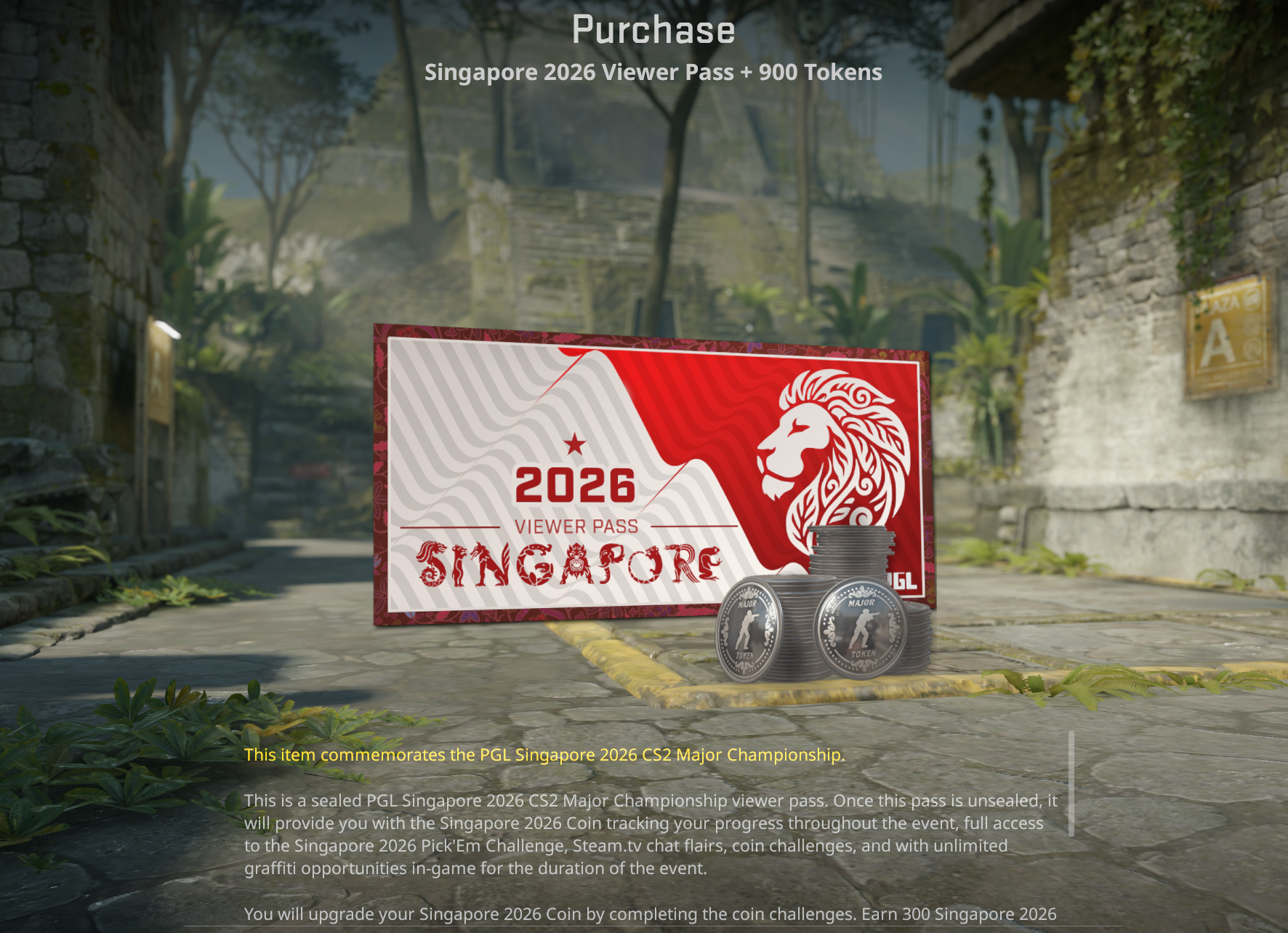
The 300-token reward comes when you upgrade the coin through Pick’Em. Two upgrades bring your earned total to 600 tokens and three bring it to 900. Spend them on stickers or put them toward a souvenir, whose crafting cost depends on the weapon’s rarity.
How Far Pick’Em Tokens Go
If you want to pay entirely with rewards, divide your balance by the number of matching copies you want. That gives you the most you can spend on each one. Compare that limit with the shop price for your chosen finish.
These are budget limits. If a finish exceeds the limit, price a single copy of it as the centerpiece and use your remaining balance for other stickers. If you’re also planning a souvenir, check that crafting cost first so you know how much you can spare.
Which Sticker Finish Suits Your Craft
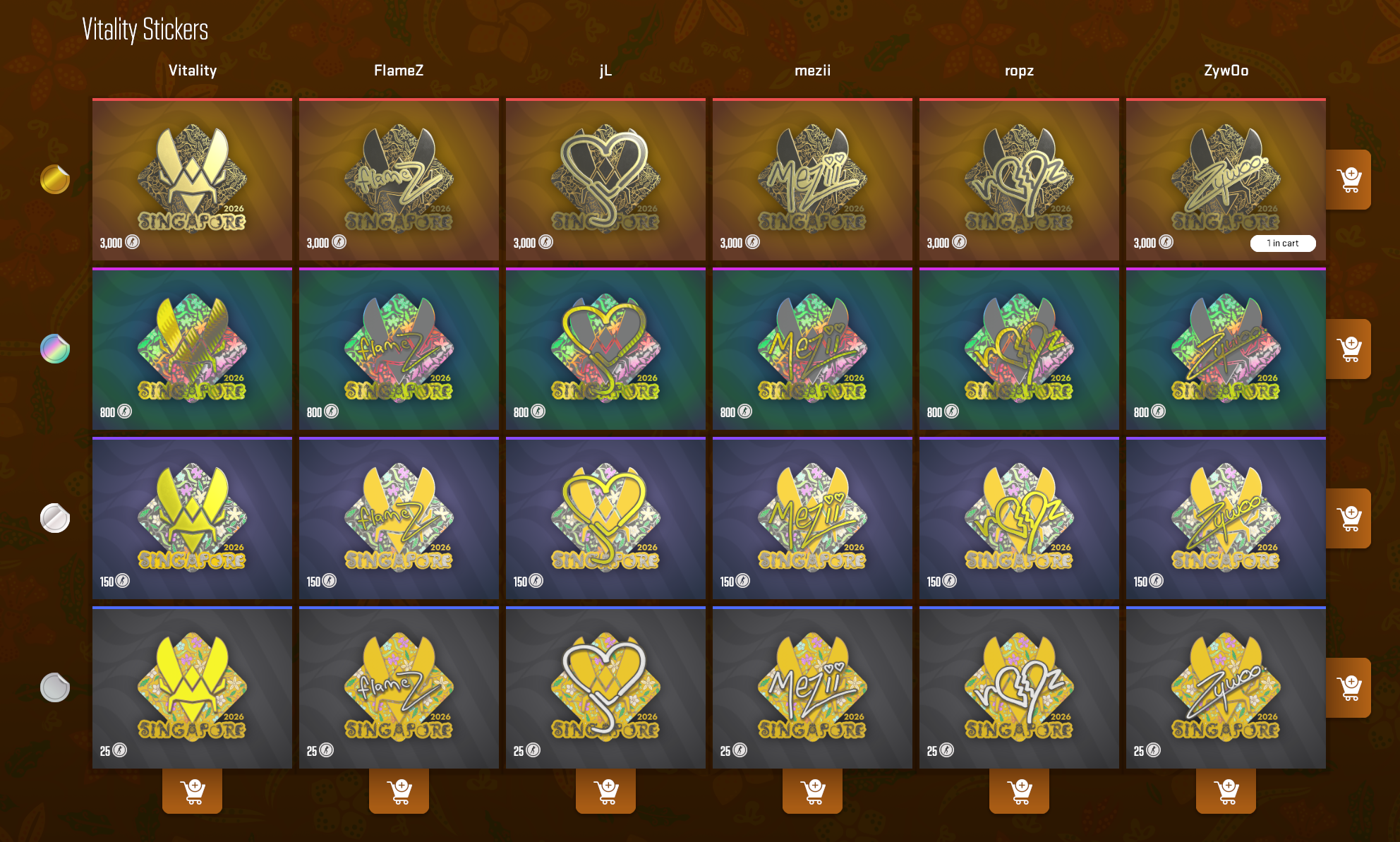
Compare each finish on the same skin with the sticker in the same spot. Rotate the weapon under light, then switch back to the normal first-person view and see which details you can still make out.
Three Layouts to Try Before You Apply a Sticker
Start with a team logo and one autograph if you want the craft to represent a specific player. Give the autograph a clear patch of the receiver and keep the logo far enough away that it doesn’t cover the lettering. If the signature is hard to make out in the normal view, try moving the pair toward a plainer part of the skin.
For a row of four matching team logos, check the whole row in the apply preview. A single logo can look clean on a patterned rifle while four backgrounds hide the pattern. Line up the spacing by looking at the edges of the artwork, especially if the receiver changes shape along the row.
For a mixed finish craft, put one Foil, Holo or Gold sticker where you can see it clearly, then try Paper copies around it. The centerpiece should still work in the normal view after the inspect animation ends. If it only stands out under a bright reflection, try another placement before applying it.
Singapore 2026 sticker finishes compared on the same CS2 rifle.
Still choosing the base skin? Check its pattern and wear in your hands before settling on sticker placement. Preview CS2 skins in game on xplay.gg.
CS2 lets you position and rotate stickers before applying them, up to five per weapon. Once a sticker is on the weapon, it stays in that spot. Use the Scrape Sticker slider to control how much of the design wears away. Scraping is permanent, and removing a sticker doesn’t return it to your inventory. Steam Support’s CS2 sticker guide.
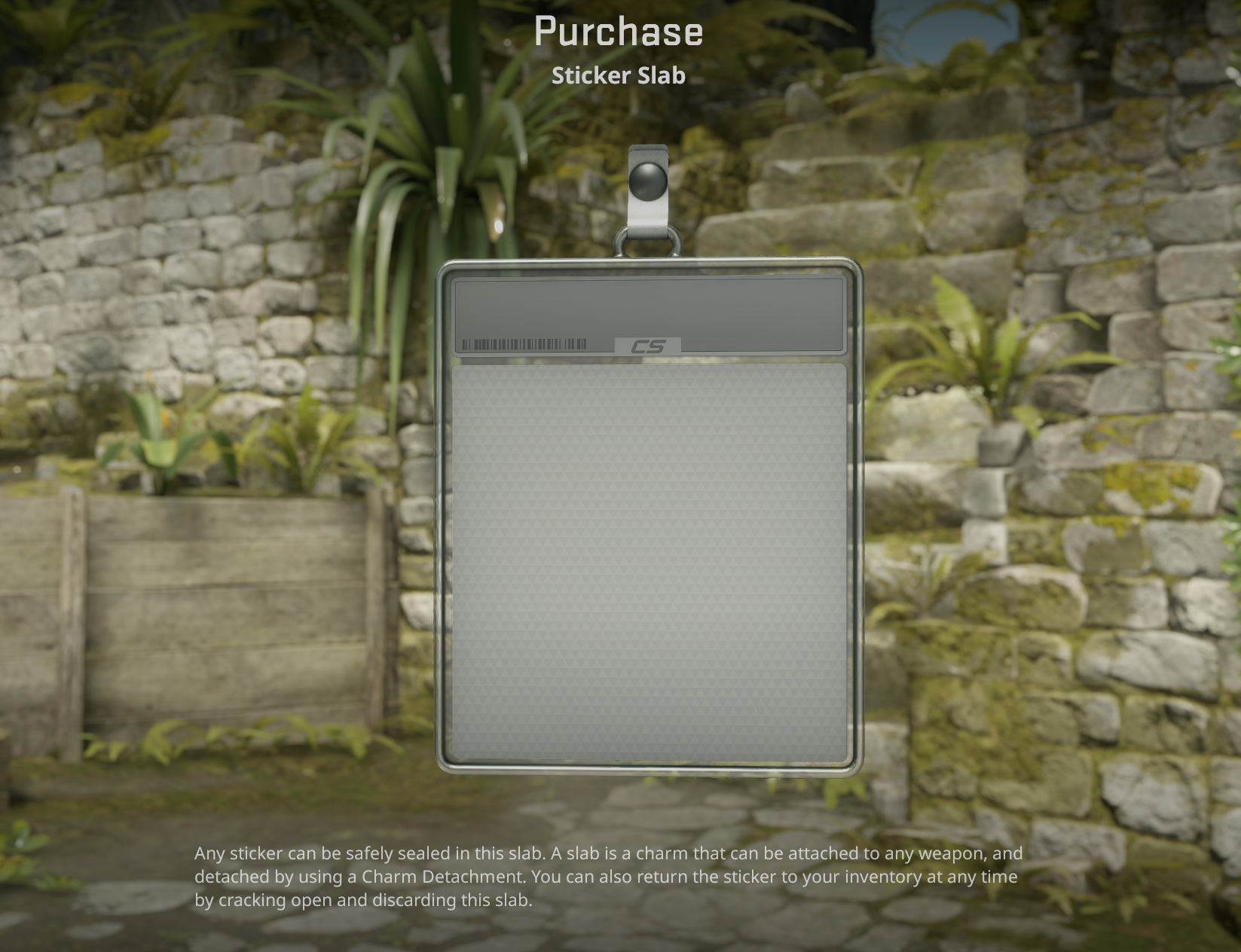
If you want to display a sticker and keep the option to use it later, seal it in a Sticker Slab and attach the slab as a charm. Breaking the slab returns the sticker to your inventory and uses up the slab. Valve’s Sticker Slab announcement.
When Can You Sell Singapore 2026 Stickers
Open the sticker’s details in your Steam inventory. Check the date it becomes marketable before trying to list it. Trade eligibility is separate, so also check the trade date if you plan to send the item to another account. If the item’s restriction has expired and Steam still blocks the action, check your account’s eligibility. Steam’s trading and market restrictions.
If you receive a sticker through a trade, Steam’s seven-day Trade Protection also prevents you from applying it or transferring it during that period. Steam’s Trade Protection rules.

Once a sticker can be listed, search the Steam Community Market using the exact name, finish and tournament. Check recent completed sales, especially if there are only a few listings. When you sell on Steam, the proceeds go to your Steam Wallet and can’t be withdrawn. Steam Community Market FAQ.
If you’ve already applied the stickers, compare the whole craft with similar weapons. Start with the same skin and wear, then look for a similar sticker layout. The total you paid for the loose stickers is a record of your costs. Comparable sales give you a better basis for setting the asking price. How to estimate a CS2 skin’s value.
Valve’s Singapore launch announcement gives no date for a sticker discount or the shop’s closure. If you’re waiting for a sale, check the Major Shop for a price change before you buy.
Winter Cobblestone Returns to CS2
Cobblestone is back with a winter setting and changes to its layout. Valve names drop, chicken coop and stables among the familiar areas returning players will recognize. There are also new pathways and locations to learn, so give yourself time to explore before relying on old routes or grenade lineups. Valve’s Cobblestone announcement.
Snow-covered Cobblestone in CS2 after the November 17 update.
You can play the map in Competitive and Wingman. For Casual, Deathmatch and Retakes, select Cobblestone’s own map group. Deathmatch is a practical first stop for getting used to the sightlines, while Retakes lets you practice fights around the bombsites.
The November 17 patch also removed Boulder, Fachwerk and Shelter from the official matchmaking pool. If you’re looking for one of those maps in the selection screen, that change explains its absence.
Eight New Monstercat Music Kits in CS2
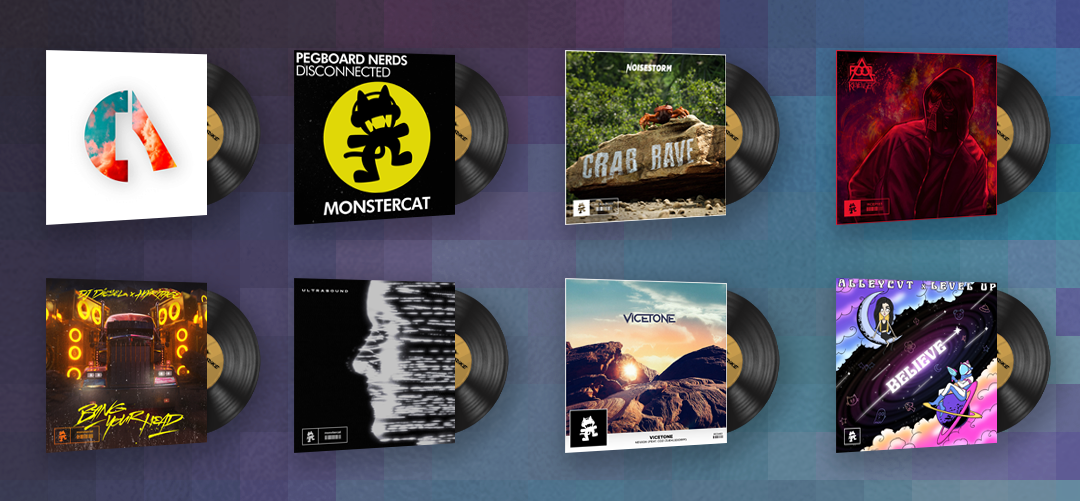
The same update added eight Monstercat music kits. Valve’s announcement highlights releases from Tristam & Braken and Noisestorm. Browse the kits in the in-game store to find a track you want to hear during matches.
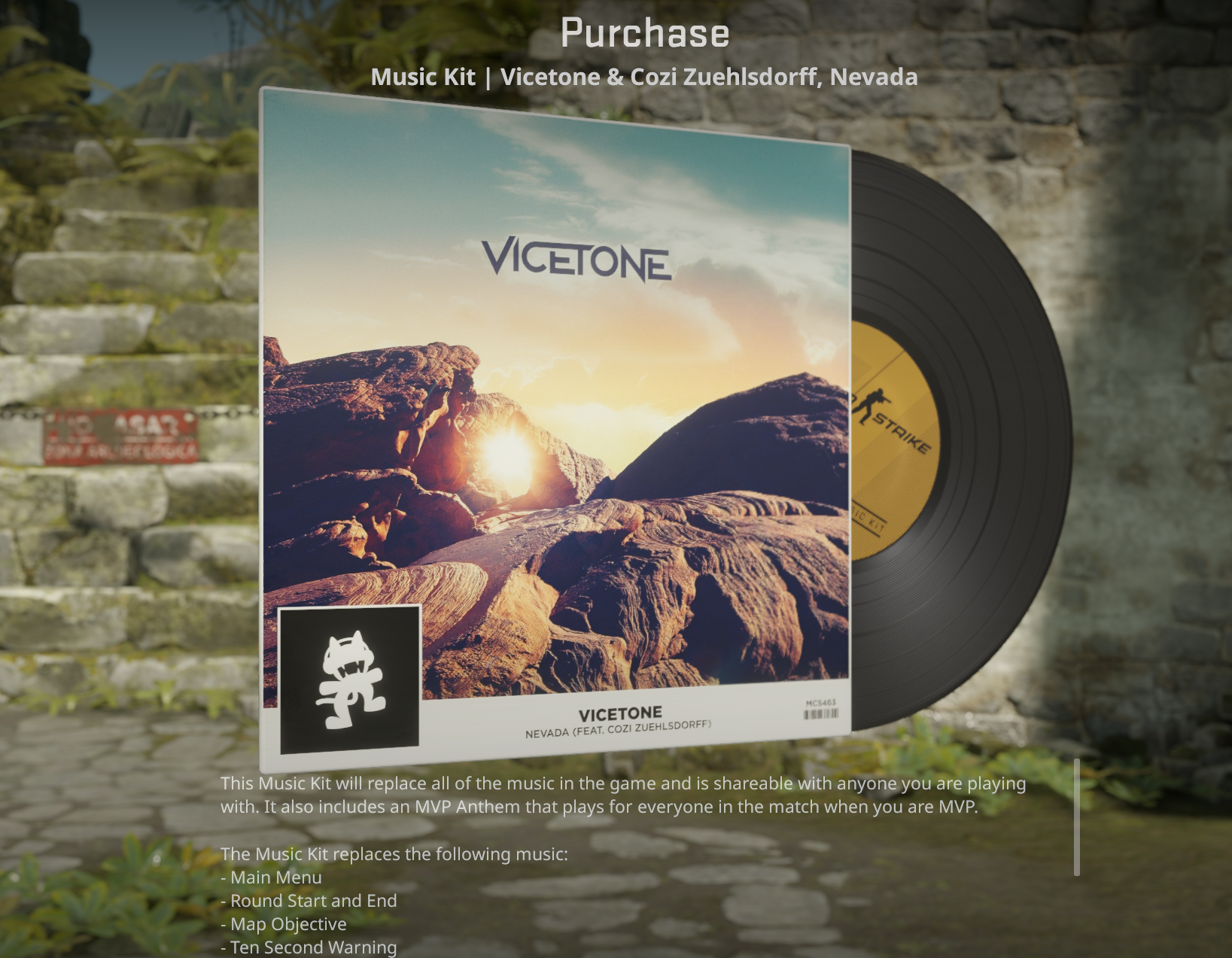
There’s also a new MVP Anthem preview button when you inspect a music kit in the store. Listen to the anthem before buying so you can judge the part that will play when you earn a round MVP.