
Best CS2 Practice Maps for Aim & Nades (2026)

Just as athletes warm up before a performance, gamers should spend time targeting maps and maps for nades Counter-Strike.
When you spend about an hour daily on an excellent Counter-Strike target practice machine, you choose the best way to prepare your brain for maximum concentration and shooting skills for maximum performance.
Players have different opinions on which maps are suitable for practicing aiming, so we have created a selection of the best maps in our opinion so that you can practice and gain experience.
Highlights
- A selection of the best maps for practicing aiming and nades in CS2
- Tips and techniques for aiming and throwing grenades
Introduction to AIM and Nade Training in CS2
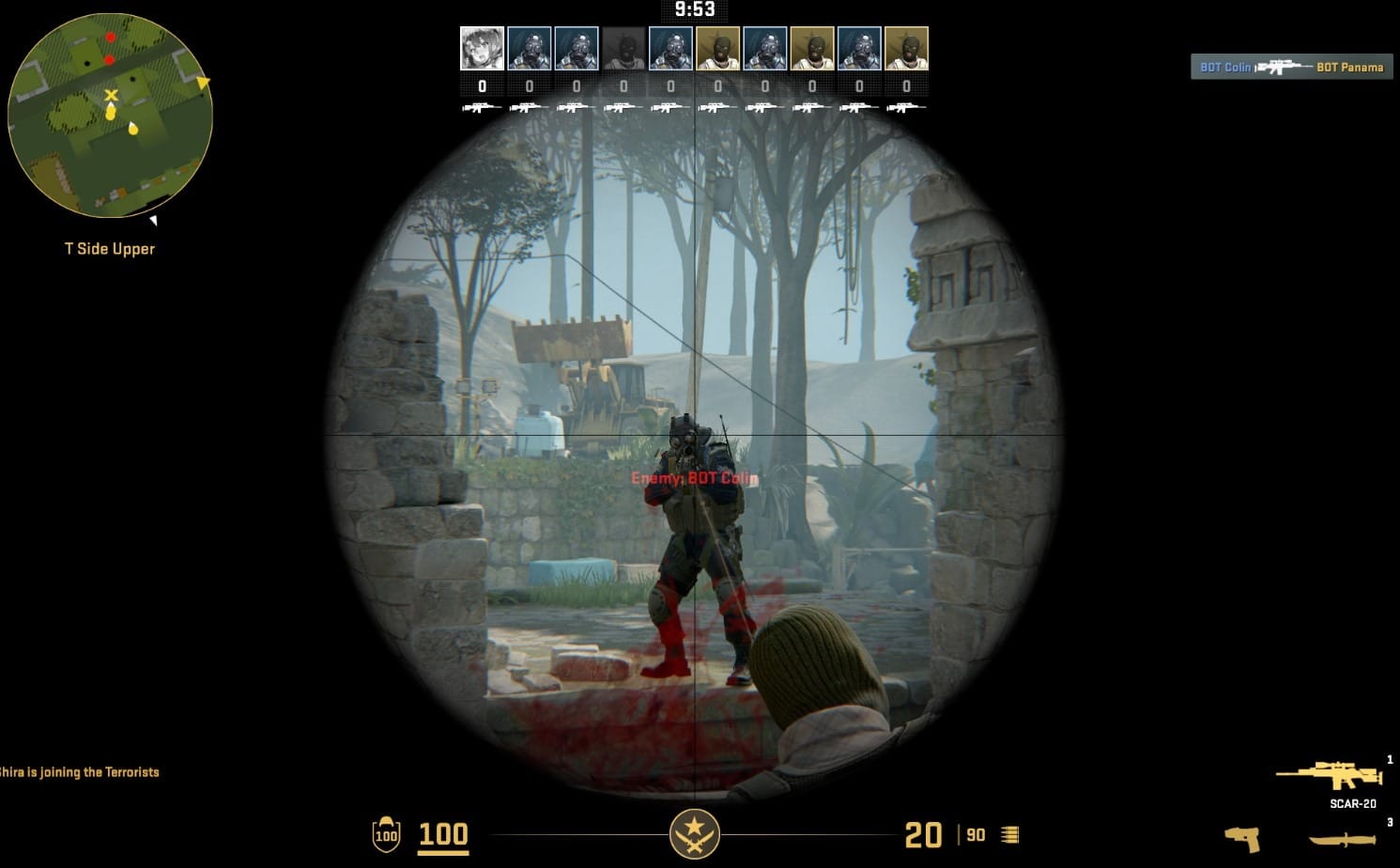
Mastering the use of grenades is essential to achieving higher CS2 rankings and staying competitive in Counter-Strike 2.
Each player can carry up to four grenades simultaneously in the game. These can be:
- Smoke
- Flashbang
- Molotov/Incendiary
- HE
- Decoy
The best way to practice nades is to be in practice mode. To better understand how grenades behave in CS2, you can enable helpful features like infinite ammo and grenade trajectory preview. This allows you to repeat throws, learn lineups faster, and understand how utility interacts with the map.
However, grenades are only one part of the equation. Aim is just as important — and it requires a different kind of training. There’s a clear difference between warming up and actual aim practice. A warm-up helps you quickly get into the rhythm of the game, while proper aim training is a focused, longer session designed to build precision, consistency, and muscle memory.
But even strong aim and perfect utility won’t carry you far if your movement is weak. Movement in CS2 is an art — it’s the way you control your character, position yourself, peek angles, and make yourself harder to hit. Good movement improves everything: your aim feels smoother, your peeks become sharper, and your survivability increases dramatically.
To truly improve, you need to train all three core skills together.
How to Install Workshop Maps
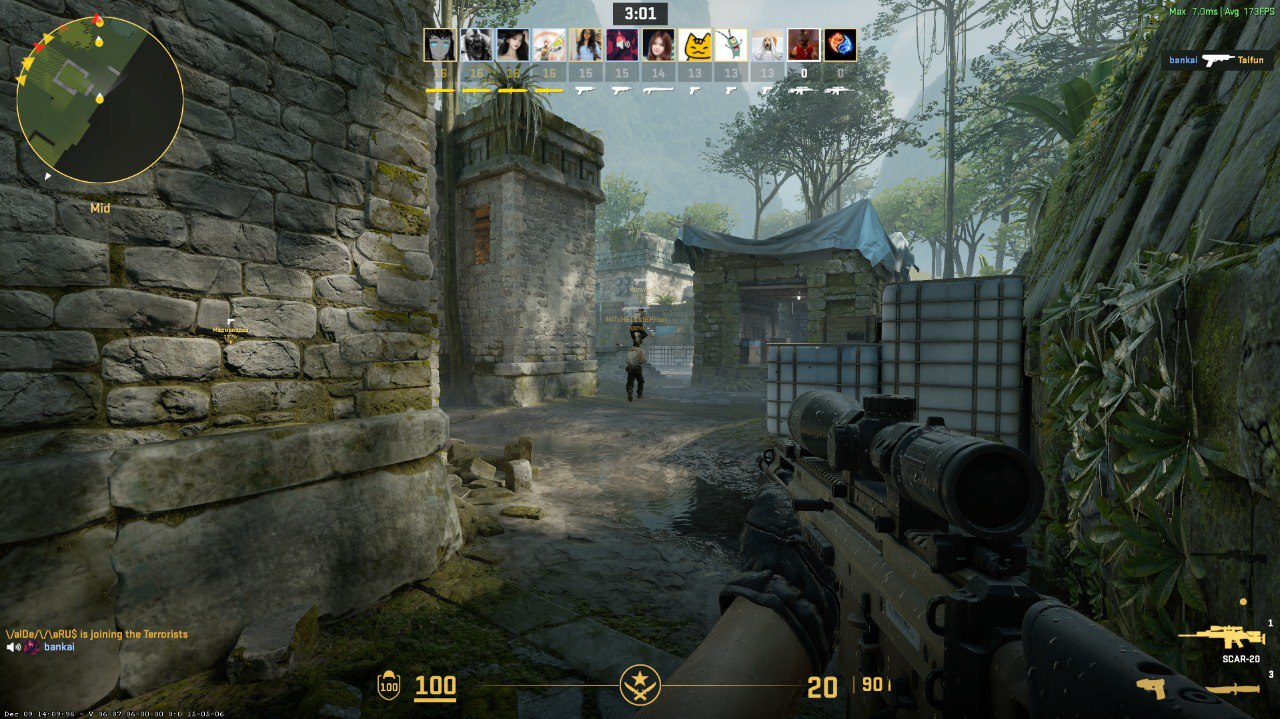
Installing Workshop maps in CS2 is very simple and much faster than it was in CS:GO. You don’t need to manually download or move files — everything works directly through Steam.
First, open the Steam Workshop page for CS2 and find the map you want to use (for example Aim Botz or Movement Hub). Click the Subscribe button — this will automatically download and add the map to your game.
Next, launch CS2 and go to the main menu. Open the Play section and select Workshop Maps. From there, you will see all the maps you have subscribed to. Just choose the one you want and start the match.
That’s it — no configs, no extra setup. Once subscribed, all Workshop maps are always ready to use directly inside the game.
However, Workshop maps are only one part of effective training. To improve faster, it’s also important to practice on community servers where you play against real players instead of bots.
Platforms like xplay.gg offer aim, deathmatch, retake, and duel servers that help you apply what you learn in Workshop maps under real pressure: How to Play Community Servers CS2
Top CS2 Practice Maps for AIM
Improving your aim in CS2 is not just about playing more matches — it’s about training with purpose. Dedicated aim maps allow you to isolate core mechanics like flicking, tracking, and recoil control without the pressure of a real game.
Map 1: Aim Botz — The Classic Aim Trainer
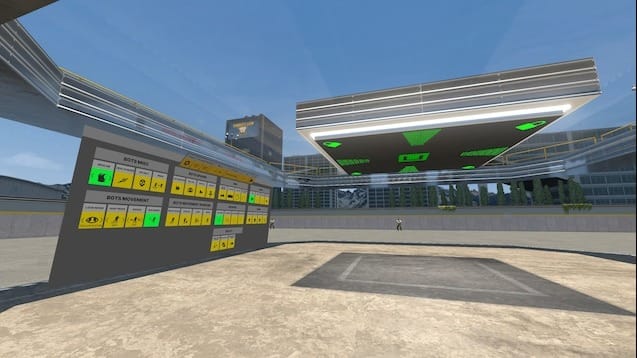
Aim Botz is the most iconic aim training map in Counter-Strike. It gives you full control over bot behavior — you can make them stand still, strafe, wear armor, or spawn in specific positions. The map is designed to remove distractions and let you focus entirely on mechanical precision.
This map isolates the core of aiming better than anything else. You’re not relying on game sense or positioning — just raw mechanics. That’s why even professional players still use it daily. It’s especially effective for building consistency, which is one of the hardest things to maintain in CS2.
What skills it builds:
- Crosshair placement
- Flick shots
- Headshot accuracy
- Muscle memory
If you want to build a consistent aim routine instead of random warm-ups, it’s worth following a structured approach used by competitive players: Aim Maps vs Aim Servers: What Actually Improves Aim Faster in CS2?
Map 2: Fast Warmup — Bot Training (All-in-One Map)
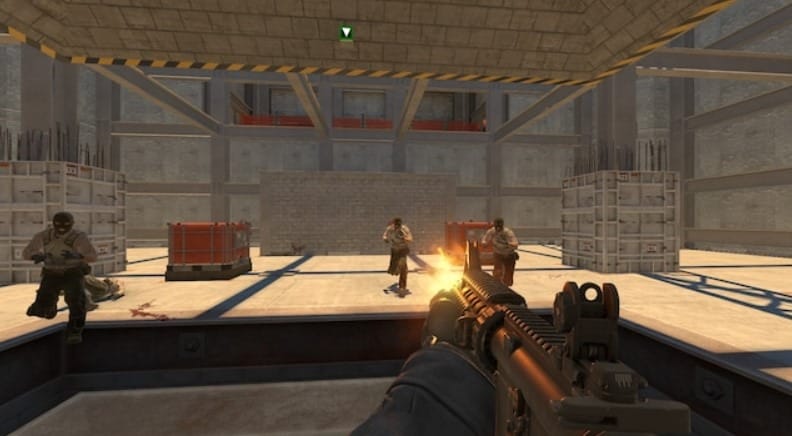
This is a universal training map that combines multiple modes: aim training, recoil control, reaction drills, and movement practice — all in one place. Instead of switching between different maps, you get everything in a single environment. This makes your practice more efficient and structured. It’s especially useful if you want a complete warm-up routine without wasting time on setup.
What skills it builds:
- Overall mechanics
- Reaction speed
- Spray control
- Target tracking
Map 3: Recoil Master
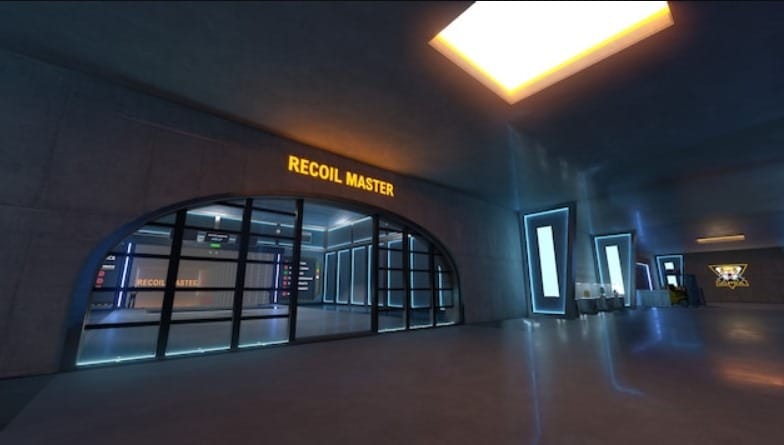
"Recoil Master" - you can practice recoil control and atomization here. Why is the ability to control atomization so important? Knowing the patterns of frequently used weapons allows you to eliminate multiple enemies quickly.
This map is a tool to help your firepower get the boost it needs. You can choose one of 10 weapons on this map, enable infinite bullets, Bullet Time, or use other customizations. You can take several approaches in 5-7 minutes, using different weapons in different sets (mainly AK-47 and M4A1-S/M4A4).
What skills it builds:
- Spray control (AK-47, M4A1-S, M4A4)
- Recoil pattern memorization
- Burst vs spray control
- Crosshair stability during sustained fire
Map 4: CSStats Training Map
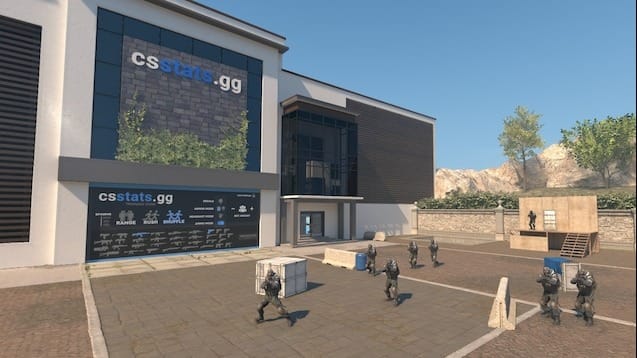
The most advanced map for training in CS:GO has moved to CS 2 with a new name - CSStats. This map is from tournament organizer ESL. It attracts many players with its simplicity and pleasant design. Any weapon is available for training. If desired, you can set the bot's behavior and add various objects to simulate the relief of the map from matchmaking.
What skills it builds:
- Performance tracking and statistics
- Consistency improvement
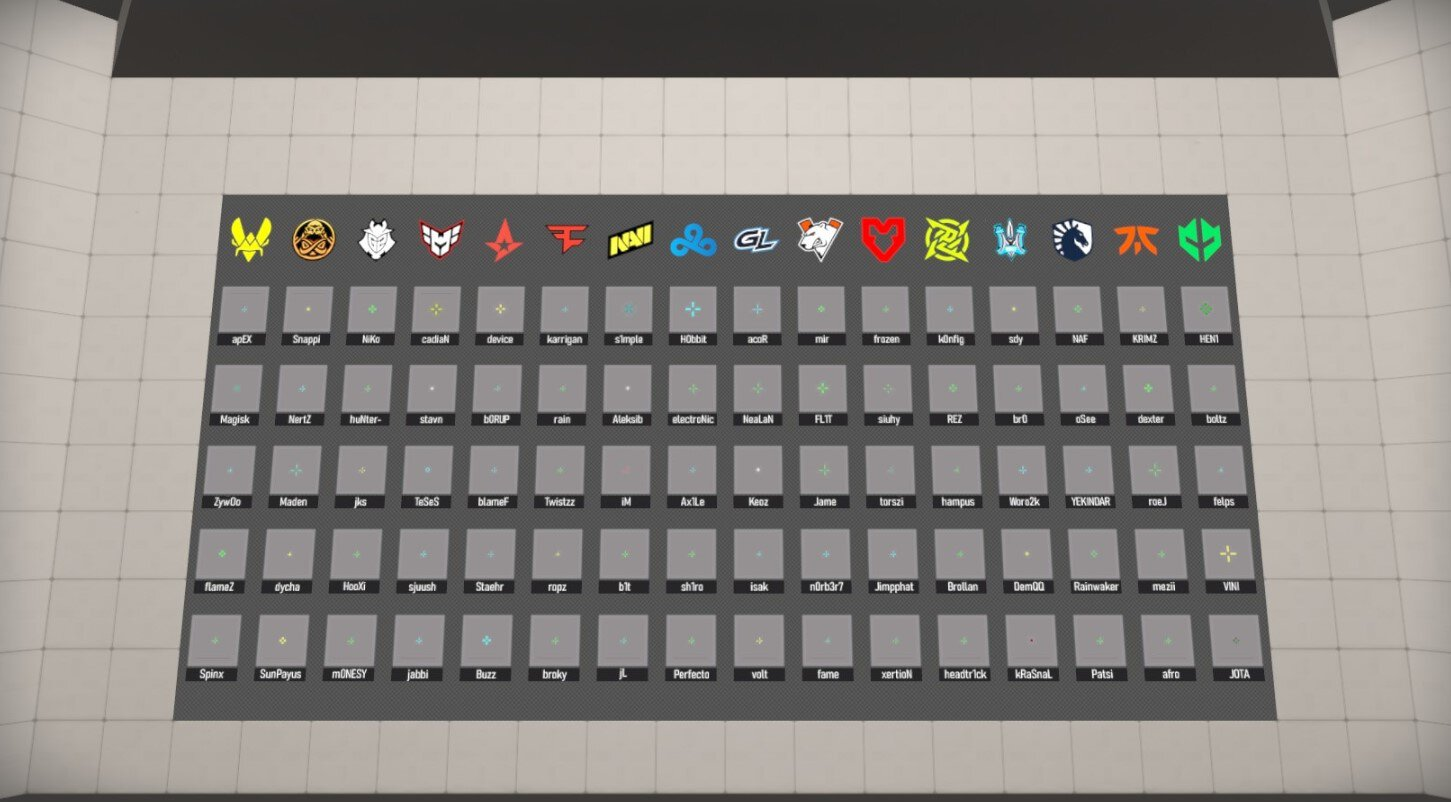
Map 5: crashz’ Crosshair Generator — Find Your Perfect Crosshair
This map allows you to instantly test dozens of crosshairs, including pro player settings, and create your own in real time. You can copy settings with a single click.
What skills it builds:
- Visual comfort
- Aim consistency
We’ve created a full guide with CS2 crosshair codes from professional players: CS2 Crosshair Codes Guide 2026 (Pro Settings)
Map 6: Fast Aim/Reflex Training
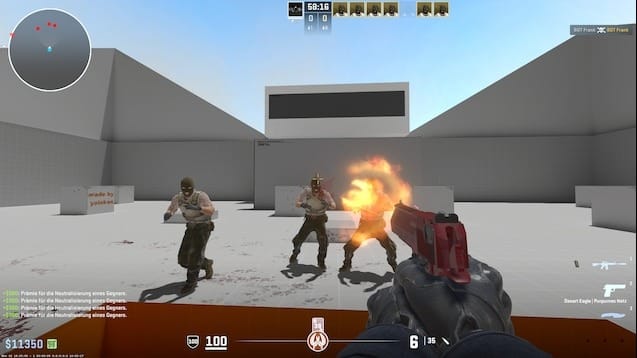
Increasing your rank would help if you had good reaction speed. You can have the lowest ping, the best computer components, and the most excellent monitor, but practice is necessary. Reflexes require close attention, and you must shift to your opponent's head without hesitation.
What skills it builds:
- Reaction time
- Flick accuracy
- Fast target switching
- Decision-making under pressure
You can also practice prefire on community-created maps. We will leave you a link.
Map 7: Viewmodel Generator — Optimize Your Screen Space
If your weapon takes up too much space, it can block important visual information. A clean viewmodel helps you track enemies more easily and reduces visual clutter. This is especially important in high-level play where every pixel matters.
What skills it builds:
- Better visibility
- Improved focus on targets
Map 8: Config Generator — Build Your Perfect Setup
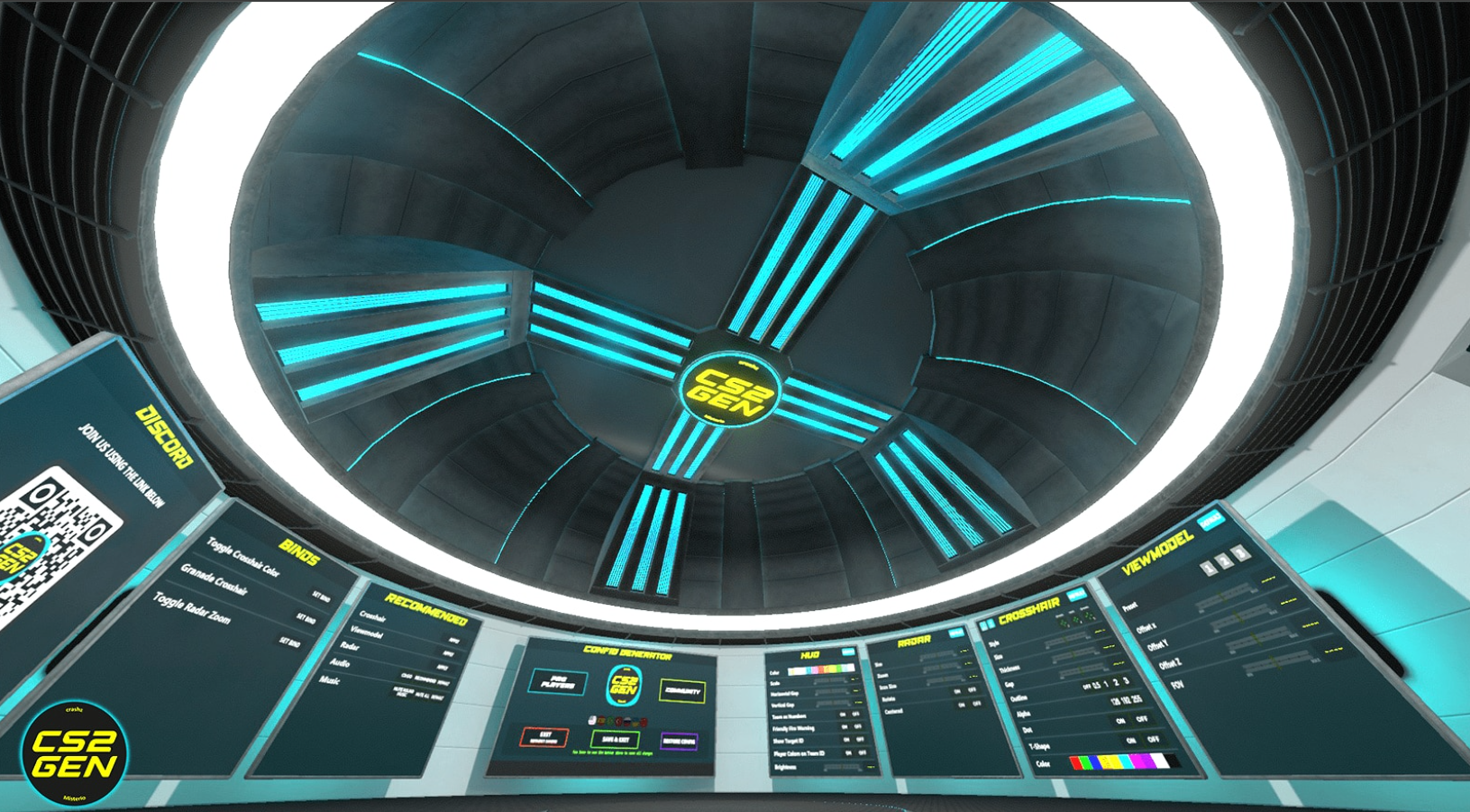
This map helps you create a full configuration file, including binds, settings, and useful commands. It simplifies what is usually a complicated process. Having the right binds can save milliseconds in critical situations — switching grenades, dropping weapons, or using utility. This map ensures your setup is efficient and tailored to your playstyle without needing deep technical knowledge.
What skills it builds:
- Consistency
- Faster in-game reactions through optimized binds
1v1 & Movement Practice Maps
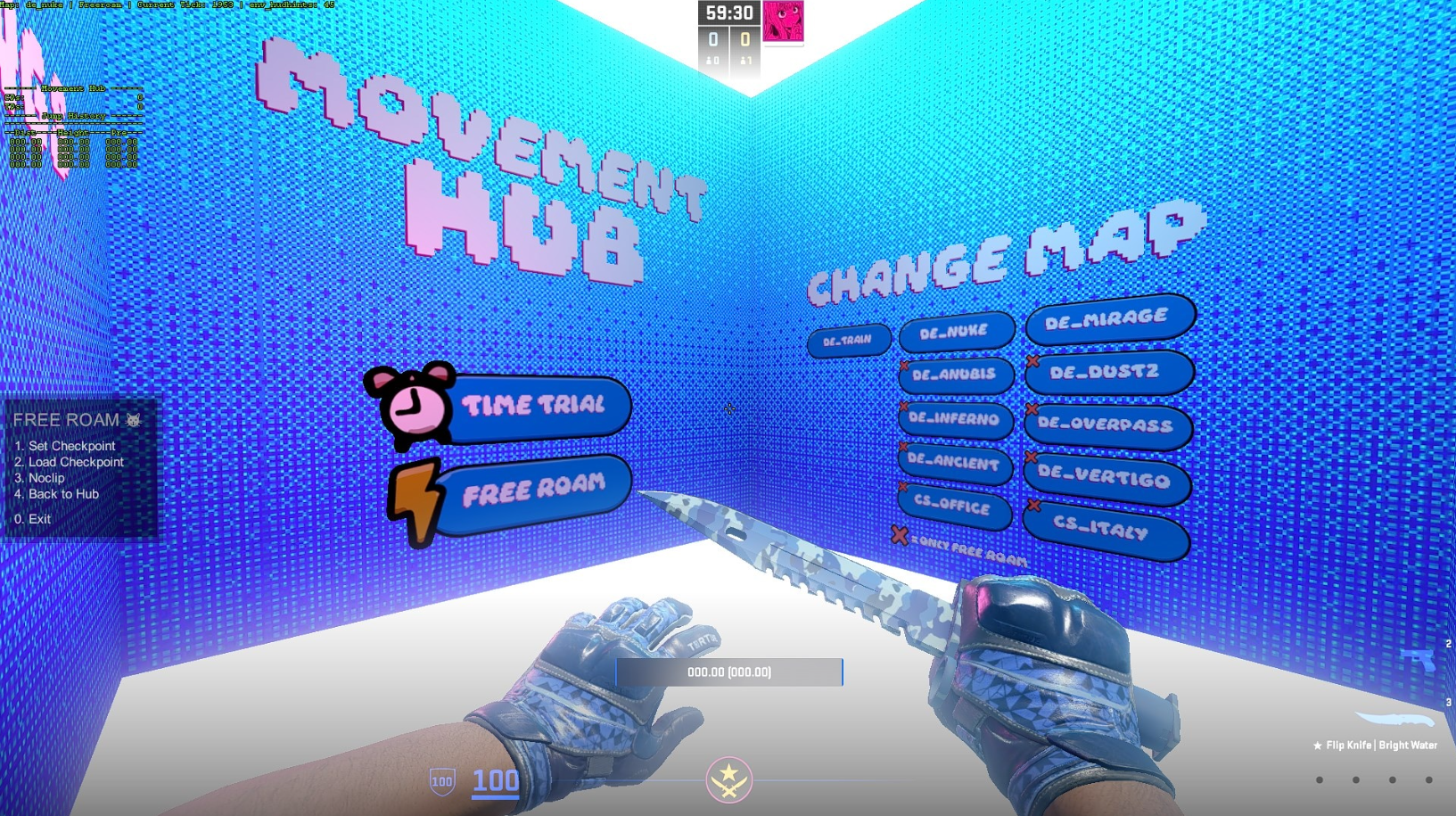
Not all improvement comes from static aim training. To become a complete CS2 player, you also need to test your mechanics in real pressure situations and refine your movement — the skill that controls how efficiently you move, peek, and survive in fights.
AIM Map (1v1 Duels) is designed for pure head-to-head fights. It removes distractions and forces you to rely on aim, positioning, and quick decision-making. This makes it perfect for learning how to perform under pressure, just like in real clutch or duel scenarios. Learn more: Duels Drills Used by Pros: Micro-Scenarios to Sharpen Aim
KZ_Grotto focuses entirely on movement mechanics. It trains precision jumping, air control, timing, and map navigation. Good movement makes your aim feel smoother and helps you win fights before they even happen by improving positioning and making you harder to hit.
Movement Hub focuses entirely on how you move around the map. It includes different zones and challenges designed to improve strafing, jumping, and overall mobility.
Good aim means nothing if your movement is predictable. This map helps you become harder to hit and more precise when peeking. It also improves how smoothly you navigate maps, which directly affects your survivability and positioning in matches.
Together, these maps bridge the gap between raw aim practice and real match performance — turning mechanical skill into practical in-game advantage.
For players who want to take this even further, platforms like xplay.gg add structured competitive environments on top of practice maps. Instead of training alone, you can jump into 1v1 duels. In this guide, we explain how movement actually affects your aim, why counter-strafe timing matters, and how to practice movement like a pro player. Surf/BHOP/KZ: Which Mode Builds Movement Skill Faster?
Top CS2 Practice Maps for Nades
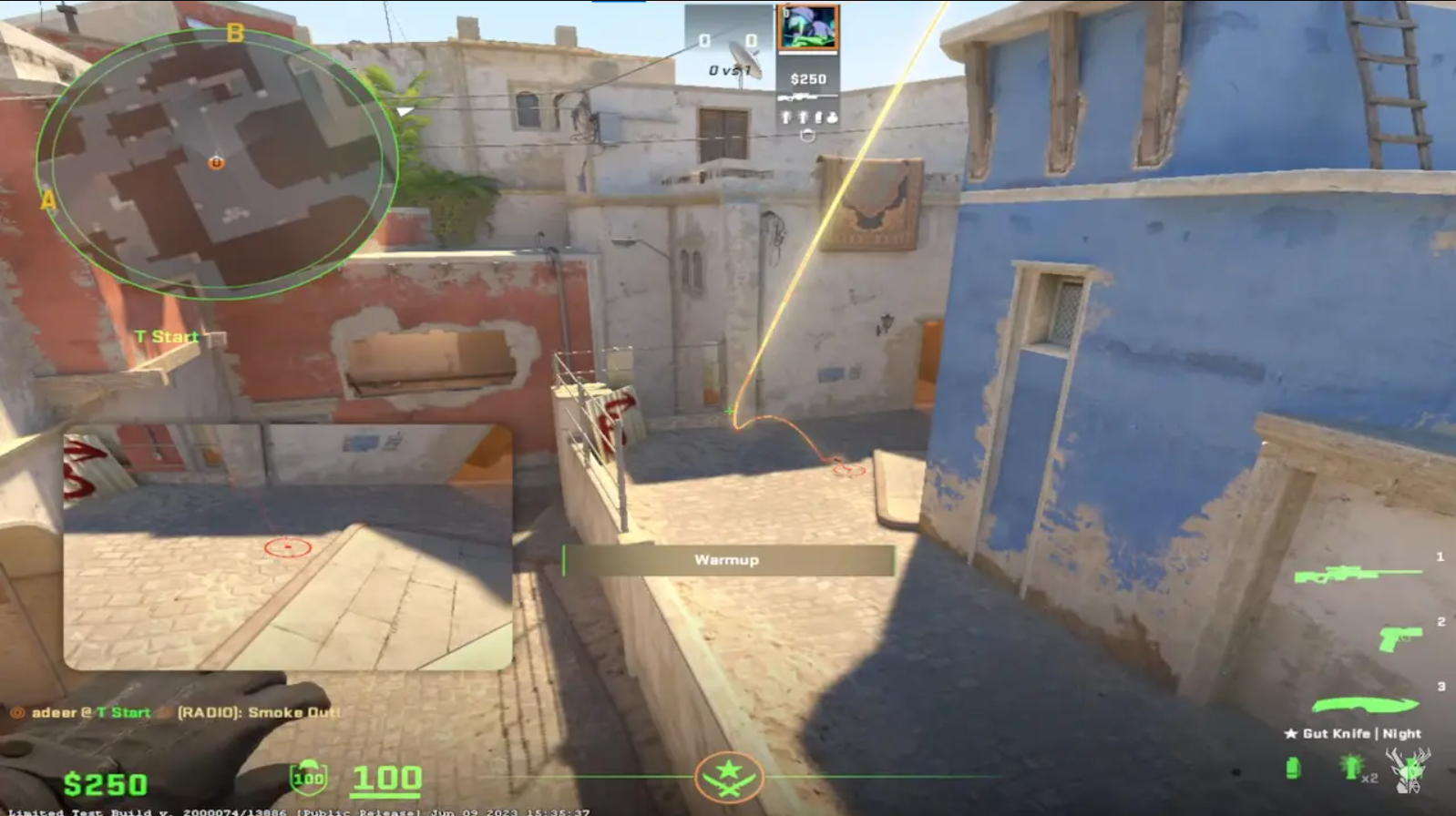
Grenade tossing in CS 2 is one of the leading tactical elements of the game. The right smoke, molotov, or flashbang in this team-based shooter can help you win a pivotal round. You need cards like in matchmaking, just for practice.
One of the best things about Counter-Strike 2 is the unique customizations in "practice" mode on any map you want:
- Grenade Camera - the trajectory of grenades becomes visible, and an additional screen shows the point of impact.
- Infinite ammo - also gives infinite grenades, so it is enough to procure a set once (if you need to buy a new type of grenade, throw away the old one - default key "G").
- Eternal warm-up - the game will last indefinitely and without the participation of bots.
Activating the above features will allow you to start your server to practice nades in CS 2.
We'll leave a link so you can see the Basic Nades for all maps in CS2, so you know exactly what to work out and where.
Grenade Prediction is available on scope.gg. The service is very useful and easy, especially for beginner players. Just follow the link, select the desired map and check all the smokes you need to see how exactly to throw a grenade, what point to aim at and where it will go.
If you want to improve your grenade usage in real match situations, check out our retake lineup guide: Retake Grenade Lineups by Map (Mirage, Inferno, Ancient)
Yprac Practice Maps — The Complete Utility System
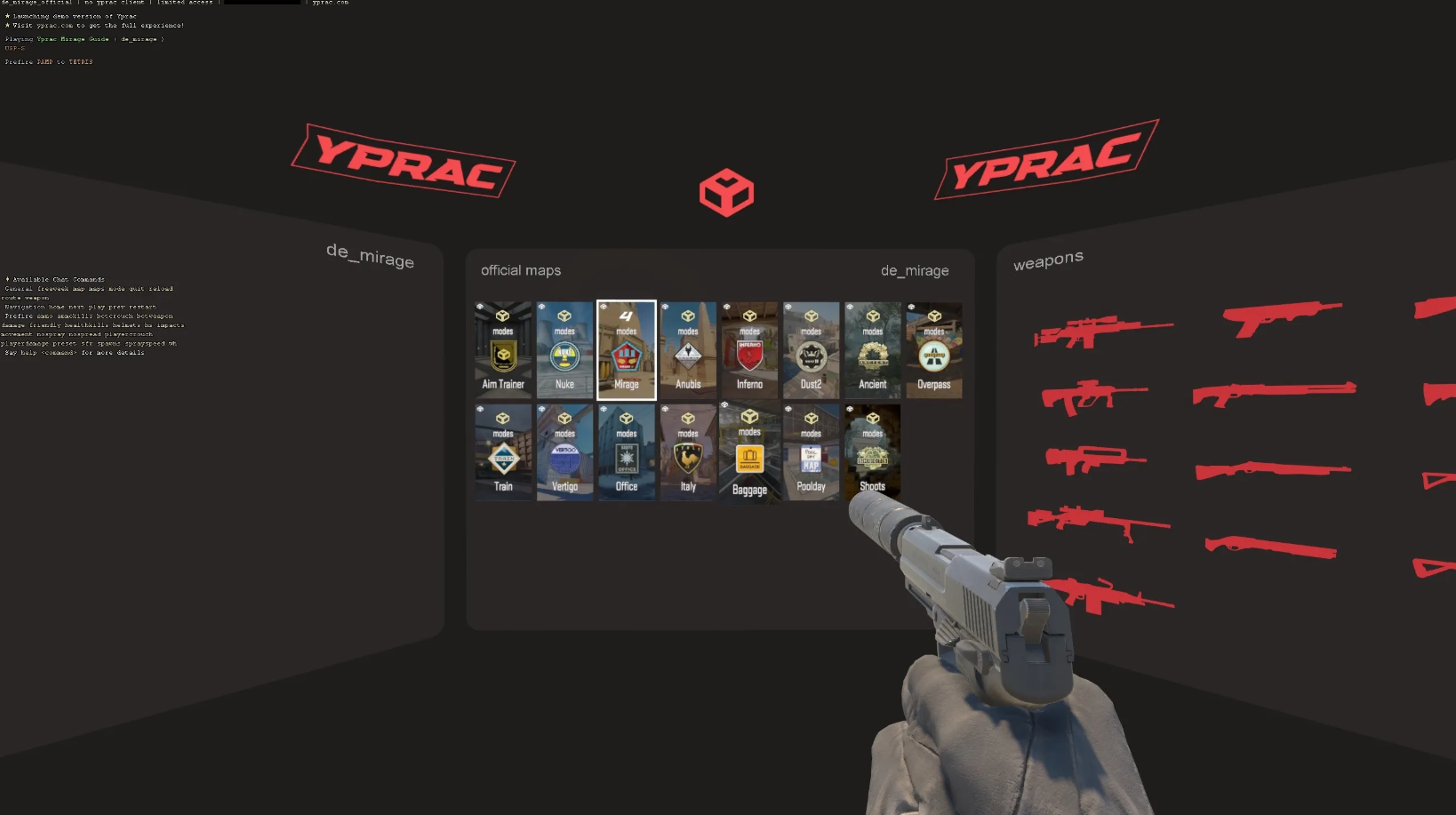
Yprac maps are the gold standard for grenade training in CS2. Each map (Mirage, Inferno, Dust2, etc.) includes built-in guides that show you exactly where to stand, where to aim, and how to throw your utility.These maps turn complex grenade lineups into a step-by-step learning process. Instead of memorizing random YouTube clips, you get visual markers and instant feedback.
What skills it builds:
- Smoke lineups for executes and retakes
- Flash timing and positioning
- Molotov usage for clearing angles
- Map knowledge and callouts
Best for:
- Beginners learning basic smokes
- Intermediate players building a utility pool
- Advanced players refining executes
Utility Maps (General) — Practice Real Match Scenarios
Utility maps are designed to simulate real match situations, where you practice using grenades in context — not just throwing them, but understanding when and why to use them. Unlike basic practice, these maps teach you how utility fits into the round. You’re not just memorizing throws — you’re learning how to use them effectively in real games.
What skills it builds:
- Decision-making with utility
- Timing of executes
- Combining flashes, smokes, and molotovs
- Teamplay awareness
Best for:
- Intermediate players
- Team players and IGLs
- Anyone wanting to improve game sense
5E_Prac (Prefire + Utility Integration)
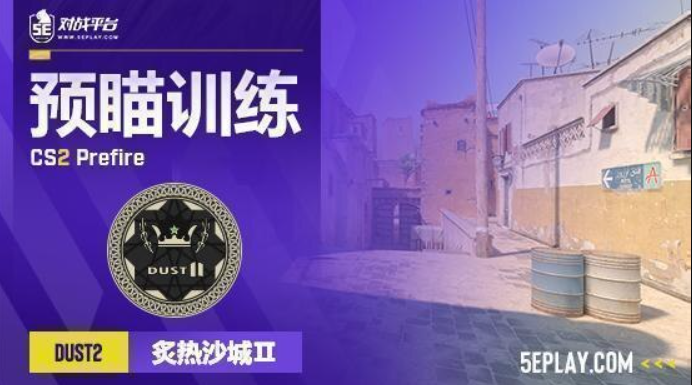
Although mainly known for prefire training, 5E_Prac maps also help you understand how utility and positioning work together. You practice clearing angles where grenades are often used in real matches.
What skills it builds:
- Combining utility with peeking
- Entry fragging with flashes/smokes
- Understanding common positions
Best for:
- Entry fraggers
- Players transitioning from aim-only training
CS2 Workshop Maps Overview
Below is a structured overview of the most useful CS2 Workshop maps, their purpose, and where to find them in the Steam Workshop.
How to Use AIM and Nade Training Maps Effectively
Settings and Practice Routine
Aim
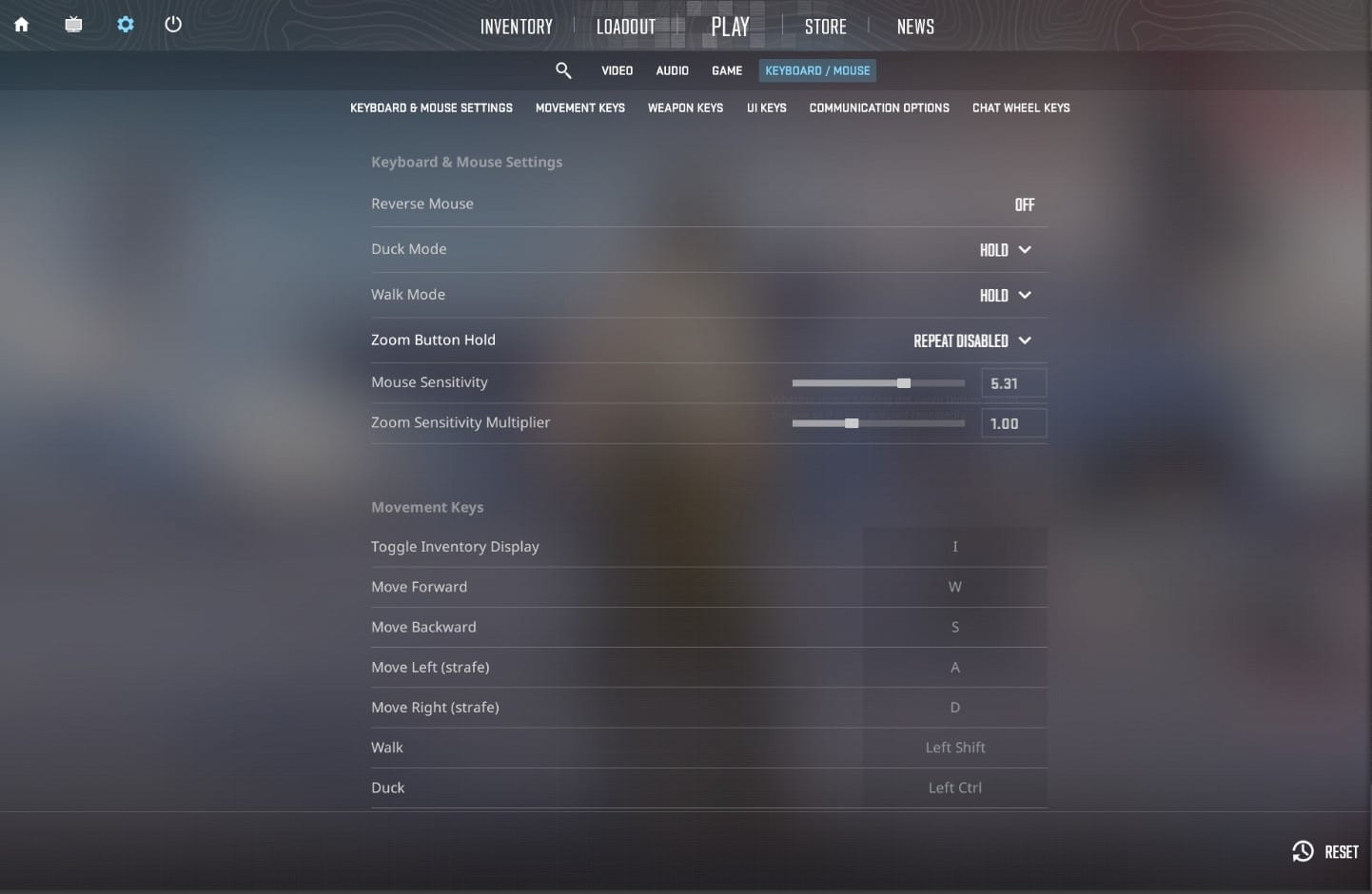
To practice aiming, you first need to adjust the crosshairs. We have an article to help you: The Ultimate Guide to CS2 Crosshair and Codes.
Instead of constantly changing settings, it’s better to find a comfortable sensitivity early (usually within a reasonable eDPI range) and stick to it. Consistency is what builds real muscle memory in CS2.
Adjust the mouse sensitivity. Changing the sensitivity settings can significantly impact aiming accuracy. Focus on stability and long-term comfort rather than constantly tweaking values.
Structured exercises can help you develop muscle memory and improve accuracy over time. To do this, use:
- Daily exercises — Play aim training maps for at least 30 minutes a day.
- Focus areas - focus on different aspects of shooting, such as headshots, tracking, and flip shots.
- Gradual improvement - track your progress and gradually increase the difficulty of the exercises. Use the in-game recording feature or third-party software to record matches and analyze your games.
In 2026, players rarely rely only on offline practice — combine Workshop maps with community servers or platforms like xplay.gg to simulate real combat situations (Deathmatch, Duels, Retakes).
Movement
Movement in CS2 is just as important as aim and utility — it’s the art of controlling your character. Good movement makes you harder to hit, improves your peeks, and directly affects your aim consistency.
Key movement skills to train:
- Counter-strafing (for instant accurate shots)
- Peeking mechanics (wide peek, jiggle peek, shoulder peek)
- Positioning and pathing around the map
- Jump mechanics and momentum control
You can practice movement on dedicated maps like Movement Hub or KZ maps, or combine it with aim training through prefire and duel scenarios.
Nades
You need to know the proper commands you can use on your custom server in training mode to train. Below, we will leave the list:
- sv_infinite_ammo 1 - infinite ammo.
- sv_cheats 1 - command enables cheat mode.
- noclip - command allows you to fly around the map.
- mp_freezetime - the command removes the freezing time at the beginning of the round so that you can practice your nades as soon as the round starts.
Additional useful commands and features in CS2:
- sv_grenade_trajectory 1 — shows grenade trajectory
- sv_grenade_trajectory_time — adjusts how long the trajectory is visible
- Built-in grenade preview tools in practice mode (no extra setup needed in many cases)
Remember to turn off sv_cheats and noclip before joining a server with other players.
Training for nades is best done daily for 30 minutes to an hour a day.
Drills and Exercises
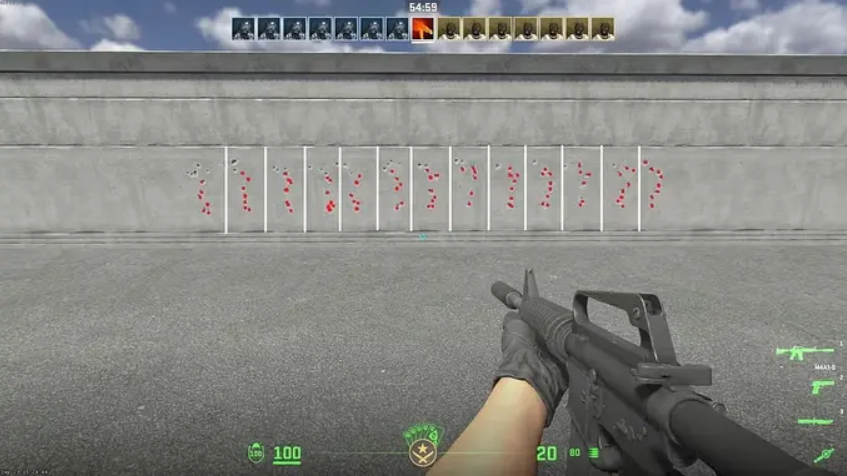
Aim
Consistent practice is the key to focused training in CS. Here's an exercise that works for me:
- Flick Shots: on maps like "aim_botz", practice switching to different targets quickly. Focus on speed and accuracy.
- Tracking: use moving targets, follow the target smoothly with your scope, and keep it on your head.
- Recoil control: practice spraying the wall to understand the recoil pattern of different weapons. Then, try to control the spray and make your bullets hit in a tight group.
- Mastering shooting techniques: you need to learn how to shoot single or bursts of three or four bullets.
- Peeking and pre-firing: the most influential positions on the map are well-known, and pre-firing can be fruitful.
To make drills more realistic, combine aim with movement:
- Practice counter-strafe before every shot
- Use prefire maps (like 5E_Prac) to simulate real engagements
- Play Duels or Arena modes on xplay.gg to apply aim under pressure
Nades
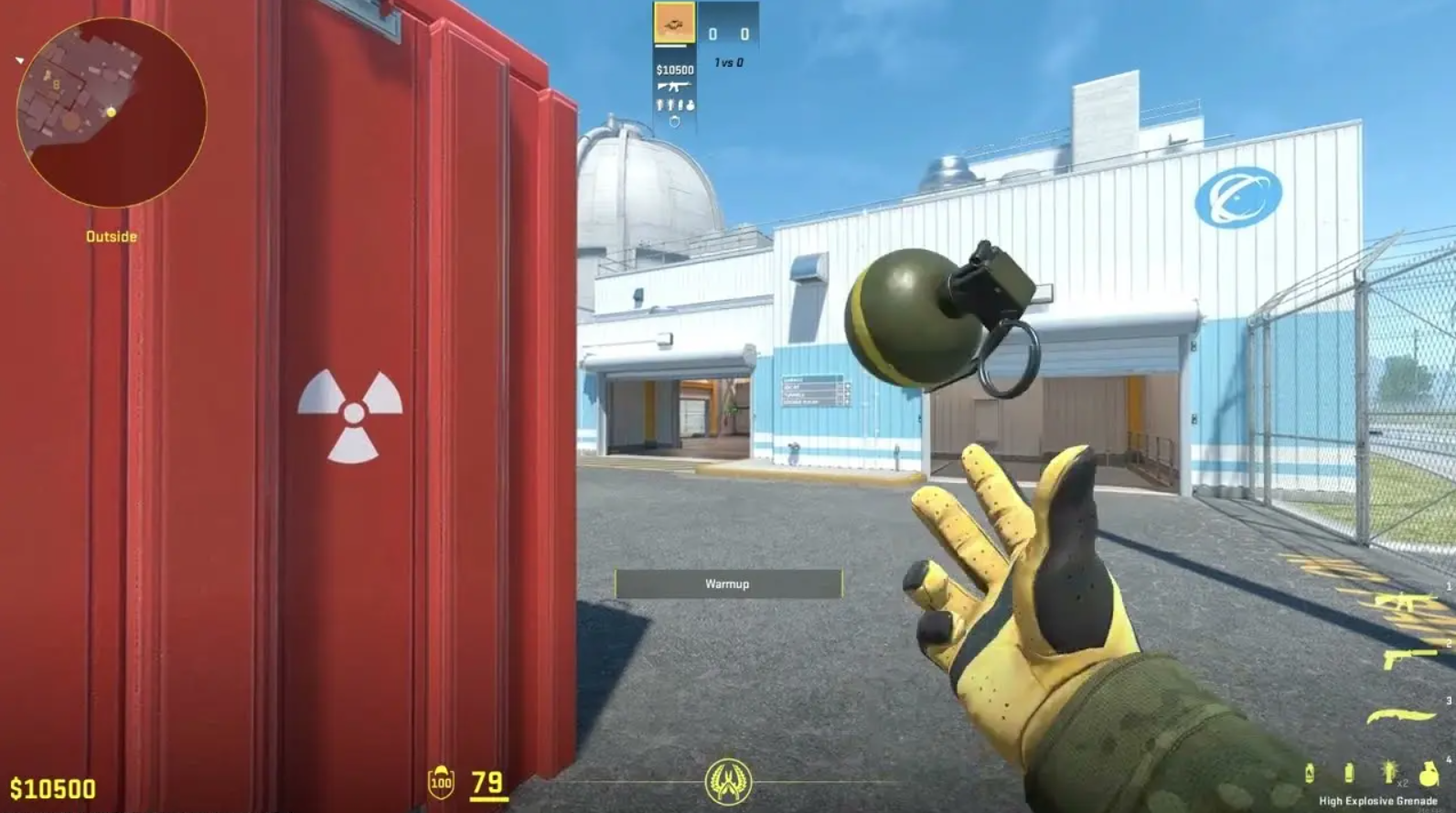
With the CS2 Grenade Camera active, point the grenade and release it. Then move through walls using the "noclip" feature to test your accuracy and memorize angles. This unique perspective allows you to fine-tune your throws and understand how your grenades behave in different situations.
We recommend that you aim for specific points and memorize them for matches.
To throw grenades effectively in CS2, it's essential to understand and master the different throwing techniques and strategies for a particular map.
The Pop Flash technique is valuable because the stun grenade explodes smoothly without hitting obstacles, catching enemies off guard and maximizing its effectiveness.
To master this technique, it is essential to practice throwing the flashbang so that it quickly "bursts" or explodes when released from your hand. This gives your opponents minimal reaction time and avoids being temporarily blinded by the stun grenade.
Bounce throws are a valuable technique for the safe use of grenades. By bouncing the grenade off the nearest wall or surface, you can take the enemy by surprise and reach areas that would otherwise be difficult to aim at without exposing yourself to enemy fire.
For faster learning in 2026, use utility training maps with built-in lineups and visual guides instead of memorizing throws manually. Combine this with practice mode tools for maximum efficiency.
Benefits of Regular AIM and Nade Training
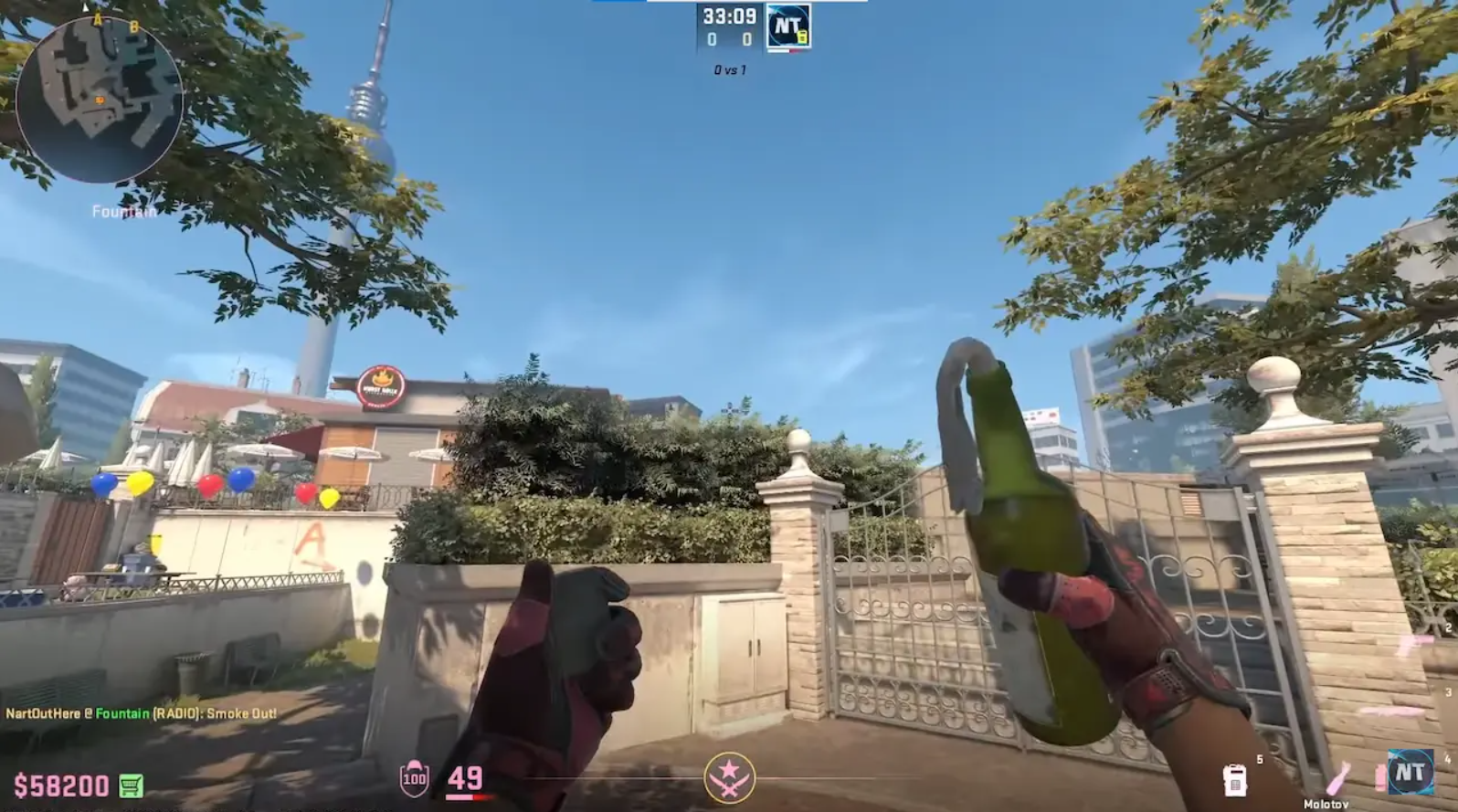
Incorporating daily workouts into CS2 is an excellent idea to improve gameplay and overall performance.
This helps develop muscle memory and hone your grenade-throwing and aiming skills, improving stability. By dedicating time each day to practicing specific grenade throws, shots, aiming, and spraying, you will get a better idea of how everything works in the game.
It is important to practice different types of throws and shots. This includes mastering the techniques listed in the previous paragraphs. You will see significant improvements over time by dedicating yourself to regular practice and repetition.
FAQ
How Often Should You Practice AIM and Nades in CS2?
3–5 times per week is enough for steady progress. Many players also do short daily warm-ups (15–30 minutes). Consistency is more important than long sessions.
Are There Any Free AIM and Nade Training Maps for CS2?
Yes. Most Workshop maps are free. You can also use community servers like xplay.gg for aim, duels, and retakes practice.
What Drills are Best for AIM and Nade Training in CS2?
Flick shots, headshot tracking, and spray control for aim. For nades — smoke lineups, flash timing, and molotov placement.
Can Nade Training Maps Improve Your Gameplay in CS2?
Mastering grenade throwing is a crucial skill, and with the proper training methods and server configuration, you'll be well on your way to becoming a CS2 pro.
How Do AIM and Nade Training Maps Help Improve Accuracy in CS2?
They build muscle memory through repetition. Maps like Aim Botz and Recoil Master improve consistency and control in real matches.