
Best Maps for Aim and Reaction Training in CS2

CS2 Workshop has enough aim maps to make a simple warm-up unnecessarily complicated. This guide narrows the list to current maps with a clear purpose, so you can spend your time practicing instead of deciding what to load.
How to Choose a CS2 Aim Training Map
Use this table to find the map category that matches what you want to practice.
Use one map for one weakness. Don’t rotate through every recommendation in the same session.
Best CS2 Maps for Basic Aim and Warm-Up
Aim Botz
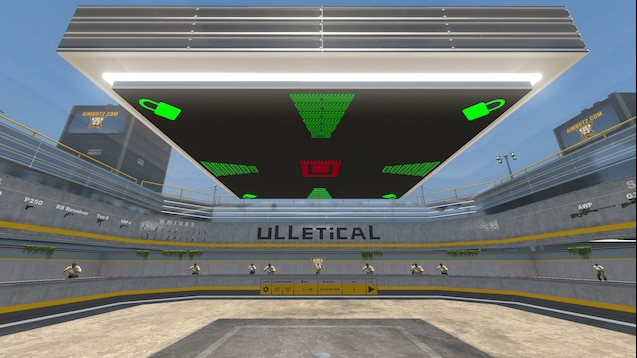
The setup is fully adjustable, with toggles for moving bots, bot armor, unlimited ammo, and individual arena sections. Any weapon is available, and the map includes peek and spray walls.
- Workshop link: Aim Botz - Aim Training (CS2)
Fast Warmup
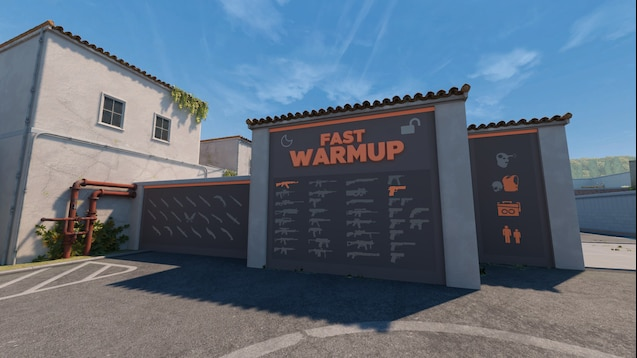
Several warm-up options sit inside one solo map, including peeking bots, static bots, AWP flicks, spray and recoil practice, target drills, and a 50-kill challenge. Selectable weapons, knives, pro player crosshairs, and a KZ course are also available.
- Workshop link: Fast Warmup — Bot Training
5e_aimhub
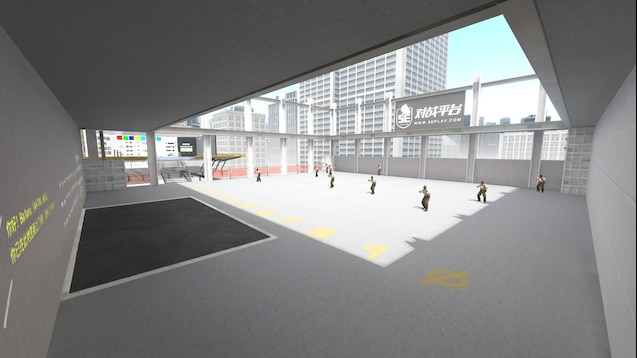
Use this map to test a crosshair change while you are aiming, not only while looking at it in the settings menu. Its description credits ProSettings for crosshair data and crashz’ Crosshair Generator v4 for its customization code. A legacy version is also linked there.
- Workshop link: 5e_aimhub
Best CS2 Reaction Time and Dynamic Aim Maps
Fast Aim/Reflex Training
![CS2 Workshop Map: Fast Aim/Reflex Training [CS2]](https://xplay.gg/blog/content/images/2026/08/data-src-image-b2059943-3b57-4df4-b5f9-a6c257c2a989.png)
This official CS2 remake is still a work in progress, with some comfort features missing and imperfect bot movement. The command bot_quota 6 sets the lobby to six bots.
- Workshop link: Fast Aim/Reflex Training [CS2]
Aim_Rush
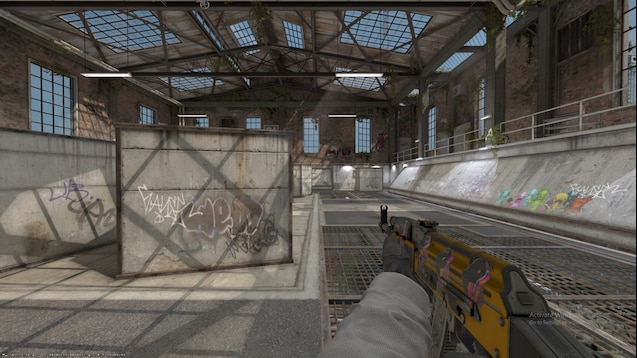
Difficult dynamic targets appear across selectable arenas, with weapon and other settings available before you enter. Bots mirror the weapon you choose. To return to the lobby from an arena, shoot the menu sign in the upper-right corner.
- Workshop link: Aim_Rush / Aim training map
Best CS2 Maps for Holding Angles and Peeking
Angle Hold Trainer
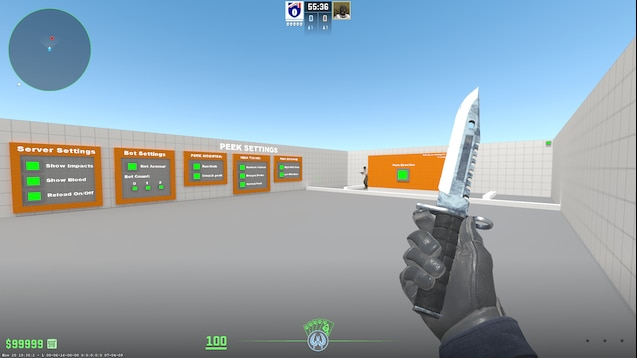
This map is built for high-volume angle-hold practice. Join CT, then change the side of the wall the bots peek from by pressing Use or shooting the green button.
- Workshop link: Angle Hold Trainer CS2
Best CS2 Maps for Recoil Control and Measurable Progress
Recoil Master
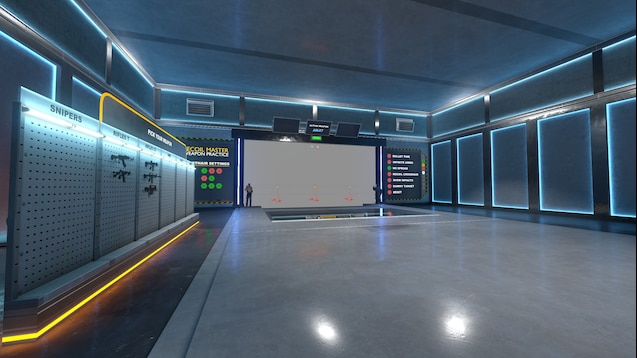
Wall ghosthairs show recoil compensation patterns for rifles, SMGs, and pistols. The map also includes automatic spray resets, custom ranges, infinite ammo, no spread, and Bullet Time. The creator notes that some features may not work yet.
- Workshop link: Recoil Master - Spray Training (CS2)
CSStats Training Map
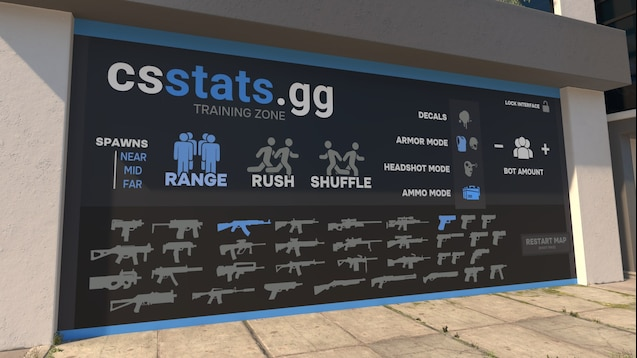
Three warm-up modes use standing, rushing, and side-to-side bots. Time Trial records how many of 45 bots you kill. Speed Challenge tracks your time and KPM over 50 kills, and the spray-practice mode shows results from previous spraydowns.
Workshop link: CSStats Training Map (CSGOHUB)
Best CS2 Prefire Maps for Competitive Play
5E Mirage Prefire
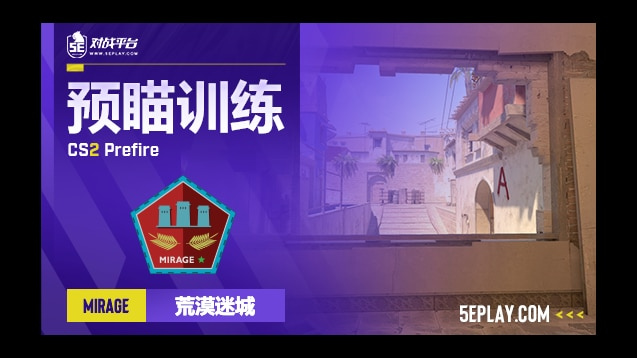
Four difficulty levels and eight attack or defense routes are available in the Mirage edition. The map focuses on prefire, positioning, and movement control in combat scenarios.
- Workshop link: 5E_Prac_Mirage_Prefire
lmtlss Mirage Prefire
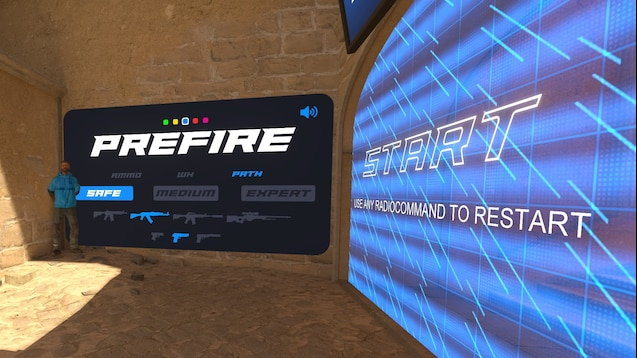
Three bot difficulty levels and 240 possible bot positions are available in this Mirage map. You can also change dynamic bot spawns, bot colors, and map paths.
- Workshop link: lmtlss Mirage Prefire
How to Turn Map Practice Into Match-Ready Aim
Workshop maps isolate one mechanic at a time. Actual matches test if that mechanic still holds up with timing, movement, utility, unpredictable peeks, and pressure.
Test Your Aim on xplay.gg
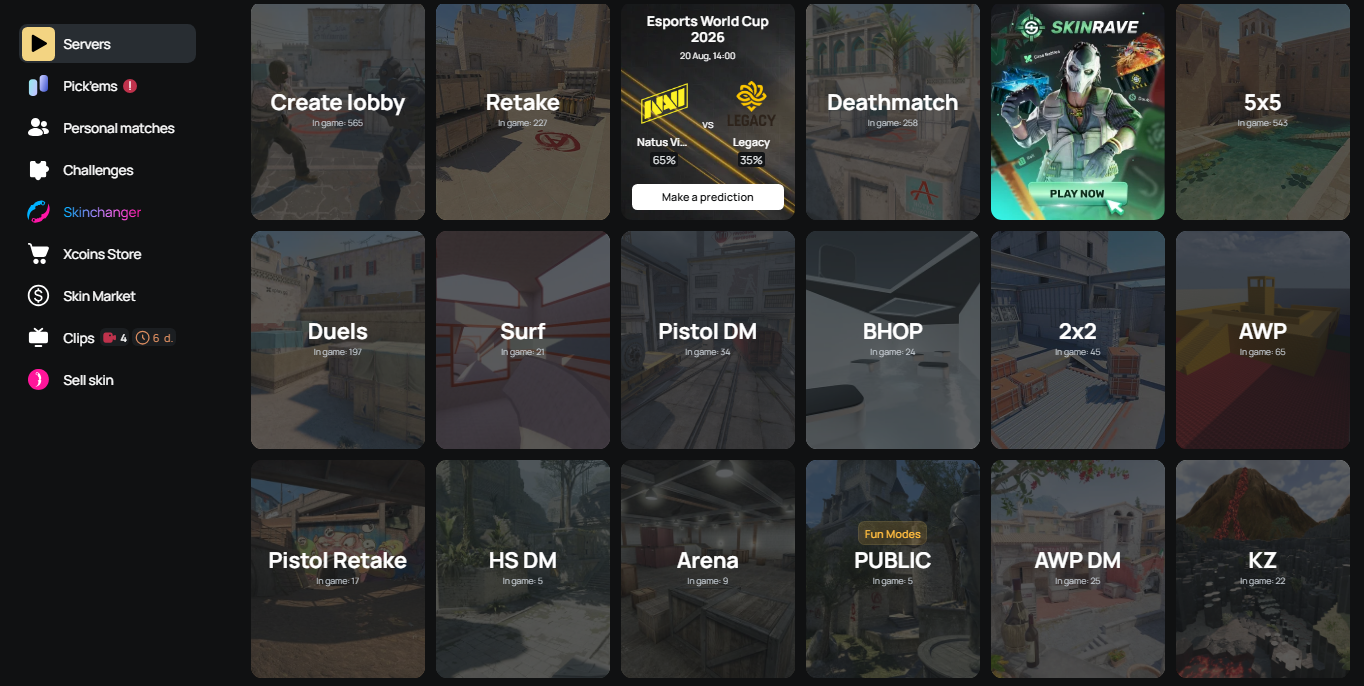
Take one weakness from your map session into a live mode. Use the Arena, Deathmatch, Duels, and HS Deathmatch guide to choose the right next step.
- Spend 10–15 minutes on one map from xplay.gg pool that targets one weakness.
- Move into HS Deathmatch for first-bullet headshots, Deathmatch for varied fights, Duels for isolated 1v1s, Arena for fast re-peeks, or Retake for post-plant rounds with utility.
- Check if the issue still appears against moving players when you counter-strafe, react to a re-peek, or clear more than one angle.
- For the next session, change one training variable and keep the rest of the routine unchanged.
Challenges give your routine daily goals and are part of the daily streak and reward system. Complete them to earn xcoins, xplay’s in-platform currency. Spend xcoins in the Store on available skins. Some skins are drops-only or Premium-only.
Common CS2 Aim Training Mistakes
- Overloading one session with unrelated drills. A recoil drill, a prefire route, and a flick routine won’t give you one useful baseline. Start with the error that appeared most often in your recent matches.
- Trying to solve a movement error with static bots. If your first bullets go wide as you leave cover, use a peek drill or moving targets. Stationary bots only test your crosshair once you have already stopped.
- Running drills without a baseline. Start with a measurable target, such as a 50-kill time, hit count, or spray result. Use the same weapon and setup so the next attempt is comparable.
- Changing several settings mid-session. Don’t alter your sensitivity, crosshair, and drill parameters at once. If the next run feels better or worse, you won’t know which adjustment mattered.
- Treating a Workshop score like a rank. Use the score as a reference for that drill. It shows whether the attempt improved, not how you will perform in a match.
How to Install CS2 Aim Training Maps
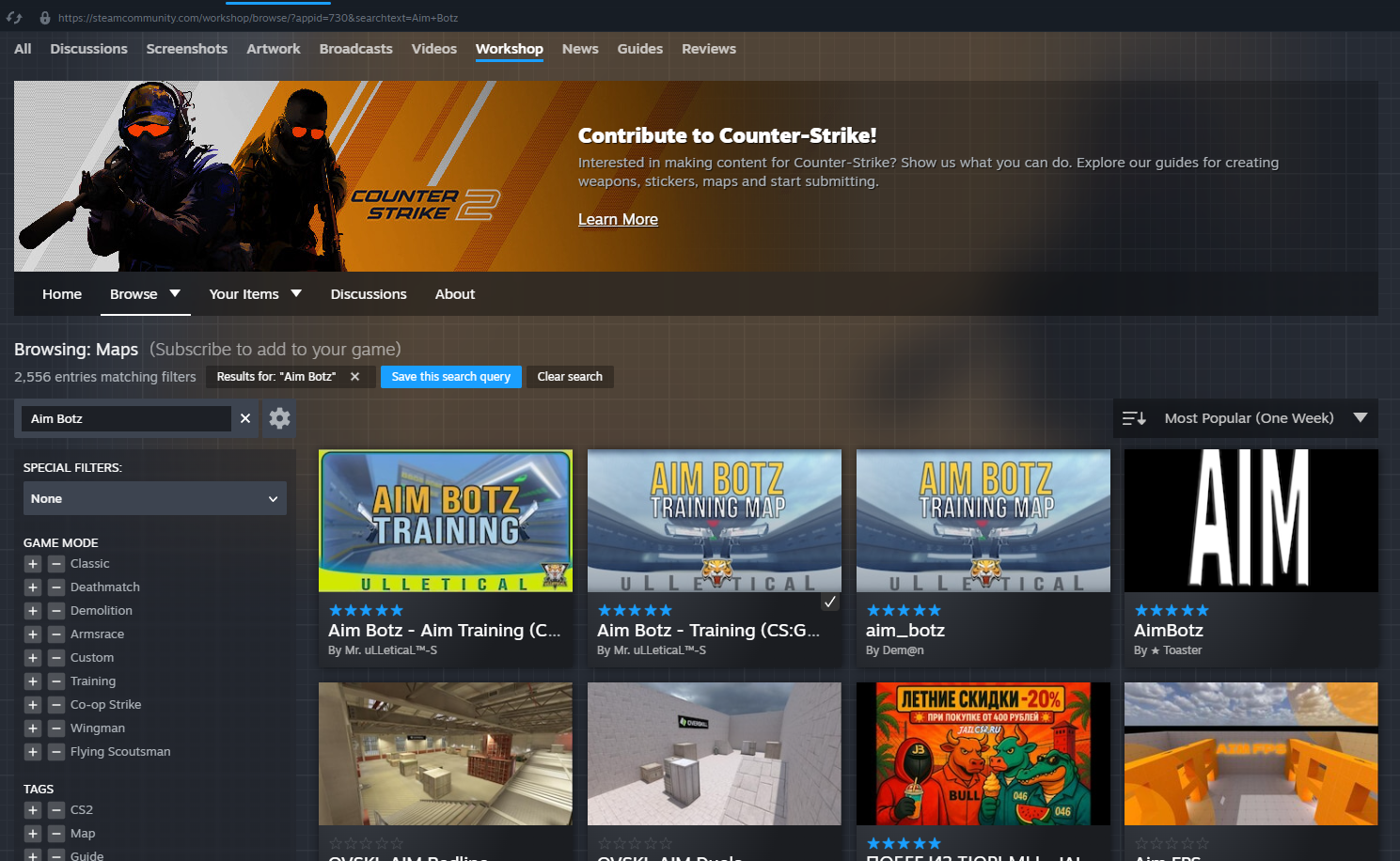
- Open the map’s Steam Workshop page and check that it's the current CS2 version. Don’t subscribe to an older CS:GO listing with a similar name.
- Click Subscribe on preferred map. Steam downloads it automatically.
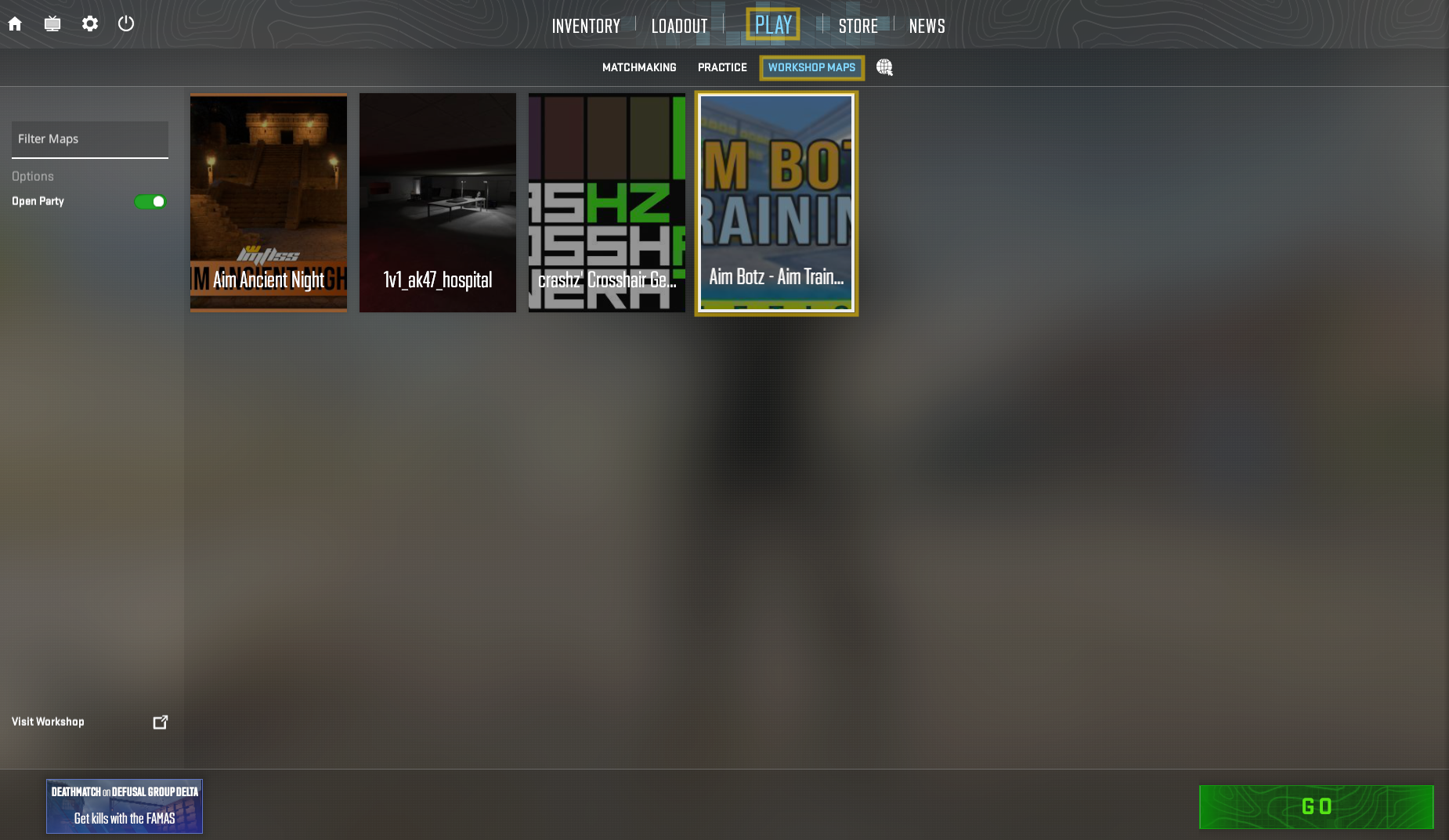
- Launch CS2, select Play > Workshop Maps, choose the map, and press Go.
Keep Your CS2 Workshop Library Lean
A good map doesn’t need to stay in your routine forever. Revisit saved maps when their creators update them for CS2, remove subscriptions you no longer need, and keep the list short enough that choosing a drill takes seconds.