
How to Warm Up for Premier in CS2 Without Wasting Your First Match


If your first Premier duels feel rushed, try the ten-minute CS2 warm-up with Deathmatch and Retake. Get comfortable with your rifle, then play a few post-plant situations before queueing.
These routines suit regular and returning players who already know the basic mechanics. If you're still learning to counter-strafe or control a recoil pattern, give that skill a separate practice session.
Choose Your CS2 Premier Warm-Up by Time and Goal
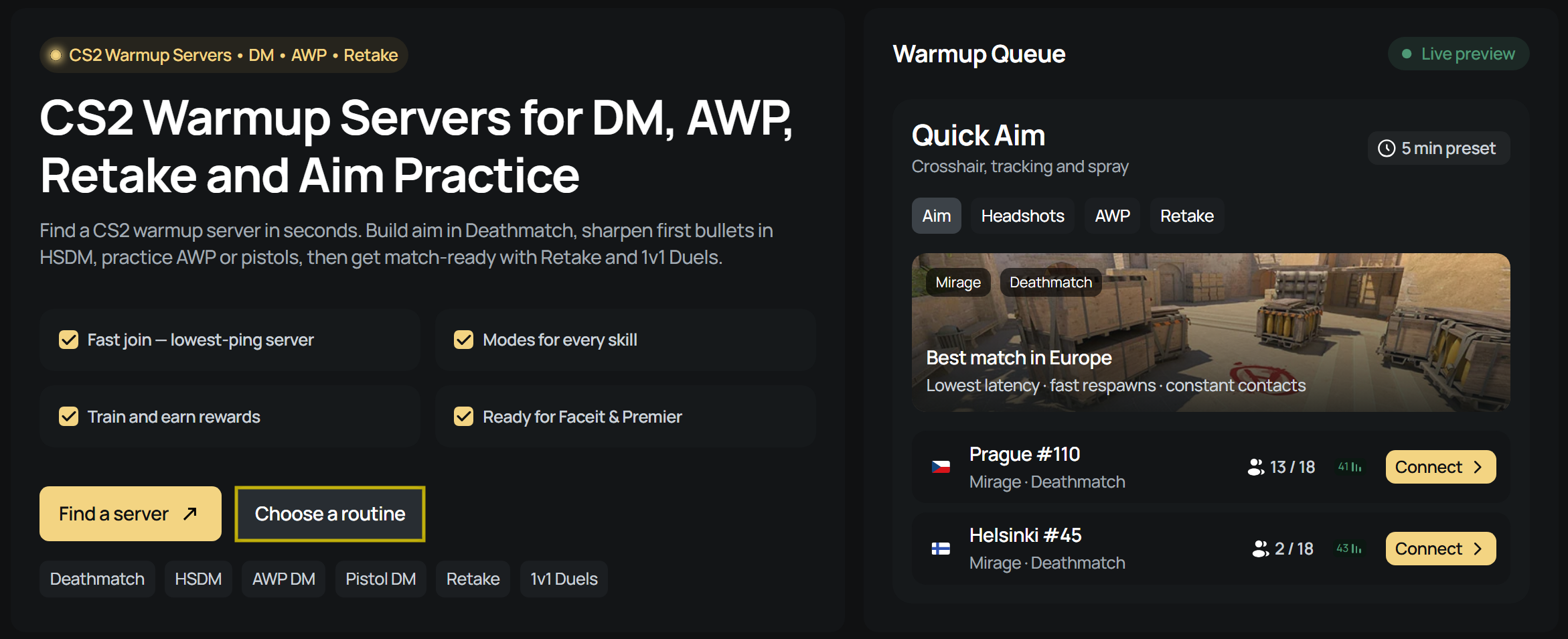
Decide how much time you have and which part of your game needs attention. On xplay.gg’s CS2 warm-up page, you can choose a preset by duration or go straight to the mode you want to play.
The durations are the totals shown on the routine cards. When timing the session yourself, keep the shooting stages inside the duration you chose.
5-Minute Aim Warm-Up for a Quick Rifle Check
Pick this when a short shooting session is all you need. Deathmatch gives you repeated contacts for crosshair placement and recoil control. Choose a longer preset if you also want to rehearse decisions around the bomb.
10-Minute Match Warm-Up for Rifles and Retakes
Use this when a rifle is your main weapon and you want some round practice before Premier. The change from DM to Retake is your cue to pay attention to teammates, utility and the bomb timer.
15-Minute Premier or FACEIT Warm-Up With Pistols
Choose this when pistol timing needs attention alongside rifle accuracy. The dedicated Pistol DM stage makes it more relevant to your opening rounds than a routine built only around rifle fights and Retake.
Start a Preset or Choose a Server Yourself
Use Choose a routine or the Routines navigation item to reach the preset cards:
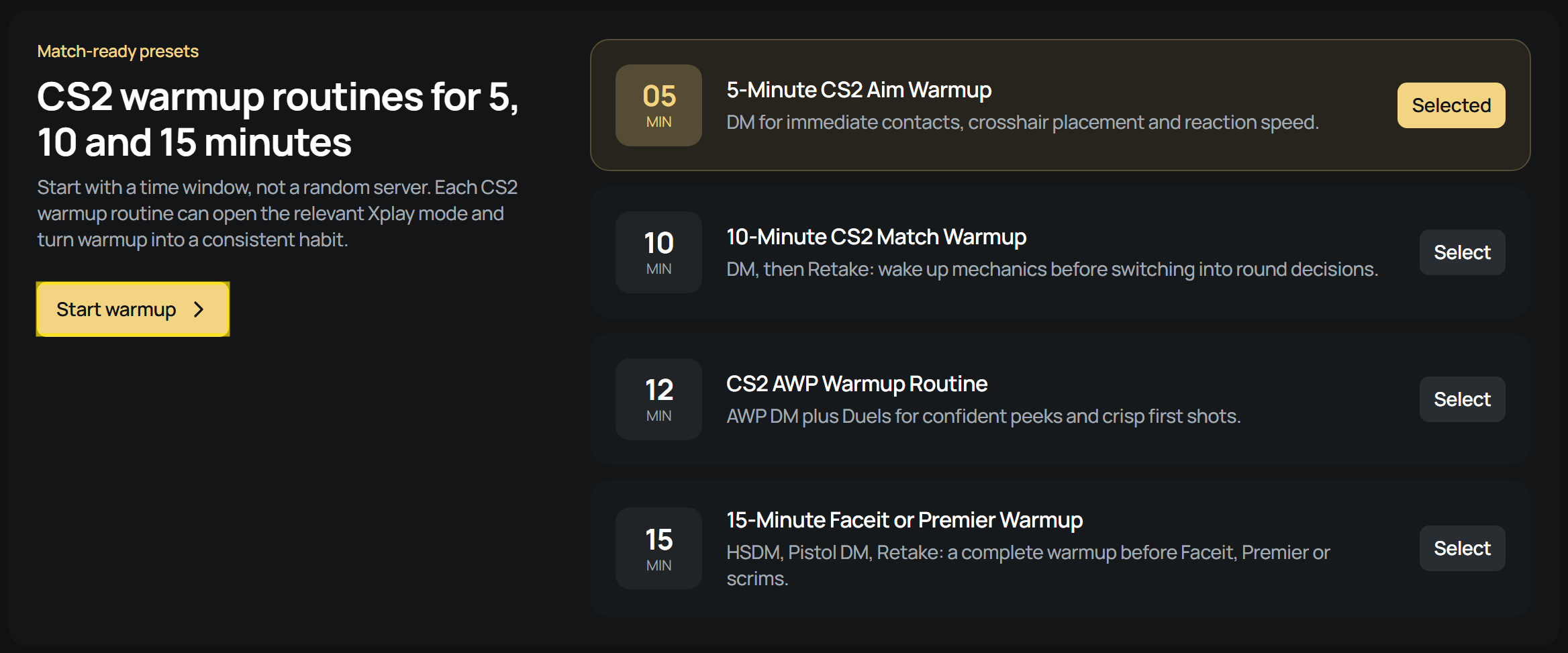
- Press Select on your chosen routine, or keep the card already marked Selected.
- Press Start warmup.
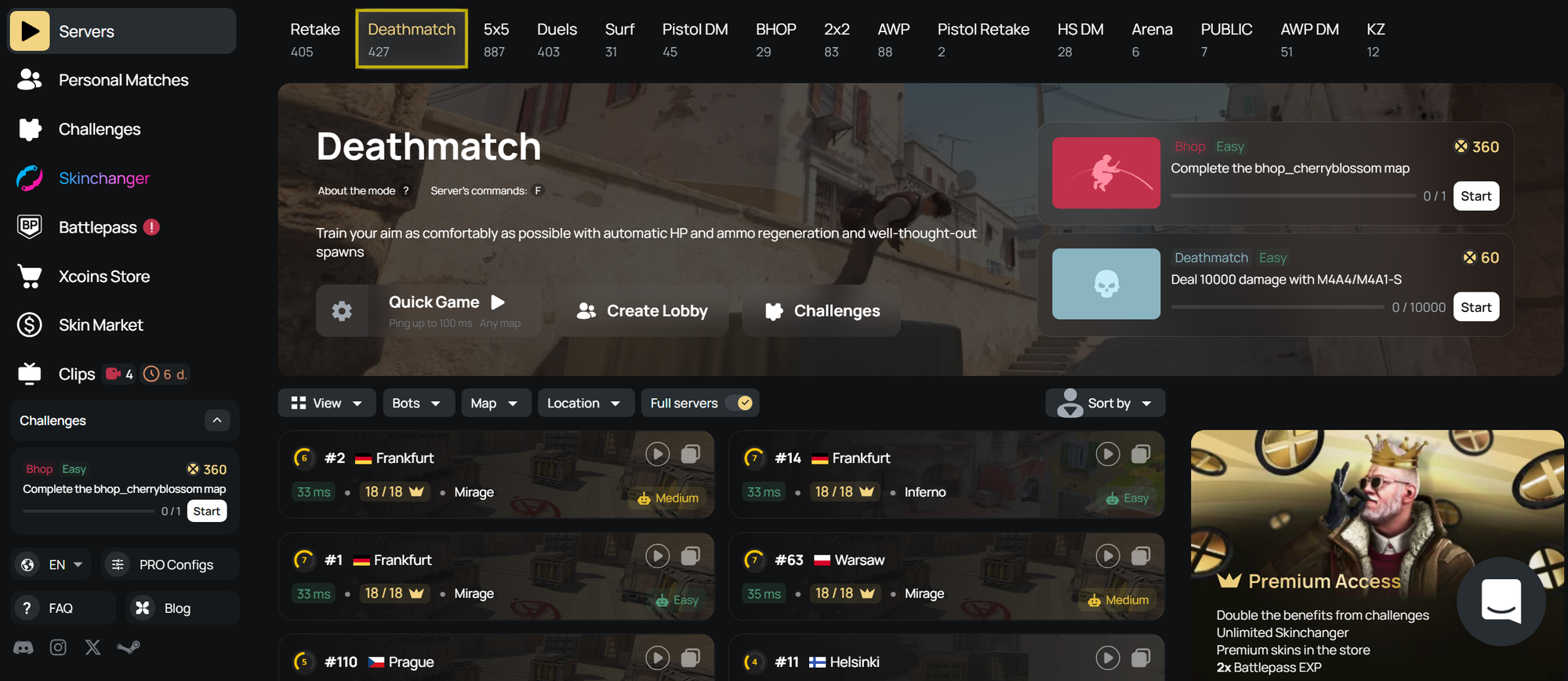
For a specific mode, use Find a server or Servers to open the browser. Choose your region tab, then compare the current map, player count and displayed latency before pressing Connect. The list is sorted by latency for your region, and its activity and queue information update live.
Sign in through Steam if prompted and let CS2 finish loading before starting your shooting time. For a manual connection, copy the server IP and follow the console method in the CS2 community server connection guide.
Challenges and Private Practice
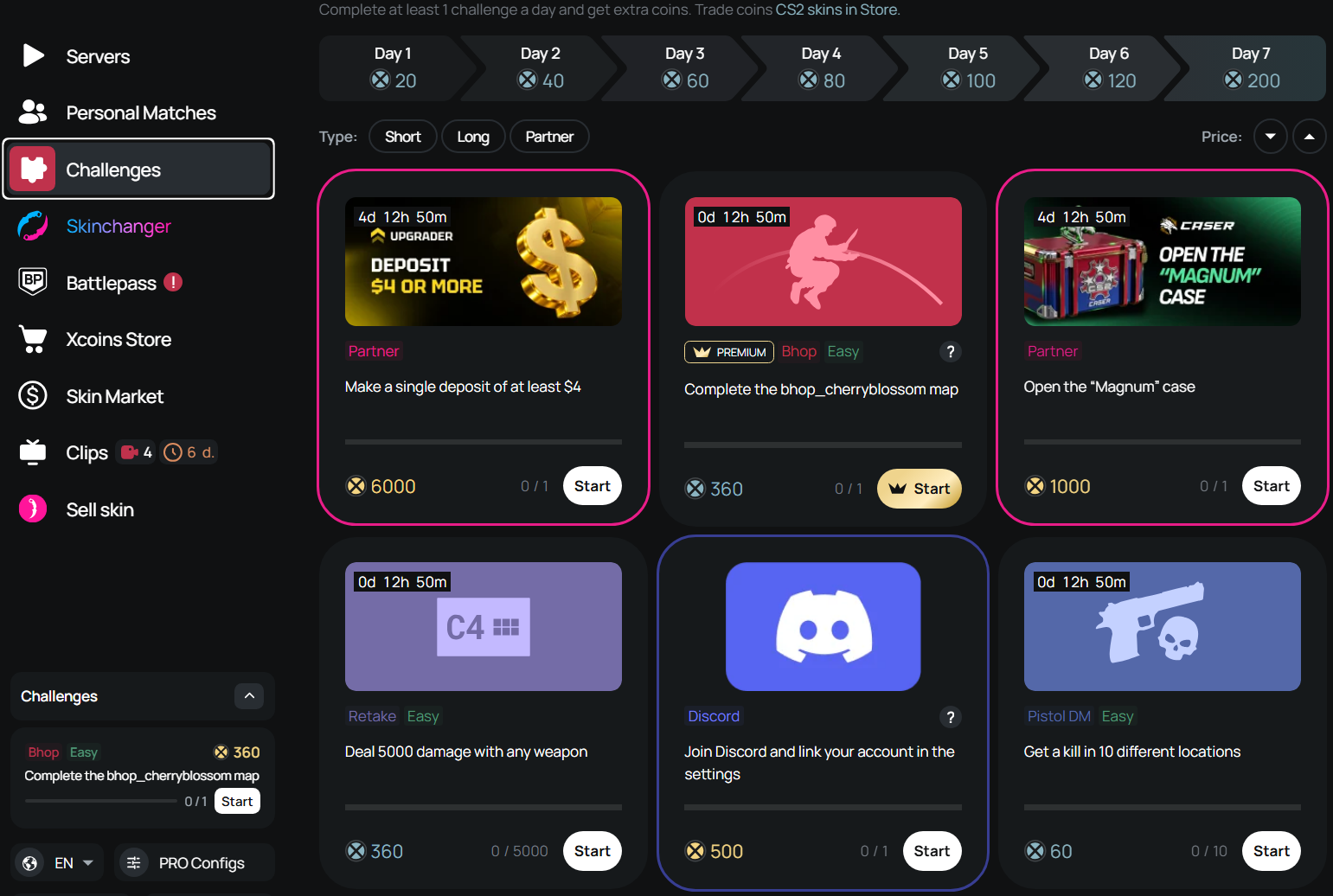
If a Challenge fits the mode you already planned to play, complete it during the session. Treat xcoins and other rewards as a bonus and keep your original finish time.
Private lobbies and custom settings are useful when a public server doesn't suit the drill. Agree the rules with your group before starting, and allow separate time for any setup.
What to Focus on During Each Warm-Up Stage
Keep your usual sensitivity and crosshair while warming up. Use the weapons you expect to play, so the session checks familiar mechanics before the match.
Deathmatch: Control the First Burst and Prepare the Next Angle
Spend some rifle time with the AK-47 and some with the M4 you normally buy on CT side. Start at a pace where you can stop and fire deliberately, then take faster fights as your timing settles.
- Peek from cover when the position allows it.
- Counter-strafe before firing a tap or short burst.
- After a kill, prepare your crosshair for the next likely enemy position.
Use short bursts at medium range and controlled sprays up close. After a missed burst, release the trigger and aim again instead of dragging the rest of the magazine after the target.
Deaths from behind and awkward spawns make DM scores a poor readiness test. Watch your first-shot control in fights you had time to prepare for.
HSDM: Set Your Crosshair Before the Opponent Appears
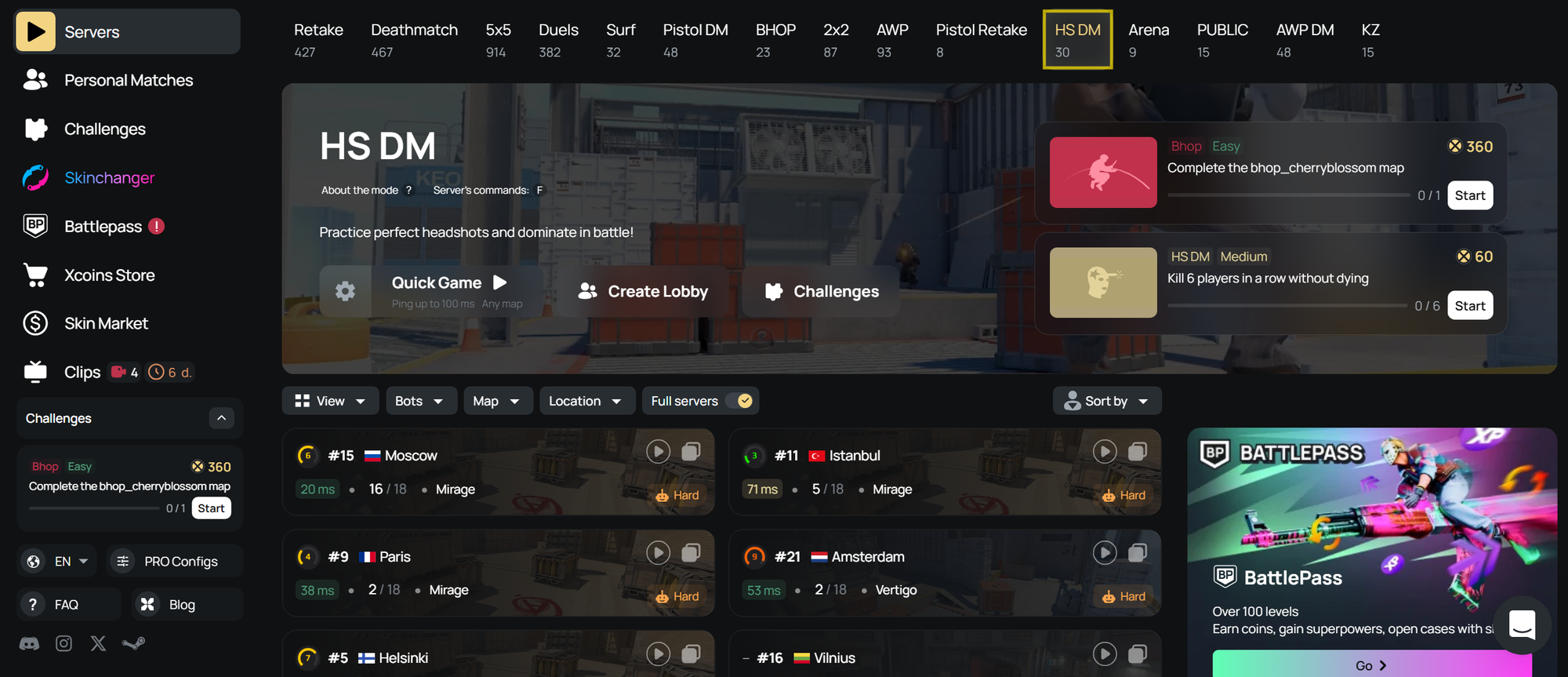
HSDM is headshot-only Deathmatch. Approach each angle with your crosshair at the height of the head you expect to see, then make a small correction when the player appears.
Clear one likely position at a time. If almost every contact needs a large flick, slow down and check where your aim starts. In Premier, body shots and close-range sprays remain valid choices, so carry over the preparation without forcing every fight into a tap.
Retake and 1v1 Duels: Practice the Decisions Around the Shot
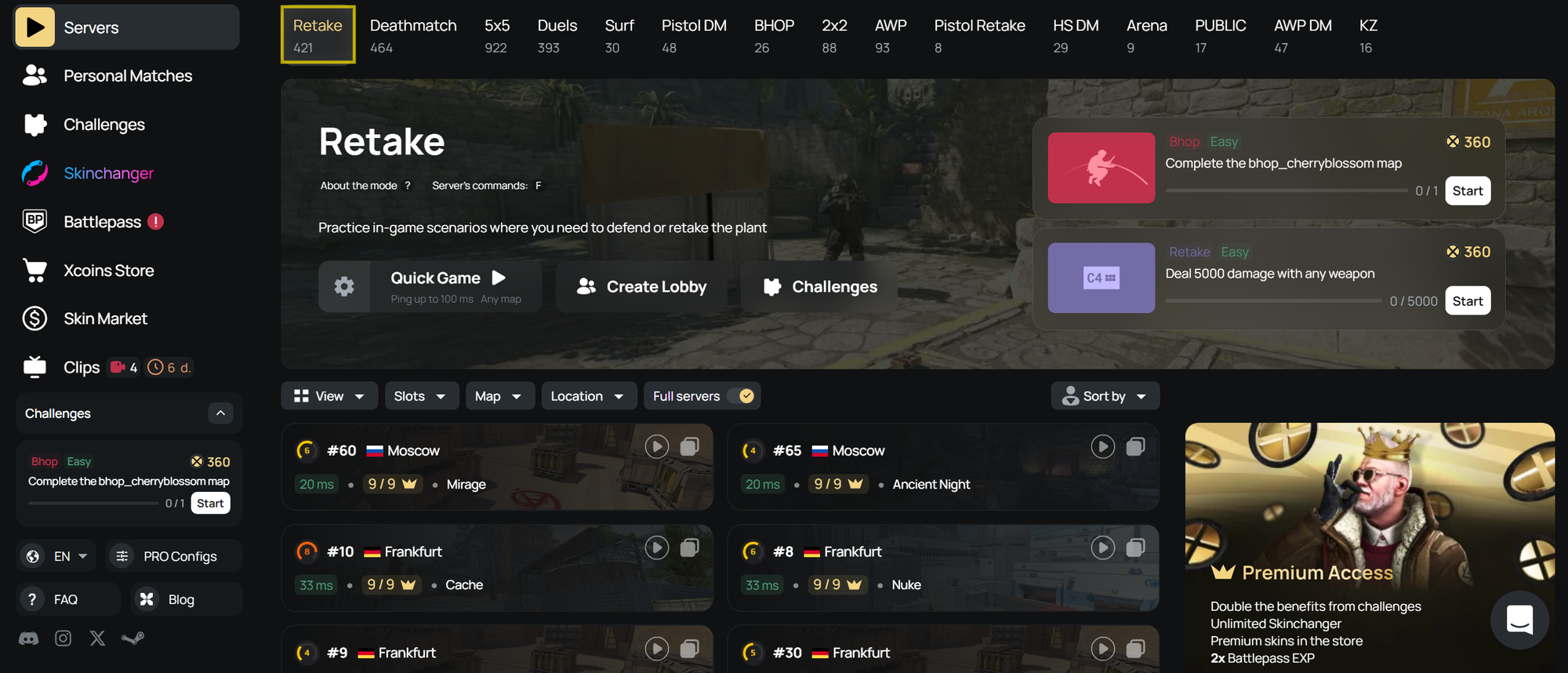
In Retake, work on one familiar action across several rounds. On CT, have your weapon ready to trade the first teammate into contact. On T, hold a position where you can cover a teammate and still respond to a defuse.
During a Mirage A retake, stay in position to trade a teammate who is clearing Tetris. Turning toward Palace at the same moment creates a separate fight and can leave them unsupported.
Use 1v1 Duels to repeat individual fights with a clear focus. Take a deliberate peek and decide how to use cover after the first shot. Change your approach if the same opening keeps getting punished.
Retake leaves out opening map control, while a 1v1 doesn't rehearse team coordination. Keep those limits in mind when judging how prepared you feel for a full round.
Choose Pistol DM or the 12-Minute AWP Routine
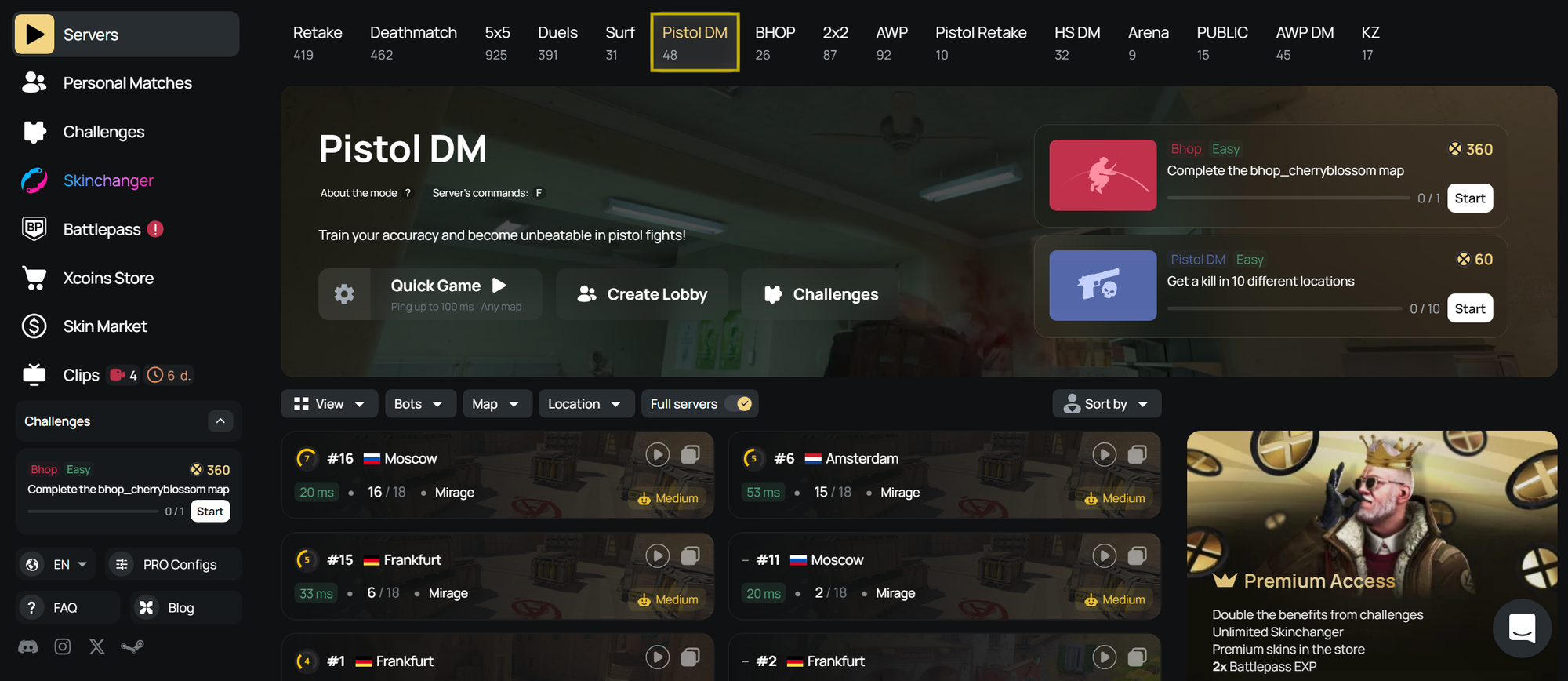
For pistols, the fifteen-minute Premier or FACEIT preset already includes Pistol DM. Use your usual starting pistols, such as the Glock-18 and USP-S or P2000. Slow down whenever you start clicking faster than you can aim.
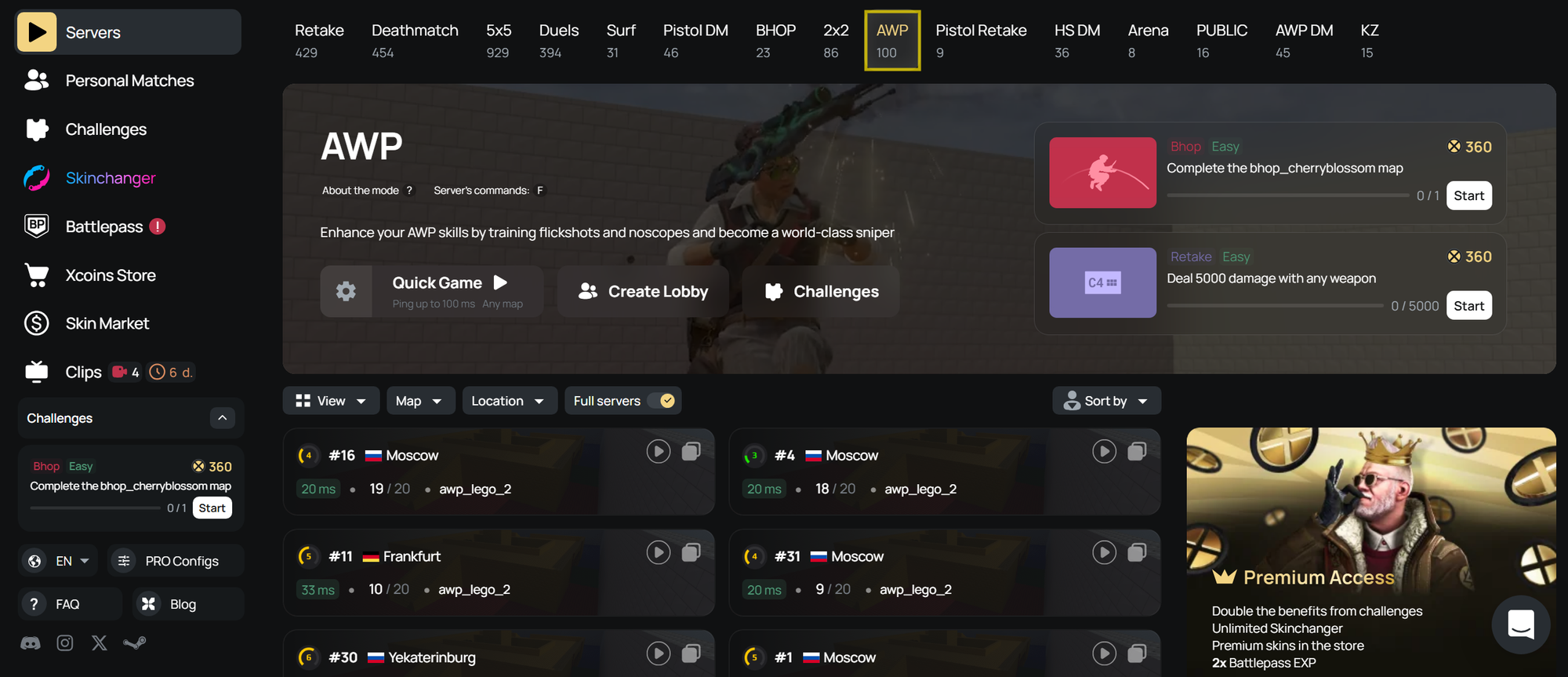
For AWP, choose CS2 AWP Warmup Routine, the twelve-minute option pairing AWP DM with Duels. In AWP DM, start with held angles, then add scoped shots after stopping. Take a shot from cover and move back behind it before setting up the next attempt.
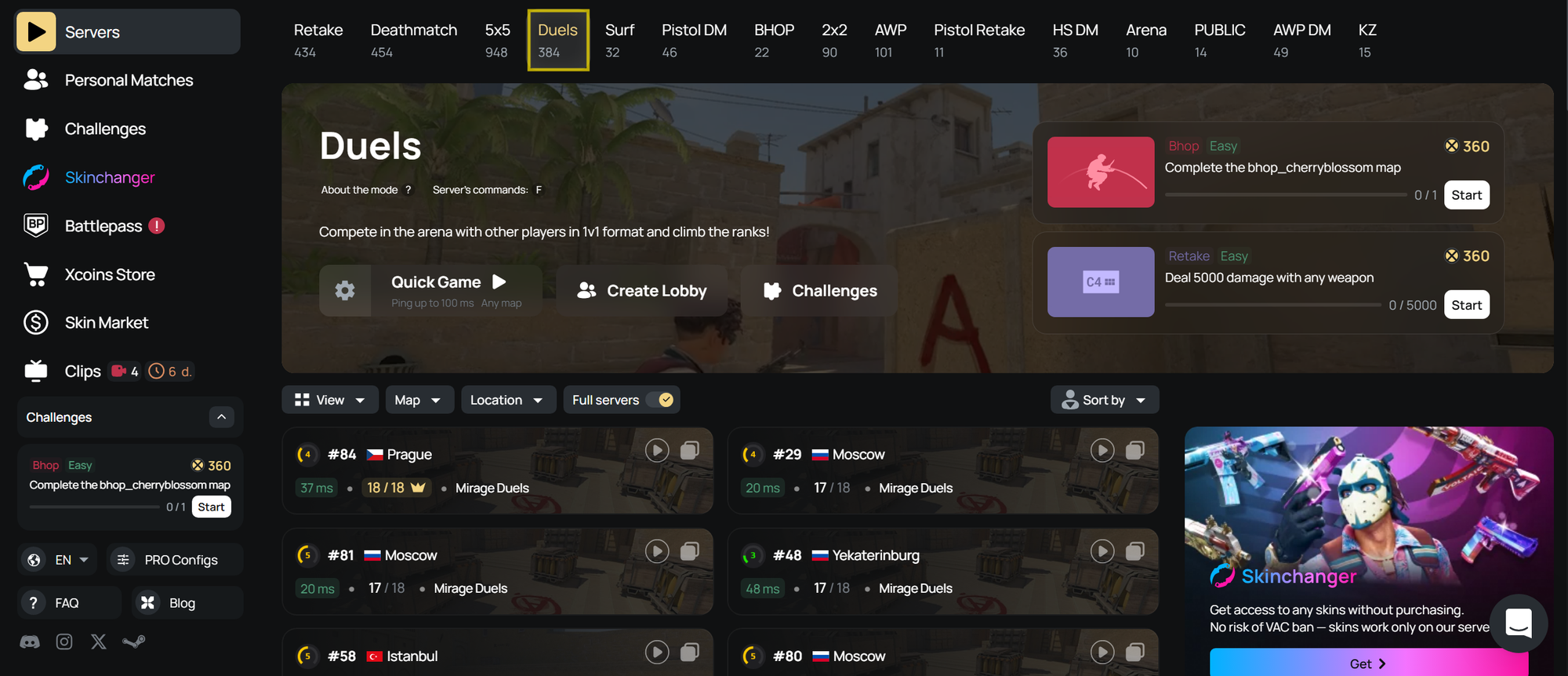
Use the Duels stage to work on the peek and your response to the first contact. Keep the focus on repeatable fights instead of turning the session into a close-range flick challenge.
For a fuller comparison by weapon and recurring problem, see the CS2 warm-up server selection guide.
How to Know You’re Ready to Queue Premier
After the last stage, leave the server and take your hand off the mouse for a brief pause. Check these signs before entering the queue:
- You can take controlled shots at your normal playing pace.
- Your grip feels relaxed.
- You can move on from a missed duel without forcing the next fight.
If one mechanic still feels awkward while there is time left, slow the drill down and focus on that action. If it remains uncomfortable after the pause, delay the queue instead of restarting the whole routine.
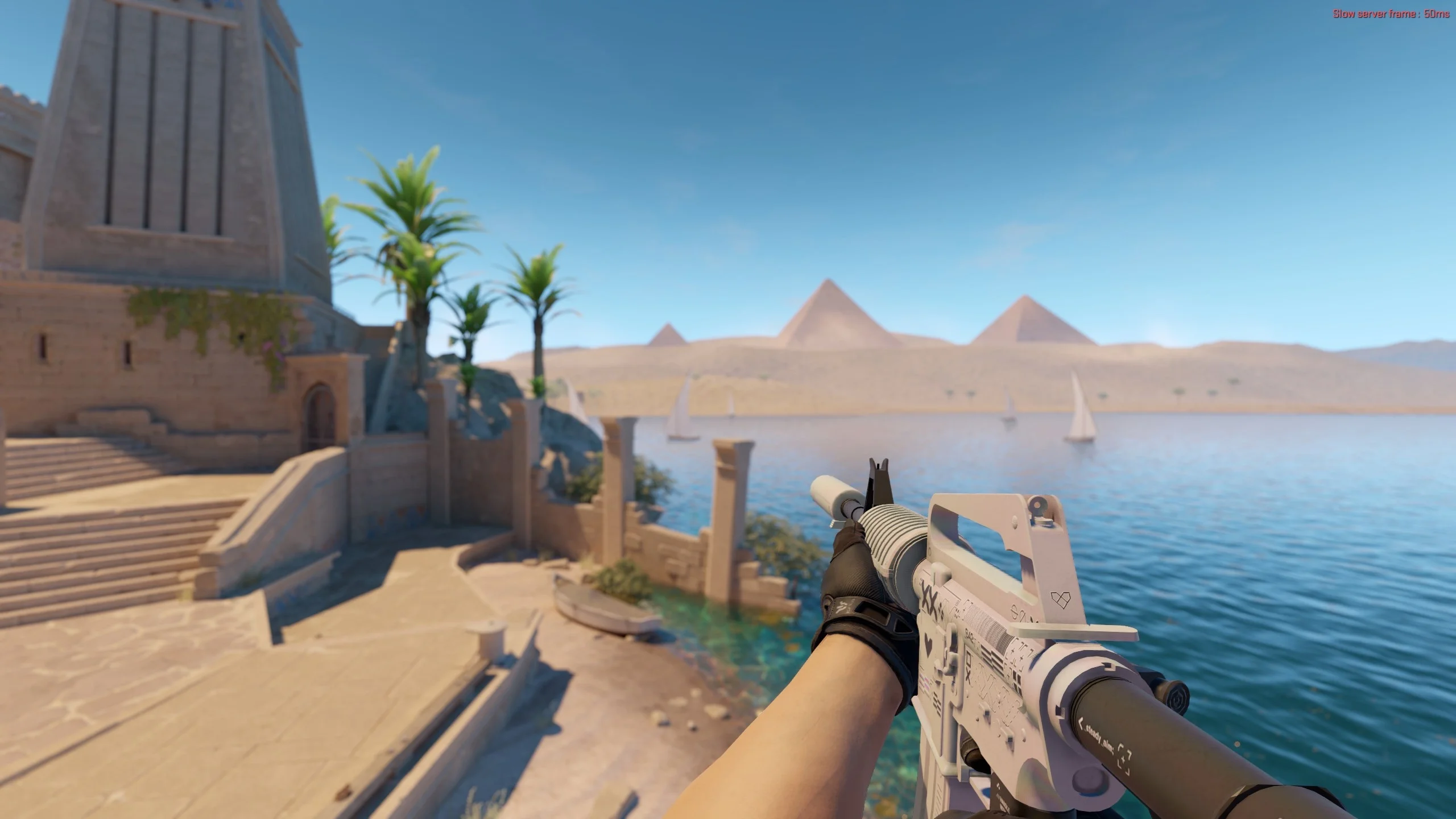
Stop earlier if your hand becomes tense, frustration builds or you keep losing focus. Take a break and reassess once those signs settle. Stutters or an unusually poor connection need a separate check before you judge your shooting.
If your shots feel controlled but matches still go badly, look at positioning, utility and timing. These can help explain why aim feels different in practice and real matches.
Do You Need to Warm Up Between Premier Matches?
Keep the full routine for the start of a session. If you have just finished a match and still feel comfortable, take a short pause before queueing again. Repeating every stage would add shooting time you may not need.
After a longer break, check the weapon that feels least settled. The five-minute DM preset gives you a defined limit if you want a short rifle session, but finish early once you feel comfortable again.
Before your next session, pick one preset and set a timer for its listed duration.