Invite-only • Custom lobby • Private CS2 match
Create Private CS2 Matches With Full Control
Set up custom CS2 lobbies in seconds. Invite friends, configure maps and rules, and start 1v1 personal matches or private 5v5 scrims. No matchmaking. No strangers.
Private matches — friends-only
Instant custom lobby setup
Map & rules control
No rank impact
Start your Private Match
How it Works
Low ping
Stable servers
1v1
2v2
5v5
1v10
1v63
Invite-only
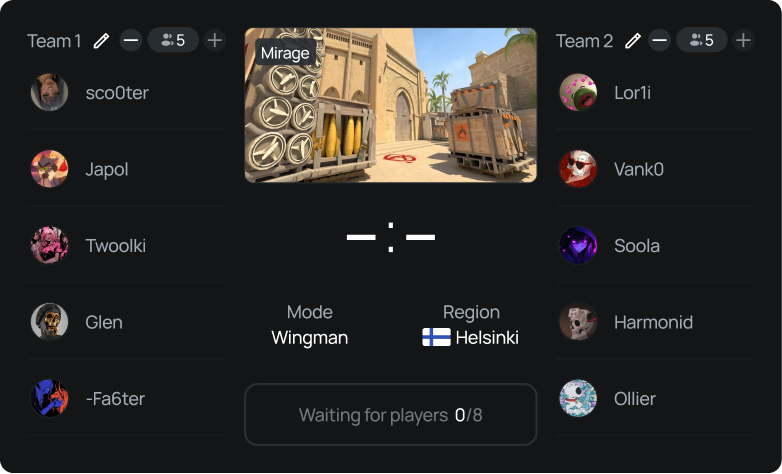
Lobby Builder / Match Setup
Back to lobby list
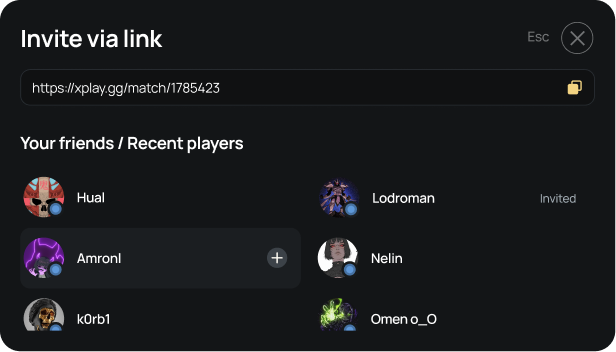
Invite player
Delete lobby
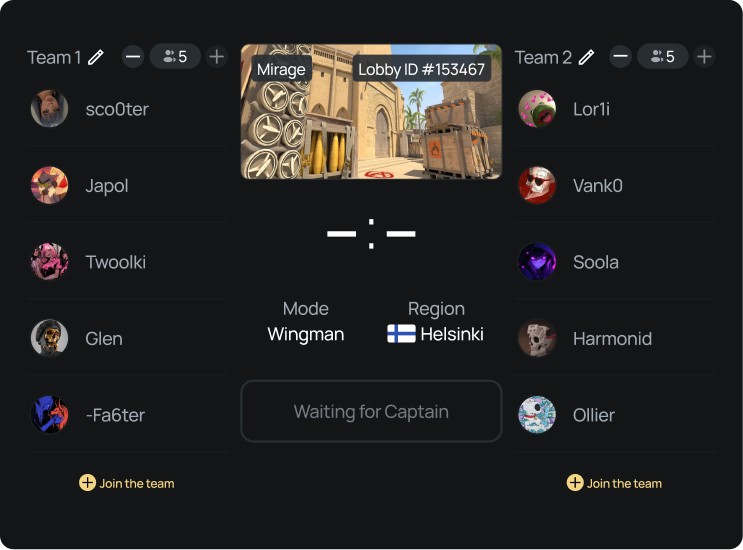
What is a private match in CS2?
An invite-only and password-protected game where you control players, maps, and rules — without public matchmaking.
Invite-only & Password-protected
No random players.
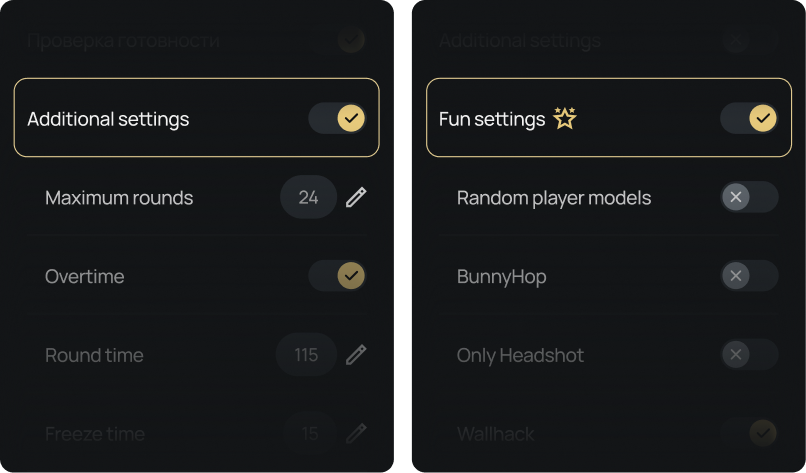
Custom settings
Map, rules, region.
Personal matches
1v1 or team scrims.
Why xplay.gg
Built for controlled CS2 sessions: fast setup, private access, and stable gameplay.
Create match
Less friction
Skip console commands & DIY server steps.
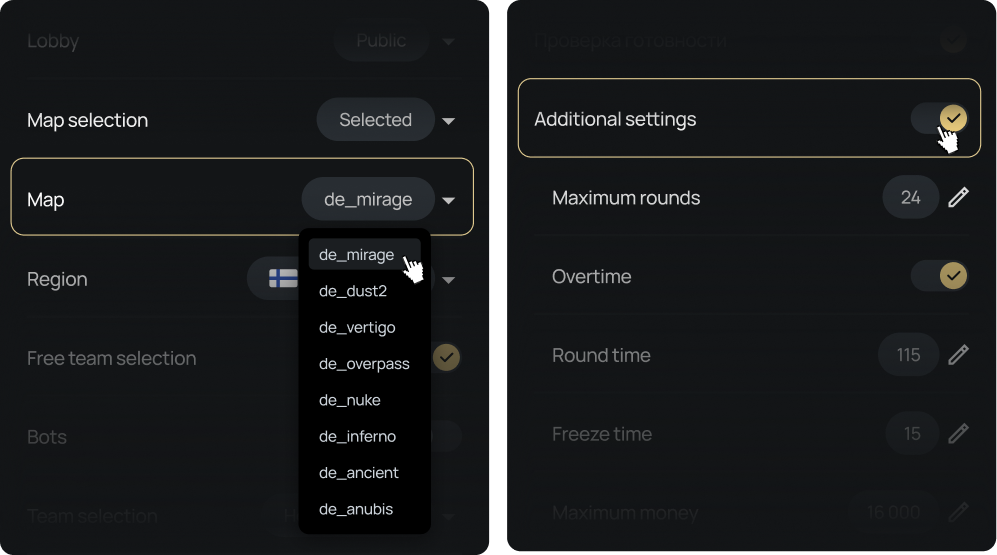
Invite / Access Control
Lobby Type
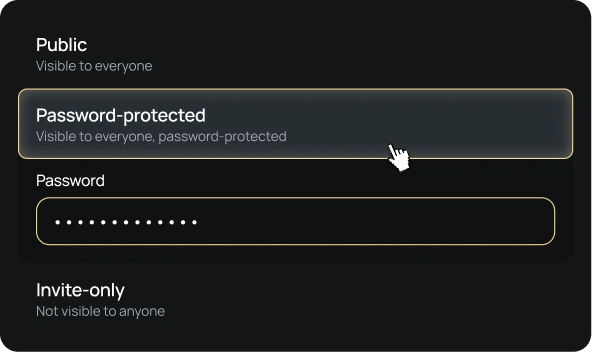
Additional

How it works
Create match
1
Create lobby
Choose private match 1v1 or 5v5
2
Configure settings
Select map, rules, and region
3
Invite friends
Invite-only link (optional password)
4
Start match
Play instantly — no matchmaking
Interface preview
Create match
Create Lobby
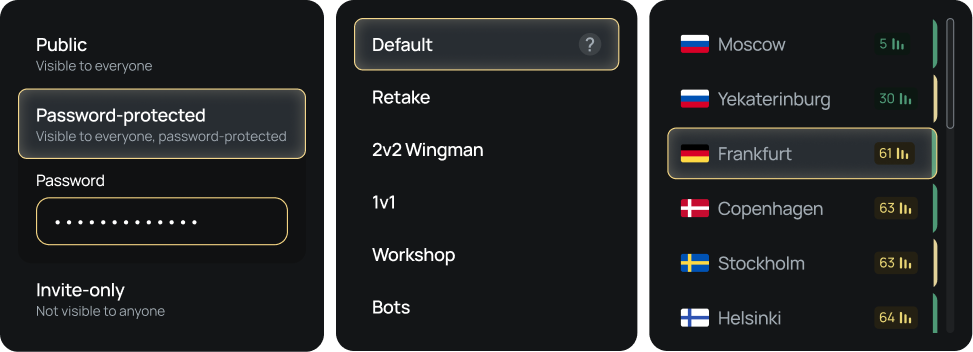
Invite Friends
Create Lobby
Invite Friends
FAQ
No — private matches do not impact competitive ranking.
Yes — invite-only lobbies keep it friends-only.
Yes — 1v1 is supported alongside private 5v5 scrims.
We've covered all the possible ways to create a personal match in CS2 in our article: https://xplay.gg/blog/how-to-make-private-match-with-friend-in-cs2/
Create your first private CS2 match now
Invite friends. Configure settings. Start match.
See UI
Start match