
CS2 Map Scripting Update: What Changes for Training Maps


A practice map is easier to use when the exercise has clear rules and you can start another attempt without setting everything up again. Valve's October 22 CS2 map scripting update gives creators more tools for managing those sessions, alongside new options for hostage objectives and custom modes.
For players who use Workshop maps, the potential benefits include more convenient practice controls and better feedback during unfamiliar scenarios. The patch doesn't add those features to every map automatically. They reach you through the exercises and modes their authors build.
What Valve Added in the October 22 CS2 Scripting Update
CS2's JavaScript scripting system, cs_script, lets a map respond to events and control parts of its own gameplay. An API is the set of functions a script can use to interact with the game.
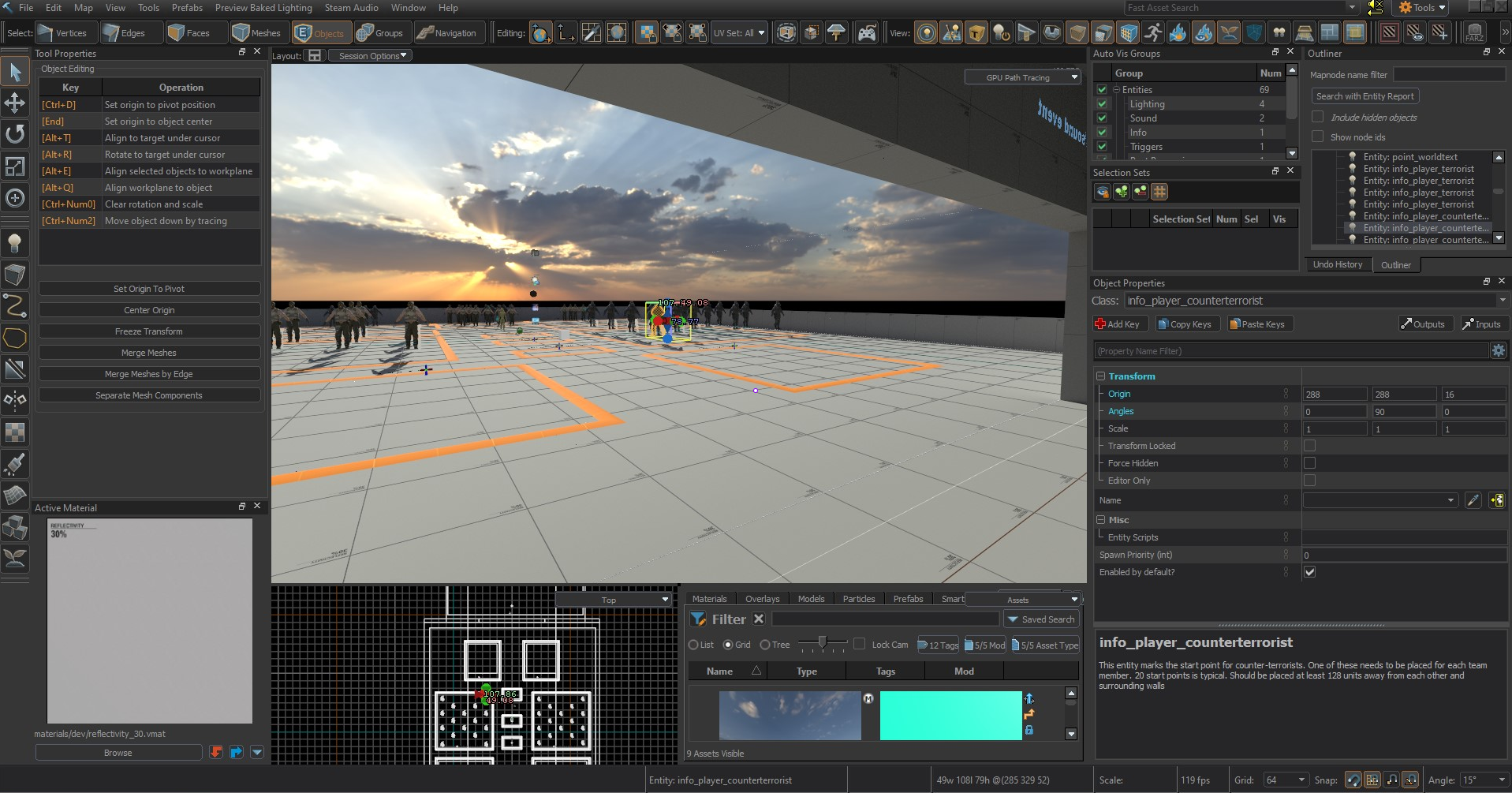
The official October 22 release notes include additions and some reorganized functions. Here's the distinction that matters when reading about the update.
Moved functions still work in their previous locations, although Valve marks them as deprecated. That gives authors a migration path. It doesn't mean every existing script needs to be replaced immediately.
For players, the useful distinction is between an available tool and a finished feature. Existing CS2 practice maps for aim and utility already provide different ways to practice. A new API matters to your routine when a creator uses it to deliver an exercise you need.
How the New APIs Could Improve CS2 Training Maps
Valve's own grenade-training example provides a useful baseline. The published copy of its grenadetraining.js sample selects changing targets, counts successful hits and runs a sequence of ten attempts. Target difficulty increases as the course progresses.
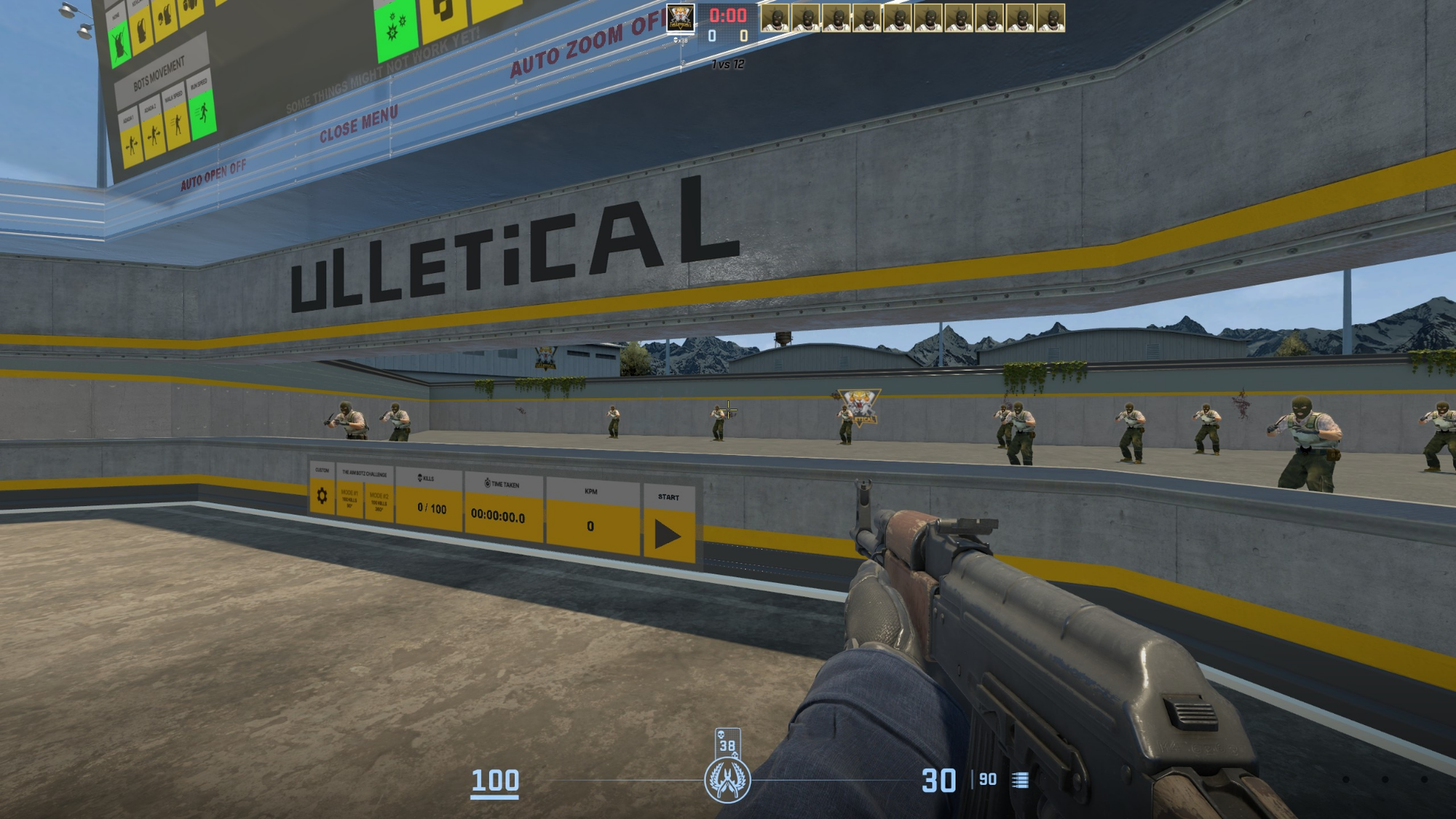
The code also includes cleanup logic for leaving the exercise, including resetting counters and returning the player to a starting position. Structured practice clearly predates the October patch. These observations come from the sample code, rather than an in-game test of the current build.
The examples below describe possible applications of the newer tools.
Round Controls for Clearly Defined Practice Scenarios
Consider a site-entry exercise with a preparation phase and a time limit. The player gets ready, clears the assigned positions and reaches an end condition. A useful implementation would make the transition between those stages predictable, so the next attempt starts under the same rules.
The GameRules export gives scripts direct functions for starting or ending warmup, reading and adding team scores, and terminating a round. Round-time and team-money functions also sit there, including methods moved from Instance.
Those controls could form part of the exercise above, but they aren't a complete training system. The author still needs to handle starting positions, equipment, targets and success conditions. Personal results also need their own logic. A team's match score isn't the same thing as an individual drill score.
One detail matters for authors: TerminateRound doesn't award team points automatically. The script needs to handle the score as well as ending the round.
For players, the benefit would be less interruption between attempts. If you're planning a short session before queuing, the Premier warmup routine helps organize practice around an upcoming match.
Direct Access to Settings for Practice Presets
A map might offer one exercise with a generous time allowance and another with a tighter limit. The menu would be useful only if it applied the correct settings and made the selected rules clear.
Console provides typed functions for reading console variables, plus SetConvar for changing them. Valve says SetConvar executes synchronously and isn't restricted by sv_cheats. That's a property of this map-scripting function, not permission for a player to change an official server's rules.
Configuration changes were possible before October. Valve's grenade sample, for example, uses server commands to switch infinite ammunition on and off. The newer export provides a dedicated API for working with settings. A convenient preset still requires the creator to connect those settings to the exercise and its interface.
When choosing a preset, check what actually changes. A difficulty label is more useful when it tells you the time limit, target behavior or equipment rules you'll be practicing under.
Resource Readiness Before an Exercise Begins
A more elaborate course might introduce a different model, sound or effect for its next stage. If that resource has to load when the stage begins, it can interrupt the transition.
Instance.Precache lets a script request supported resources and check their loading status on the server and clients. A creator could use those checks to wait until the necessary assets are ready before starting the next task.
The published Valve API declarations mark precaching as experimental. Its purpose is to prepare resources ahead of use. That doesn't mean you'll get higher FPS or that every source of stutter will disappear.
The practical benefit would be a more consistent start to a scenario that needs those assets. A small aim arena using resources already loaded might have much less reason to use it.
How Hostage Events and Radar Could Support Community Modes
Training is only one application. The update also gives creators more information about hostage interactions and expands where scripted radar elements can appear. These additions are relevant to modes built around objectives that players won't recognize from a standard bomb-defusal round.
Rescue Challenges That Respond to Player Actions
The hostage API exposes stages such as pickup, carrying, dropping and rescue, with events that scripts can respond to.
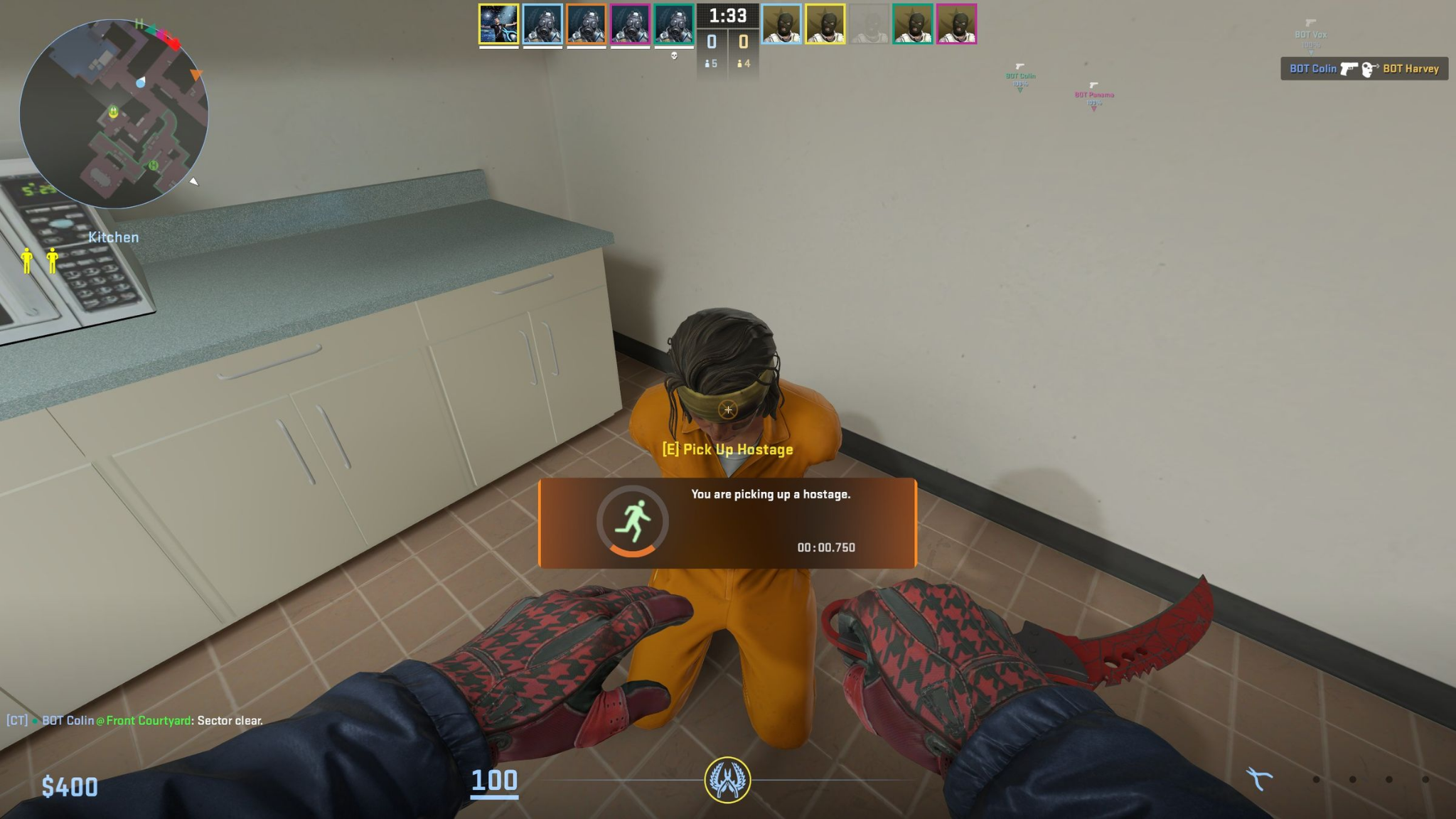
Imagine a timed rescue challenge where the objective changes after a hostage is picked up. Dropping the hostage could trigger a warning, while reaching the rescue zone could complete the task. The script would use the relevant event to decide what happens next.
For that challenge to make sense, players would need to know what happens if they drop the hostage or run out of time. Those consequences are design choices. The event supplies the trigger, while the author decides how the challenge responds.
Objective Markers and Contextual Feedback
A custom mode can be confusing when players can't tell where to go or why an attempt ended. Scripted radar elements could help identify an objective or destination. October's update allows those elements to appear in every game mode, extending their availability beyond Rush.
The HUD changes are narrower. They expose additional states for the chat and team menu. Custom interfaces themselves were introduced earlier, so October shouldn't be credited with inventing menus or on-screen instructions for Workshop maps.
For an objective-based mode, these tools could help creators keep relevant information visible without competing with an open menu. To compare alternative rules you can already play with friends, the CS2 custom modes guide explains how different formats change a session.
What CS2 Players Can Use Right Now
For your next session, start with the exercise you need. If a map advertises an October scripting feature, its description or change notes should explain what that changes in play. You can't tell that from the game's patch notes alone.
When a Workshop update catches your attention, check three things:
- The actual feature. Read the description and change notes for what was added. A recent date might also reflect an unrelated fix.
- The exercise rules. Find out how an attempt starts, what counts as success and how the map records the result.
- The fit with your practice. Choose the task you need to work on. A larger feature list doesn't automatically make the exercise more useful.
You don't need to wait for another wave of maps to practice against other players. After an isolated mechanics exercise, join CS2 warmup servers to work on those mechanics in fights against real opponents.
For your next Workshop session, pick one short exercise with clearly documented rules and feedback. Complete it once before deciding how it fits into your routine.